Danatronics, Corp.
34
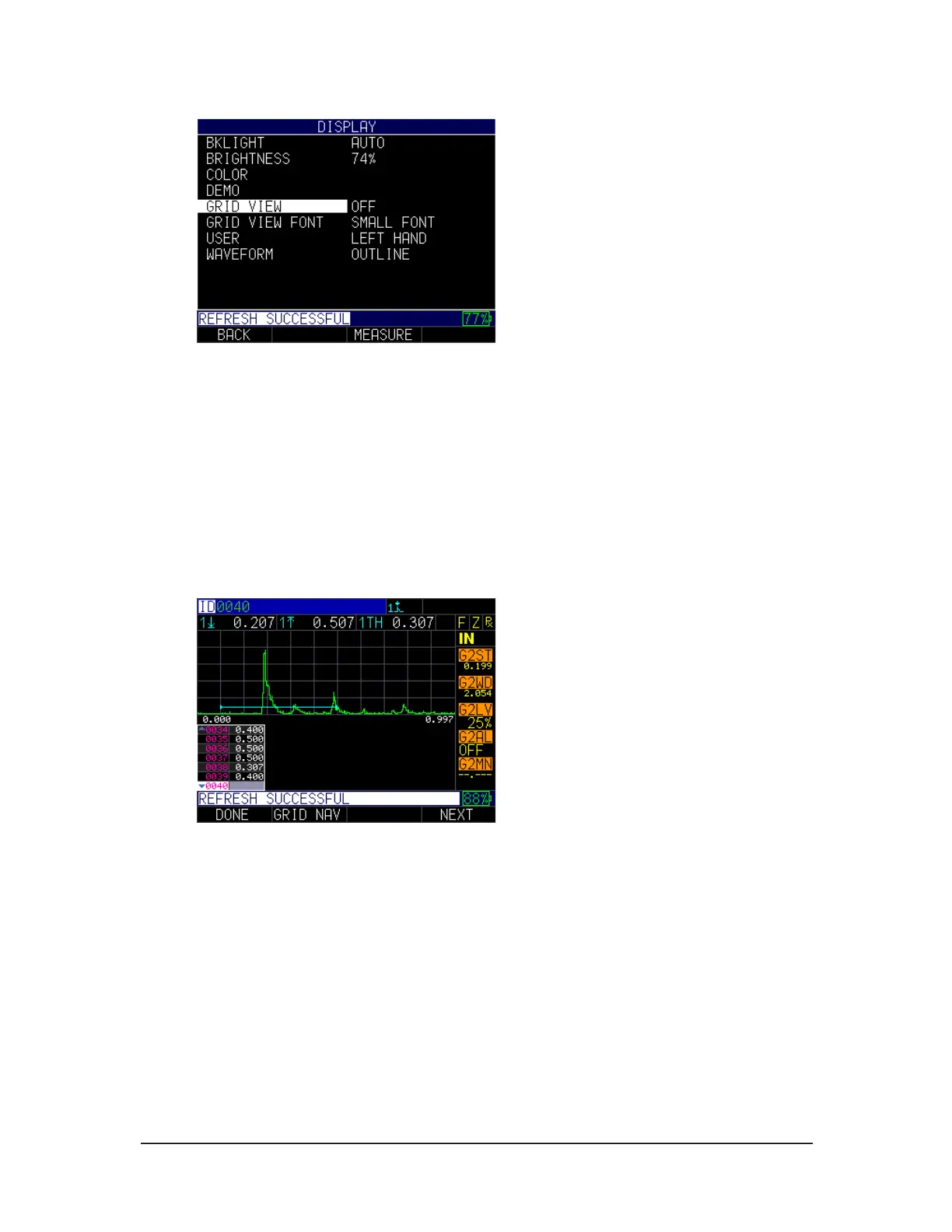
2. Use the up and down arrow keys to chose the any of the following parameters:
• Off: Grid View remains off
• Small Font: Determines how many rows and columns can be viewed
simultaneously
• Left Hand: Option for left hand users
• Outline: Waveform will be outlined
3. Press the MENU/OK key or the F1 – Back key to exit the screen.
With grid view turned on—while in the A-scan split screen mode—use the left or right
keys (edit keys) to highlight the grid with a white box, and press F2 – Grid Nav key to
use grid navigation.
From grid navigation you can select the following options:
• F1 – Exit Nav: Goes back to the previous screen
• F3 – Sel ID: Goes to the specific ID of a reading that you with to re-take.



 To Next Page