INTRODUCTION
13
SC5100 CONTROLLER
UTILITIES
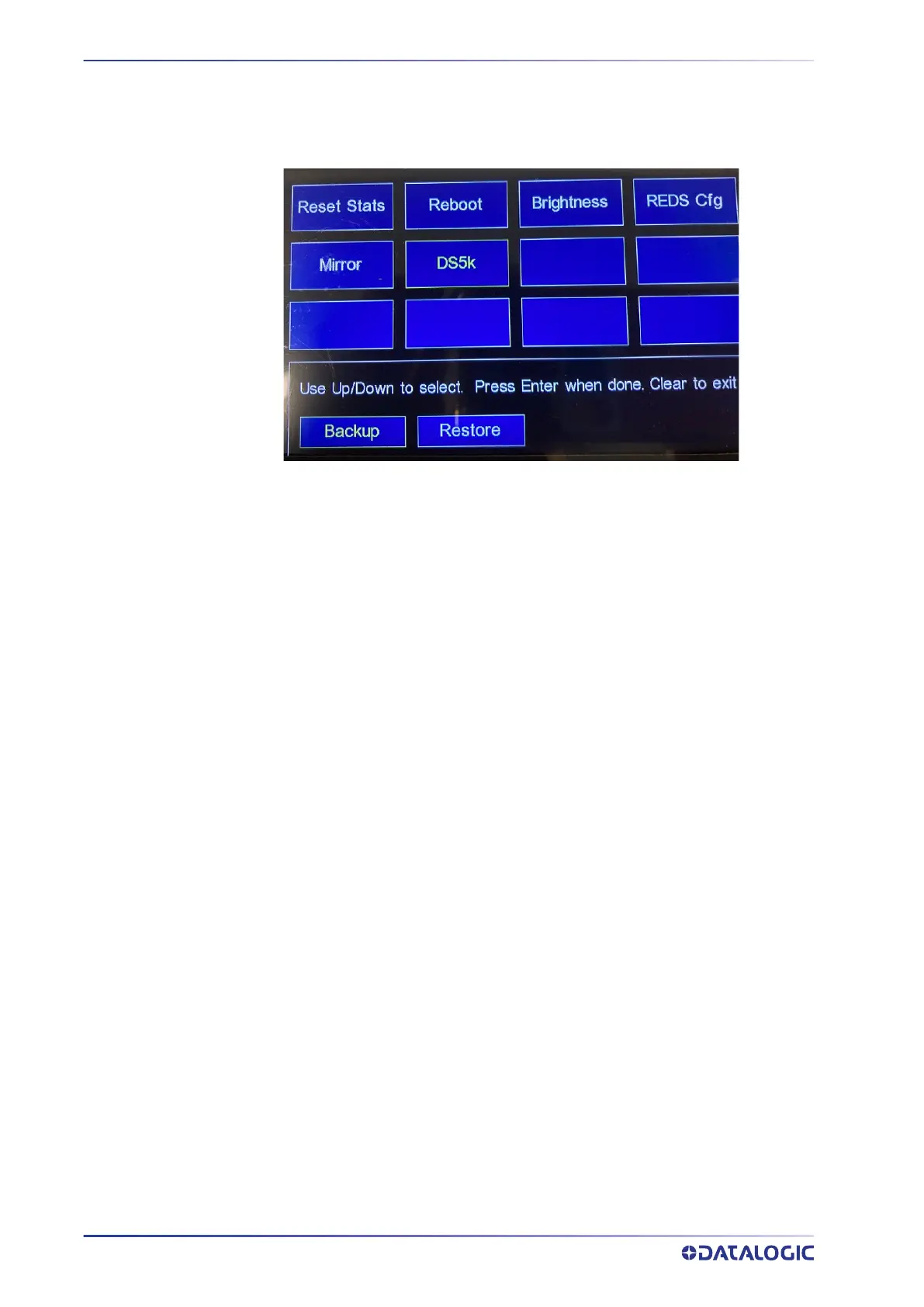
This option allows you to perform simple tasks such as, adjusting the back light, reset-
ting the read rate statistics, rebooting as well as providing various diagnostic tools.
Use Up/Down keys to select the utility.
Perform a Backup or Restore for the DS5000 using the SC5100 keypad. Go to Utilities,
select DS5k and select Backup or Restore.



 To Next Page