Status Code
615
Note • If you cannot resolve an error despite following the instructions described in the table, contact
Customer Support at dell.com/contactdell.
133-210
133-211
133-212
133-213
133-214
133-215
133-216
133-217
133-218
133-219
133-220
133-221
133-222
133-223
133-224
[Cause] An error occurred during fax transmission.
[Remedy] Switch off the machine power, make sure that the touch screen is blank, and then switch
on the machine power. If the error still is not resolved, contact Customer Support at
dell.com/contactdell.
133-226
[Cause] A country/region code not supported by the machine was specified.
[Remedy] Contact Customer Support at dell.com/contactdell.
133-280
133-281
133-282
133-283
[Cause] An error occurred during fax transmission.
[Remedy] Switch off the machine power, make sure that the touch screen is blank, and then switch
on the machine power. If the error still is not resolved, contact Customer Support at
dell.com/contactdell.
133-710
[Cause] When printing the received fax document, the paper loaded on the bypass tray was used
for printing because the specified tray could not be used.
[Remedy] Take one of the following measures:
• Load paper available for printing the received fax document:
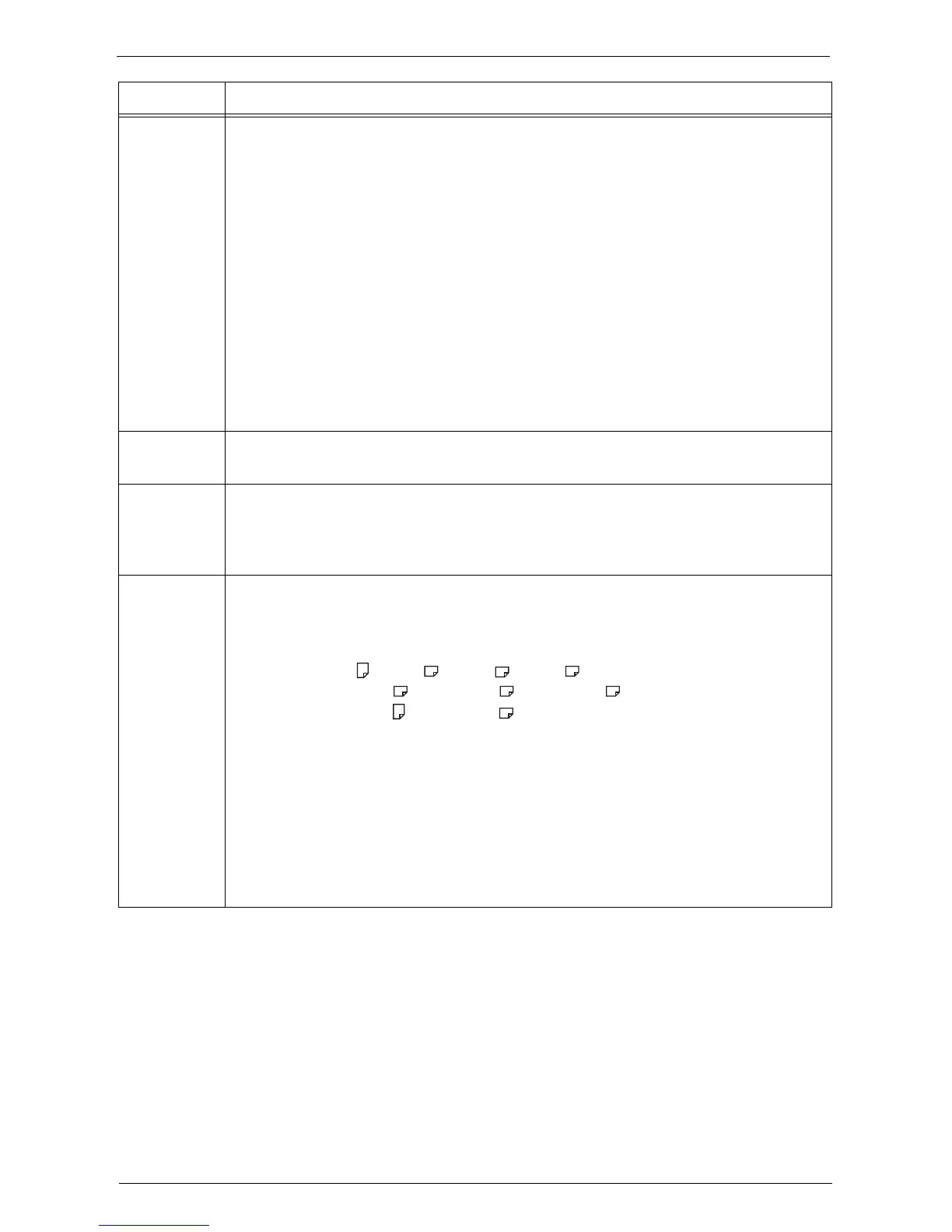
B5 LEF , A4 SEF , A5 SEF , B5 SEF ,
8.5 x 11" SEF , 8.5 x 13" SEF , 8.5 x 14" SEF ,
8.5 x 11" LEF , 5.5 x 8.5" SEF .
• Use a paper type available for printing the received fax document:
plain paper, bond paper, recycled paper, side 2 paper, user-defined custom paper.
• Confirm the settings by selecting [Tools] > [System Settings] > [Fax Service
Settings] > [Fax Control] > [Receiving Paper Size].
1)Select [Receiving Paper Size] > [Tray Mode] to add a tray to be used for printing the
received fax documents.
2)Set up paper so that the tray specified for [Tray Mode] can be used for printing the
received fax documents.
If the error still is not resolved, contact Customer Support at dell.com/contactdell.
Status Code Cause and Remedy














 To Next Page