6 Job Flow Sheets
174
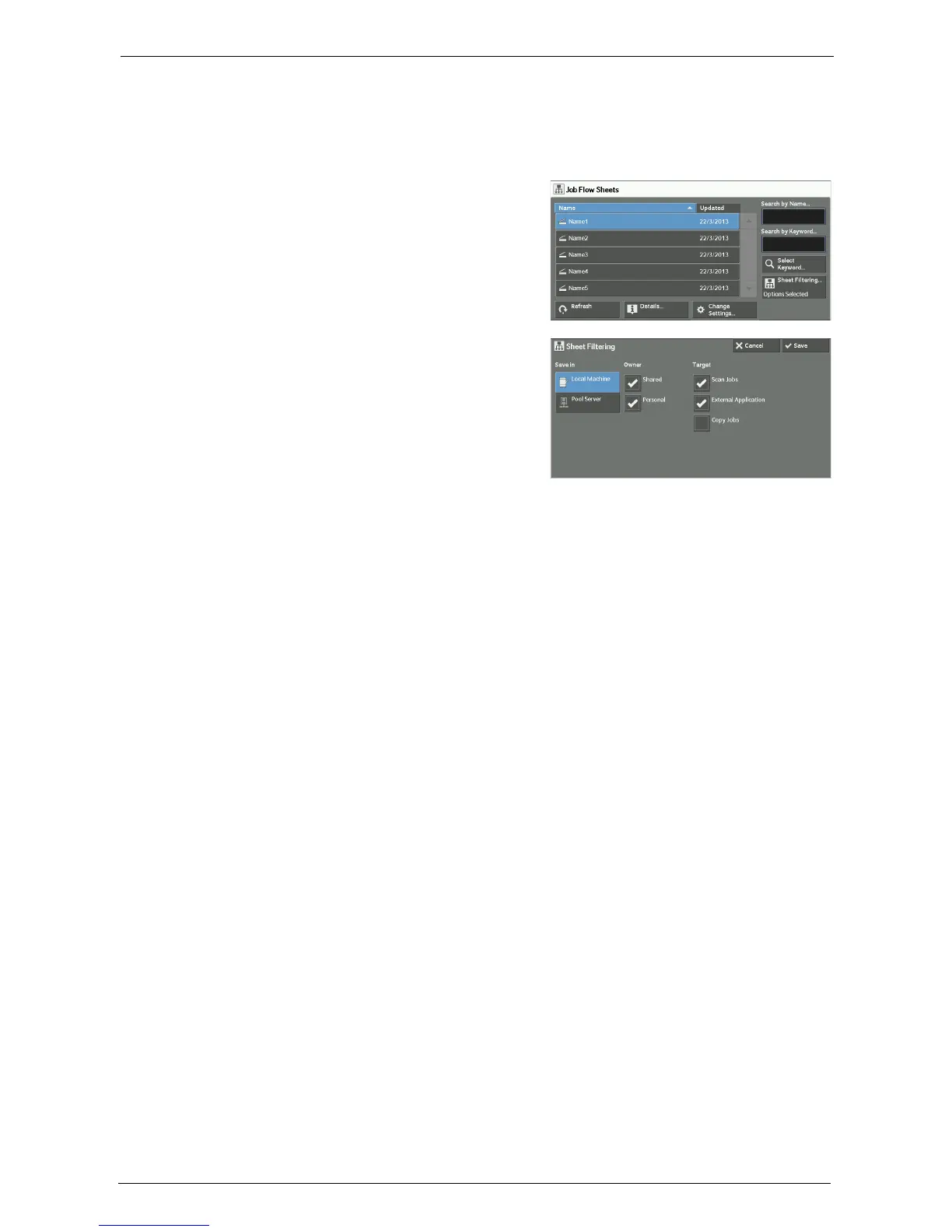
[Sheet Filtering] Screen
This screen allows you to filter the job flow sheets displayed.
Job flow sheets displayed vary depending on the settings of the Authentication feature. For more
information, refer to "Job Flow Sheet Types and Overview" (P.544).
1
Select [Sheet Filtering].
2
Select the filtering conditions, and select
[Save].
Owner
Select the owner of job flow sheets to filter.
Target
Select the target of job flow sheets to filter.
Note • Job flow sheets whose [Target] is [Folder] can be used only from [Send from Folder].














 To Next Page