84
Loading Paper
3
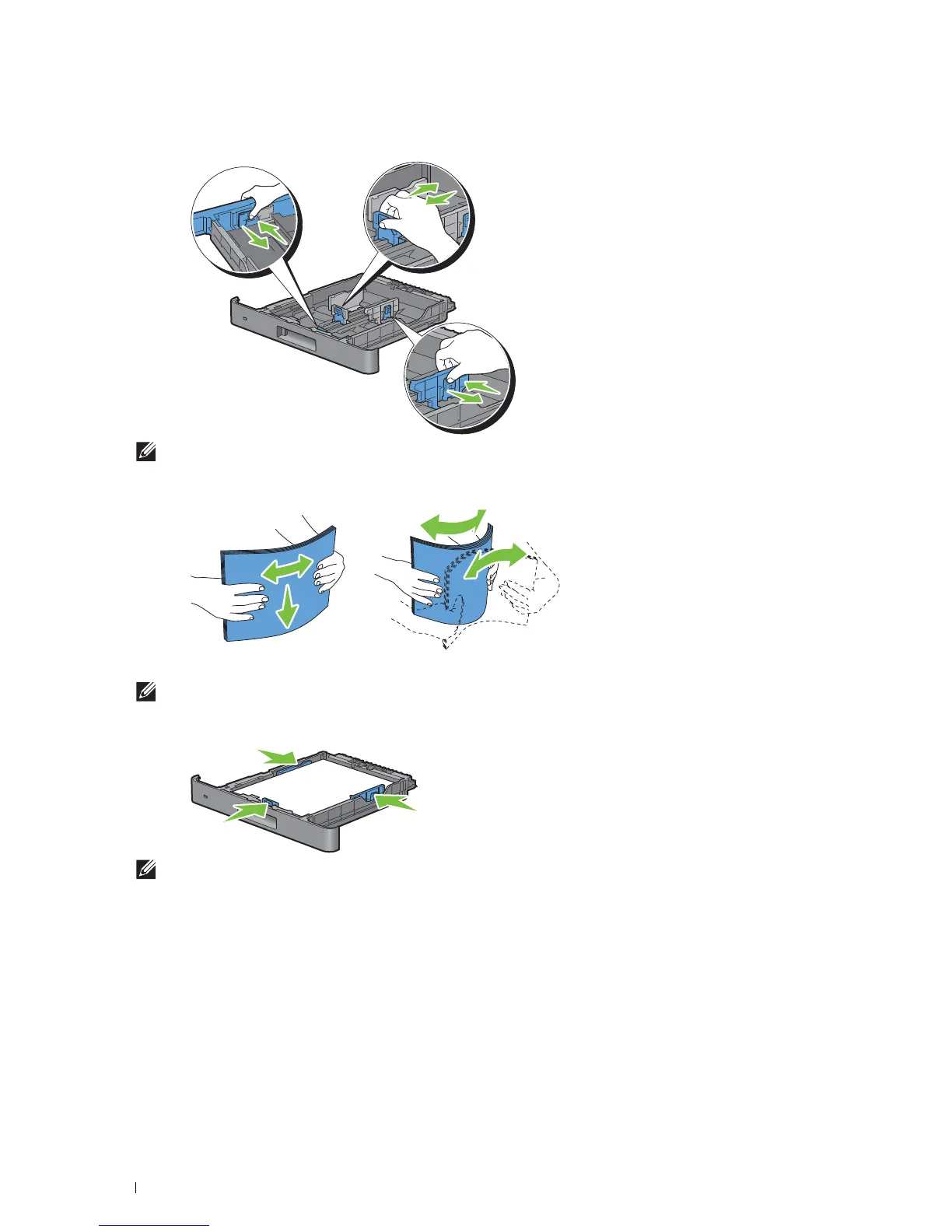
Adjust the paper guides.
NOTE:
Extend the front side of the tray when you load Legal-size paper.
4
Before loading the print media, flex the sheets and fan them. Straighten the edges of the stack on a level surface.
5
Load the print media into the tray with the recommended print side facing up.
NOTE:
Do not exceed the maximum fill line in the tray. Overfilling the tray may cause paper jams.
6
Align the width guides against the edges of the paper.
NOTE:
When loading user-specified print media, adjust the width guides and slide the extendable part of the tray by
pinching the length guide and sliding it until it rests lightly against the edge of the paper.













 To Next Page