Loading Paper
85
7
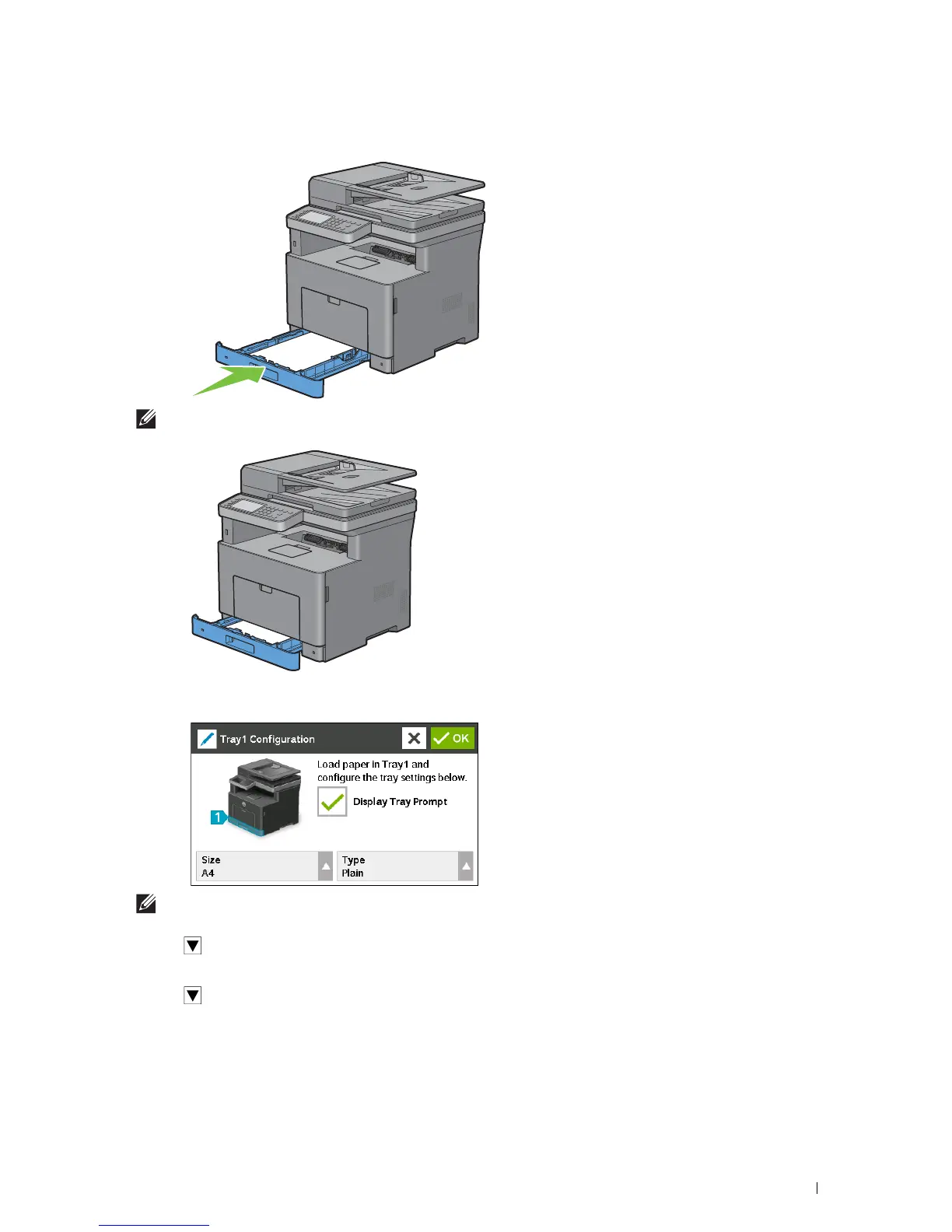
After confirming that the guides are securely adjusted, insert the tray into the printer.
NOTE:
If the front side of the tray is extended, the tray protrudes when it is inserted into the printer.
8
On the touch panel, tap
Size
.
NOTE:
Set the same paper size and type as the actual paper being loaded. An error may occur if the paper size or type
setting is different from the loaded paper.
9
Select until the desired paper size appears, and then select the desired paper size.
10
Ta p
Type
.
11
Select until the desired paper type appears, and then select the desired paper type.
12
Select
OK.













 To Next Page