102
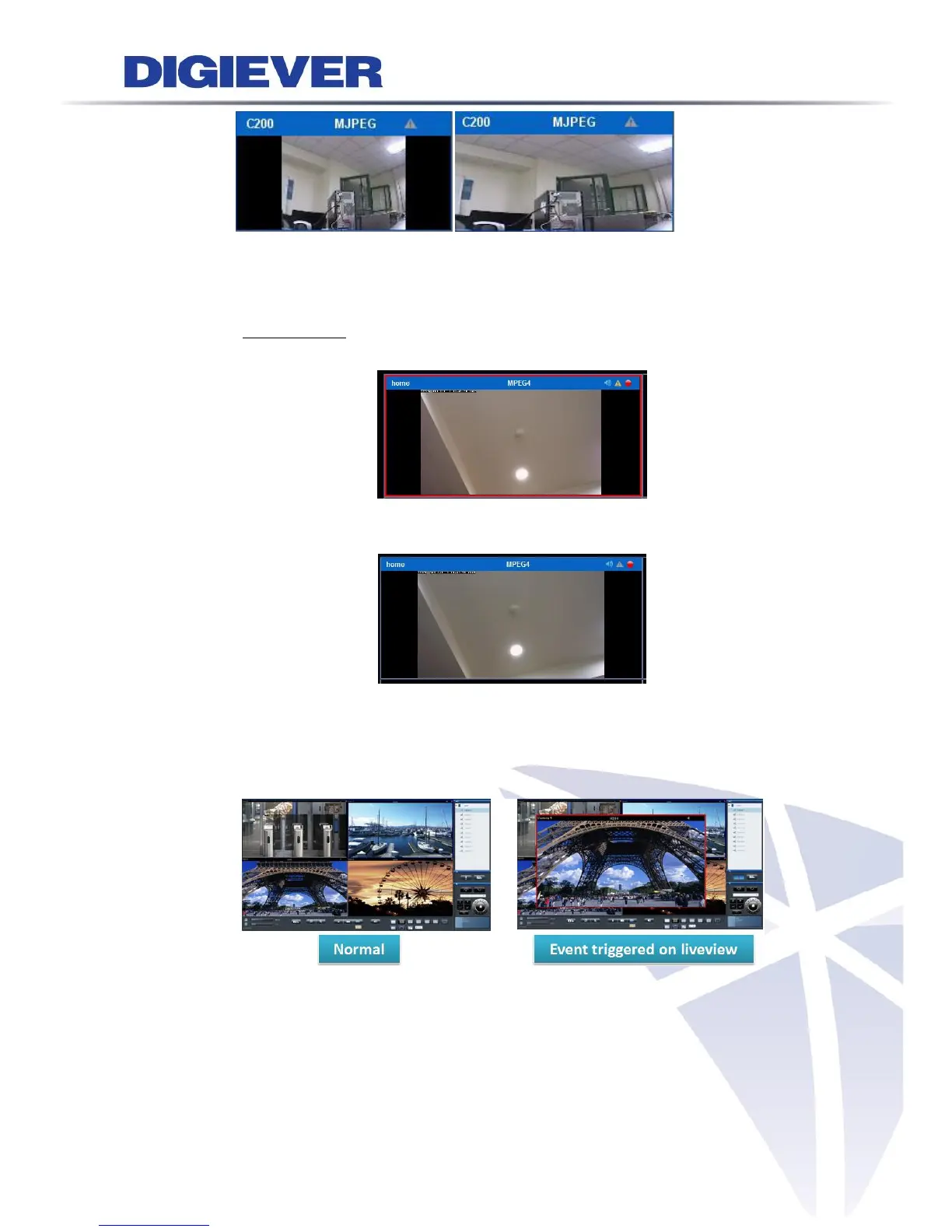
Highlight video window when event is triggered
The option of “Highlight video window when event is triggered” is a
warning frame which will pop out on the channel when an event is
detected.
When the motion event is awarded, user can simply click on the channel
with mouse, the warning frame will be stopped.
Liveview event notification with video pop-out window
Once the feature is enabled, a new window will pop out when an event is
triggered so as to inform users of event happened at the very first time.
By clicking the pop-out window, users can manually close the window.
Users can select an optional feature to make the pop-out window
automatically close after users assigned seconds. (Default is 10 seconds)



 To Next Page