101
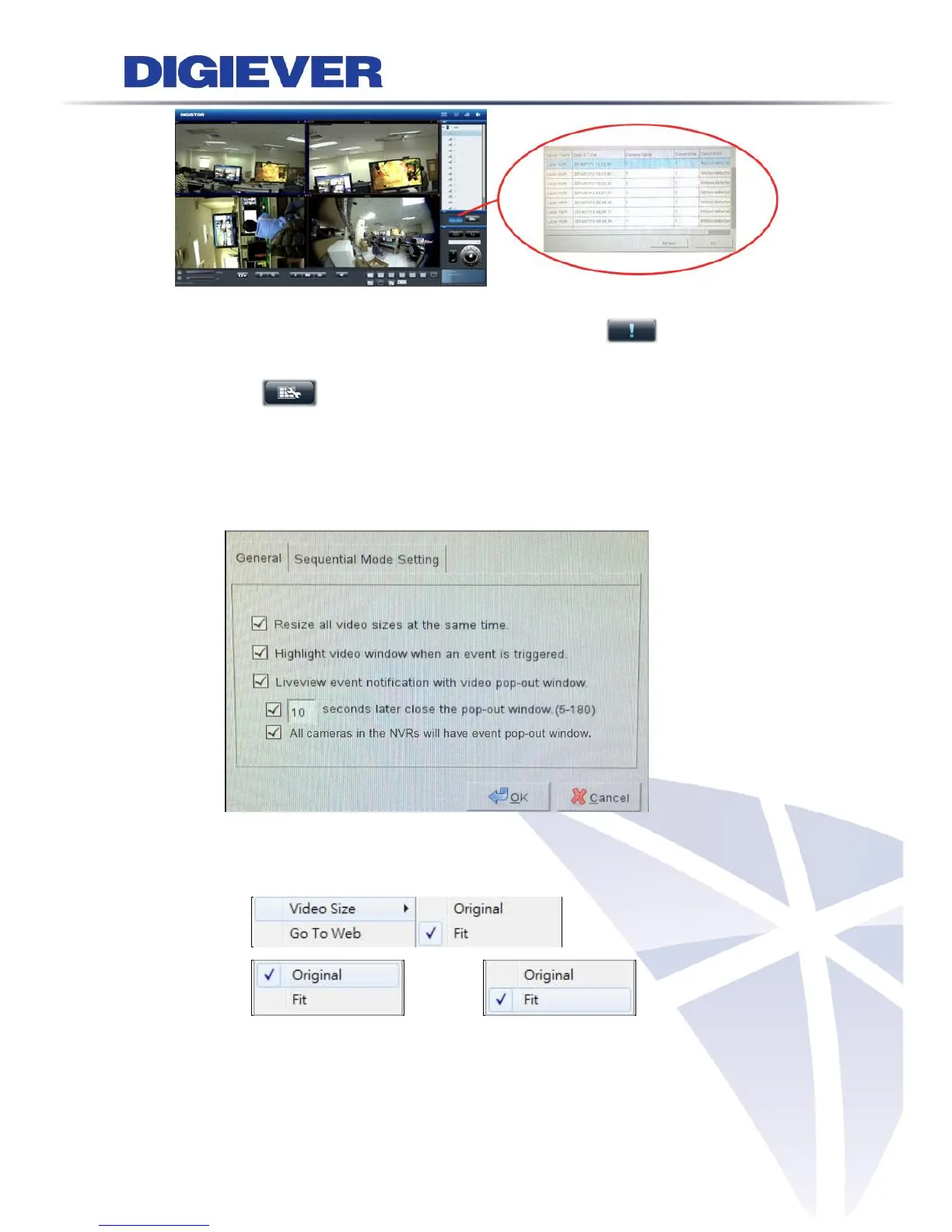
Users can view all detailed list of motion detection on both local display and remote
web browser. At the same time, the icon will stop blinking.
7. Option
Option button can let users directly to do live-view setting such as warning
setting, windows setting and sequential mode setting.
1) General
Resize all video sizes at the same time
Only a right click on the video, users can set "all" video size either in
original size or fit size.



 To Next Page