105
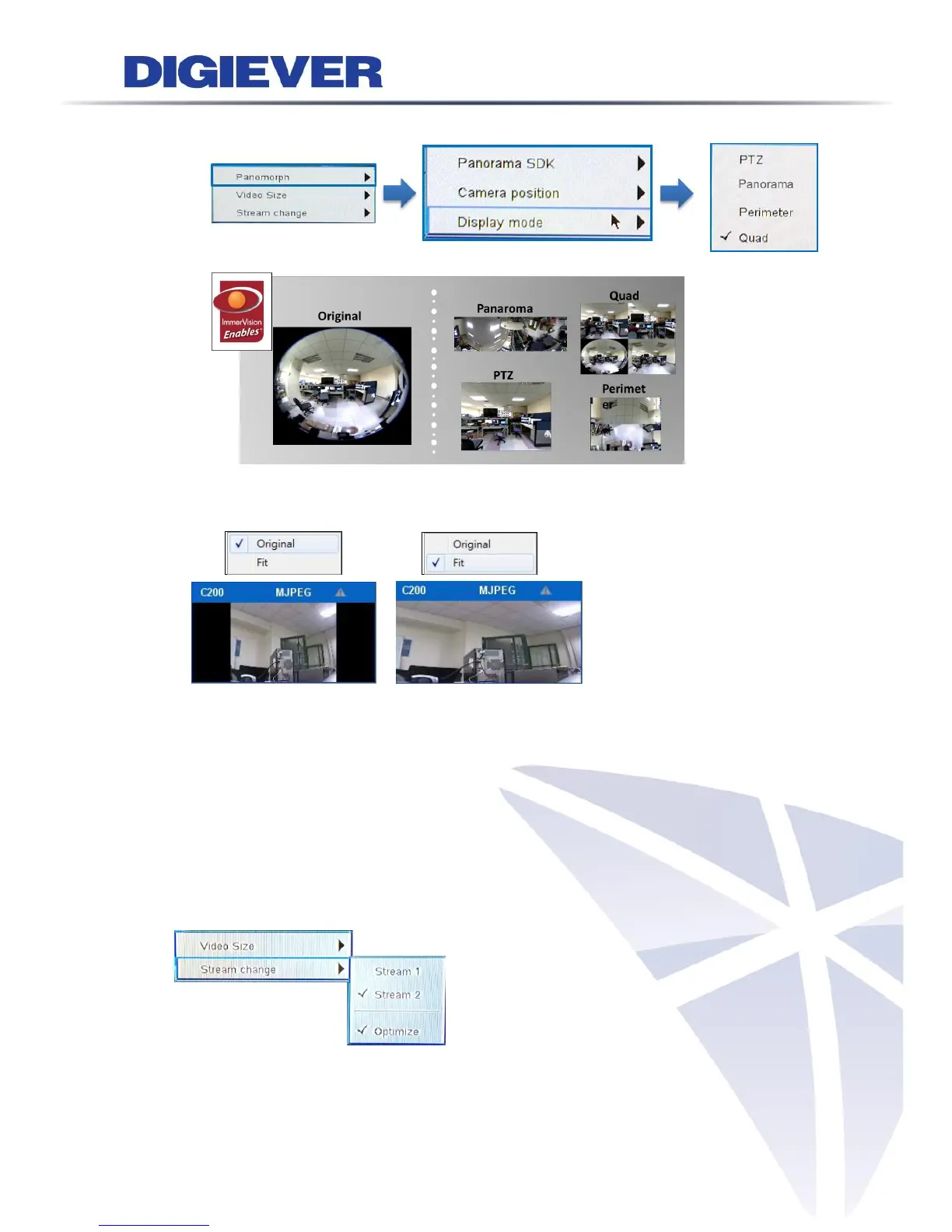
(3) Choose display mode
2. Video Size: Original or Fit
3. Streaming change:
NVR allows users to setup the dual streaming configurations in camera parameter
page if cameras support dual stream. It is suggested stream 1 is set for higher
resolution and stream 2 for lower resolution, which helps users to choose the proper
streaming in live view with intuitive control.
To switch the different streaming, users can select the channel in live view page and
right click the mouse to show the list.
When “Optimize” is enable, streaming type is adjusted automatically in different



 To Next Page