111
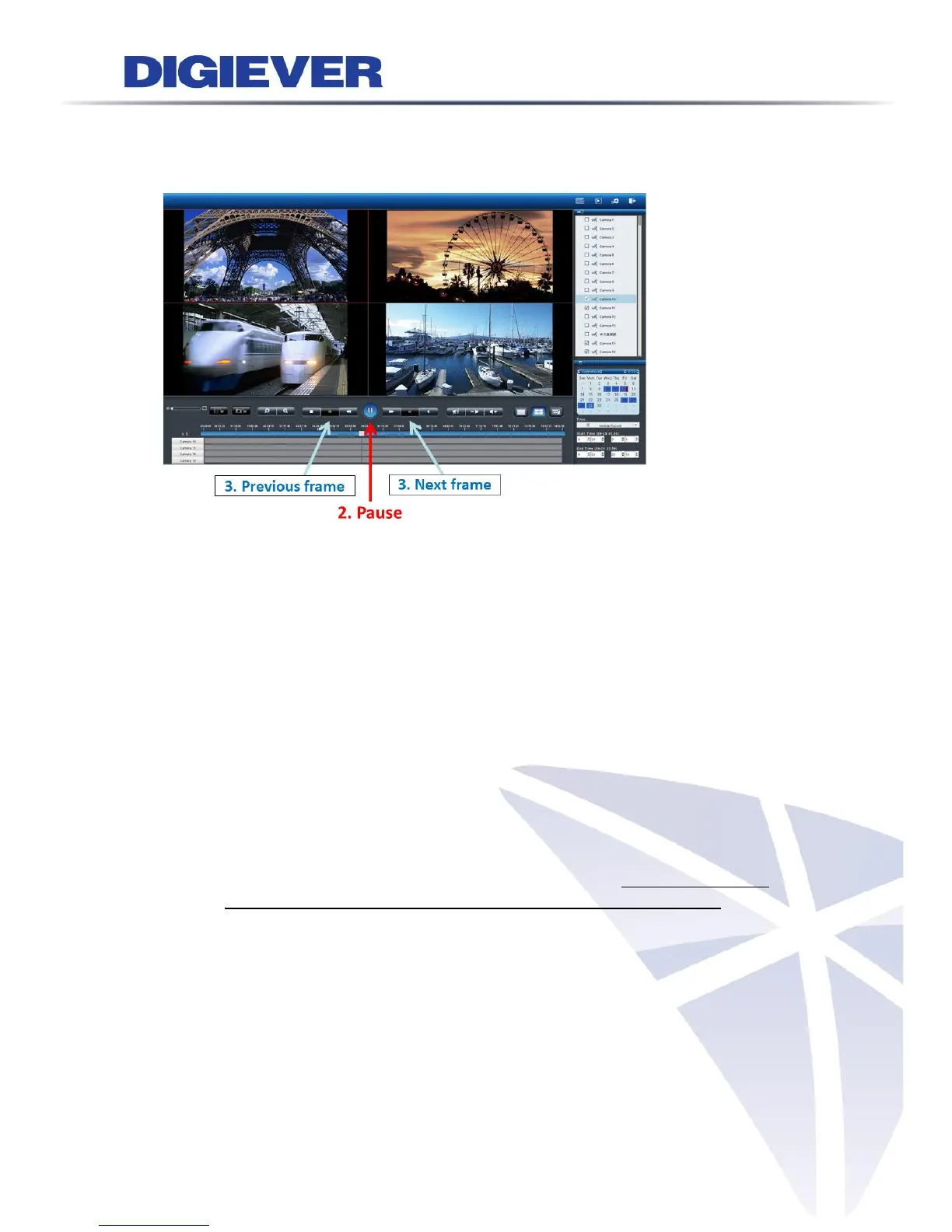
1 Follow above four steps to playback
2 Click “Pause” button
3 Click “Previous frame” or “Next frame” button
The description of recording types:
1) Normal Record (gray):
Normal Record means there is no special conditions happened such as event,
time overlap. It helps users to know at that time whether NVR has recorded
videos or not.
2) Event (red):
Event means an event is triggered at that time, which helps users to
efficiently find event recoded video. Please set up event setting in advance.
For more information, please refer to 5.2.3 Event & Action Management
3) Video Clip (yellow):
Video Clip means a brief video clip set by user to manage on event triggered
recording file, allowing to be sent by E-mail as well and user can change the
Pre-time (up to 10 sec.) and Post-time (up to 10 sec.) in Configuration Page>
Recording & Event> Event & Action Management > Advanced Settings as
below:



 To Next Page