123
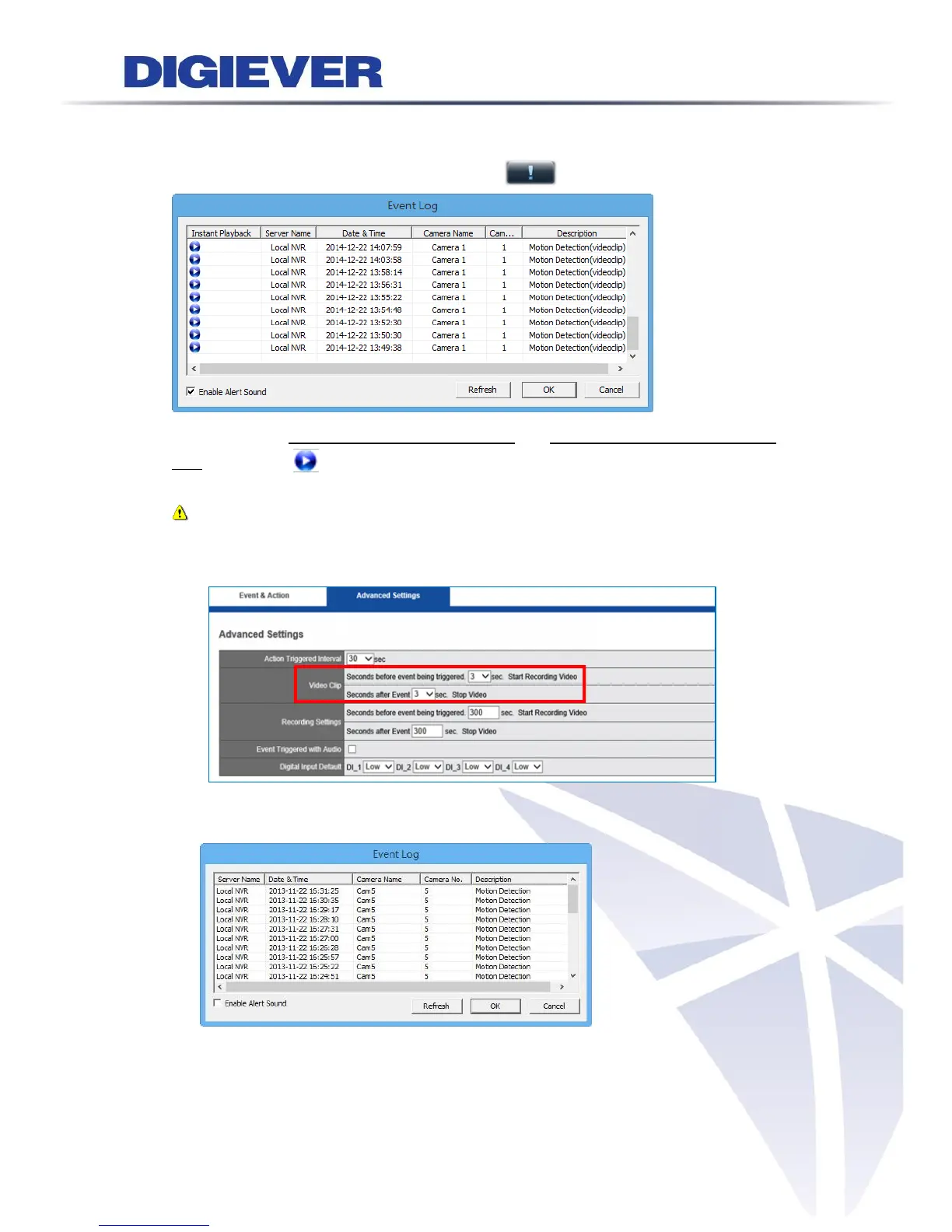
By clicking the button, a window will pop up to display the list of event log as below.
At the same time, the icon will stop blinking.
Users can easily read detailed event information and playback recorded video (video
clip) by clicking in instant playback column.
Note: The default length of video clip for instant playback is 6 seconds. Users
can edit the length of video clip by visiting configuration page:
Recording & Event > Event & Action Management > Advanced Settings
Enable Alert sound
If users enable the function, the remote web browser will sound the alarm to
notify users when motion detection is triggered.
(Alert sound can also be set in Option>General.)



 To Next Page