145
Please follow four steps below to quickly search recorded videos:
1. Select cameras from camera list
2. Select date and time period
3. Select recording type
4. Click “Play”
1. Select cameras from camera list
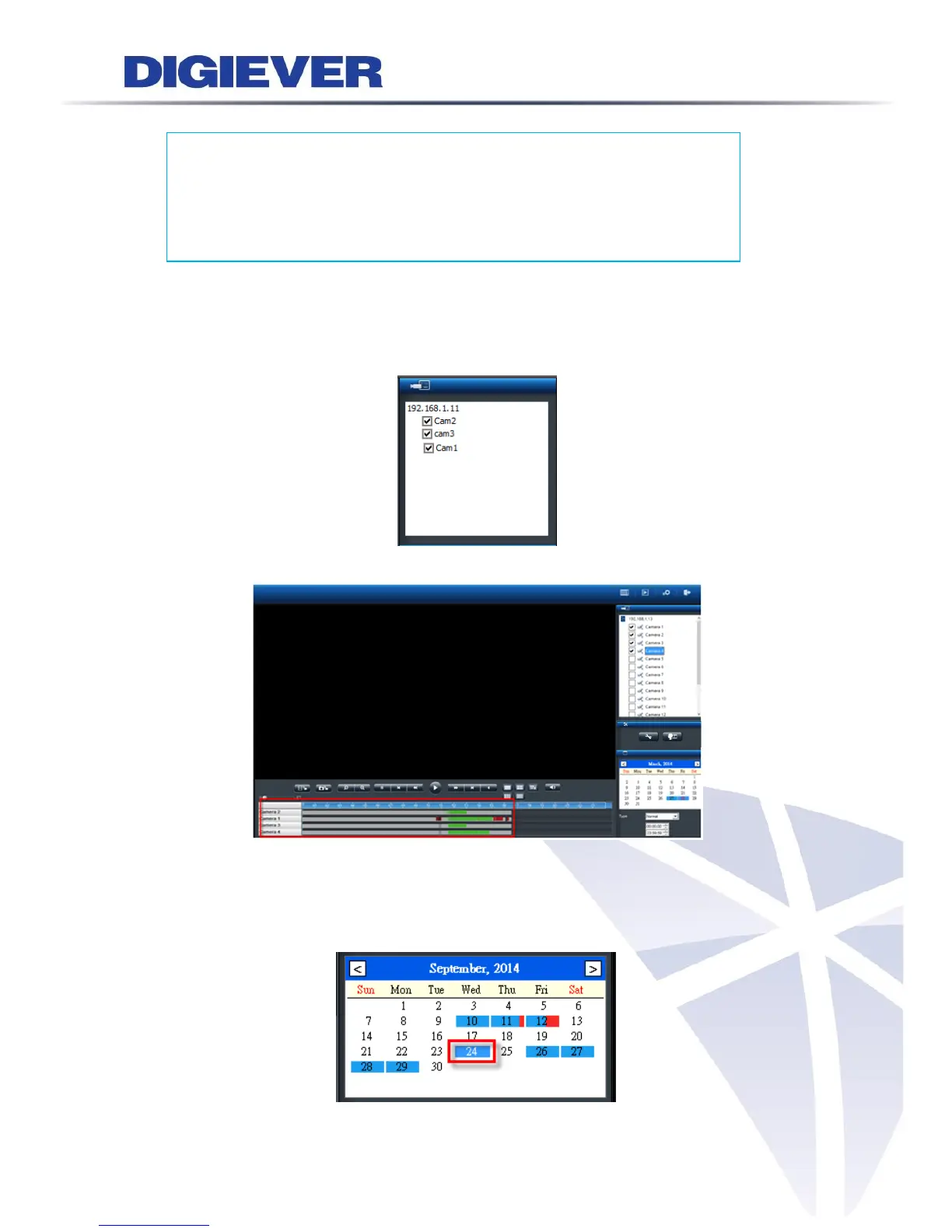
Please select channel number from channel list to search recorded videos. Up to 4
channels can be selected at the same time.
Once the camera is selected, the time line will be shown on time table
2. Select date and time
Please select the date to search recorded videos. The date marked in blue
background and white words has recorded video.



 To Next Page