153
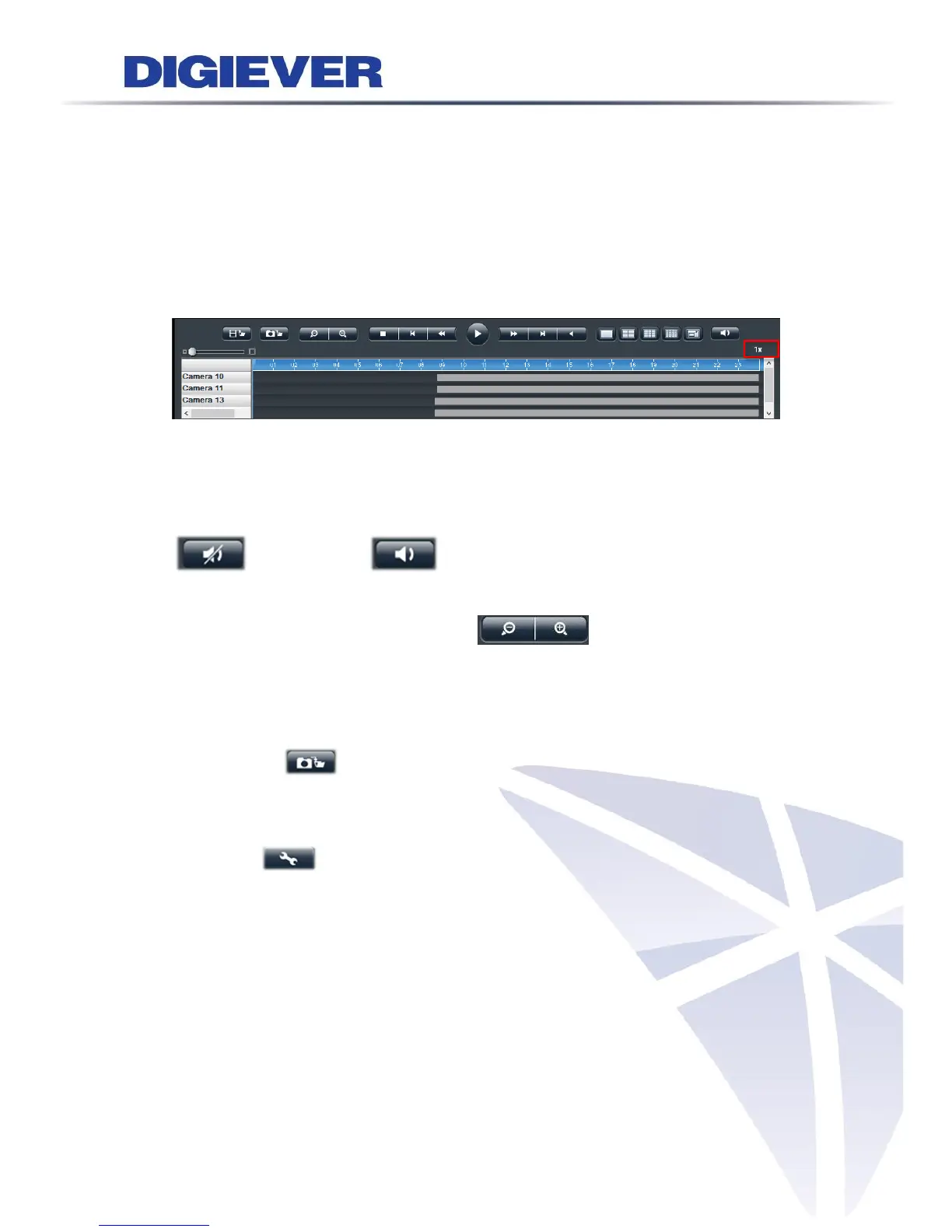
(2) Previous frame: to show the earlier frame
(3) Slow motion: to play in slower speed
(4) Play/ Pause: to play video file or to temporarily stop the playback
(5) Fast forward: to play in faster speed
(6) Next frame: to show the next frame
(7) Rewind: to let video automatically wind backward
The play speed status is beside display mode.
3. Mute control
Users can choose whether to play audio when playback videos. The button will
change icon appearance while clicking:
4. Digital zoom out and digital zoom in
The image can also return to previous sizes by clicking the digital zoom out button.
The image can be enlarged by clicking digital zoom-in button.
5. Snapshot
Users can save the image of playback by clicking “Snapshot”.
Before taking snapshot from NVR, users are recommended to set snapshot path from
“Setting.”
”
Sequential snapshot on remote playback
Users can have the sequent images from recording video while in playback, which
helps users to catch the key frame in the recording files. It can be setup up to 5
frames for sequential snapshots.



 To Next Page