174
Note. The default resolution of stream2 is CIF (360x 240).
Video Format
Choose a video compression format for live view and recording: MPEG4, H.264
and MJPEG.
Note: Types of video format varies depending on the camera brands and
models.
Frame Rate
Select frame rate from drop-down list .Frame rate of IP camera will be
influenced by the network surroundings.
Resolution
Select resolution from drop-down list for your camera.
Video Quality
Select either “VBR” (Variable bit rate) or “CBR” (Constant bit rate) to set the
video quality.
Enable Audio Recording
To make audio recording function enable or disable.
Enable Mobile Snapshot
To make mobile snapshot function enable or disable.
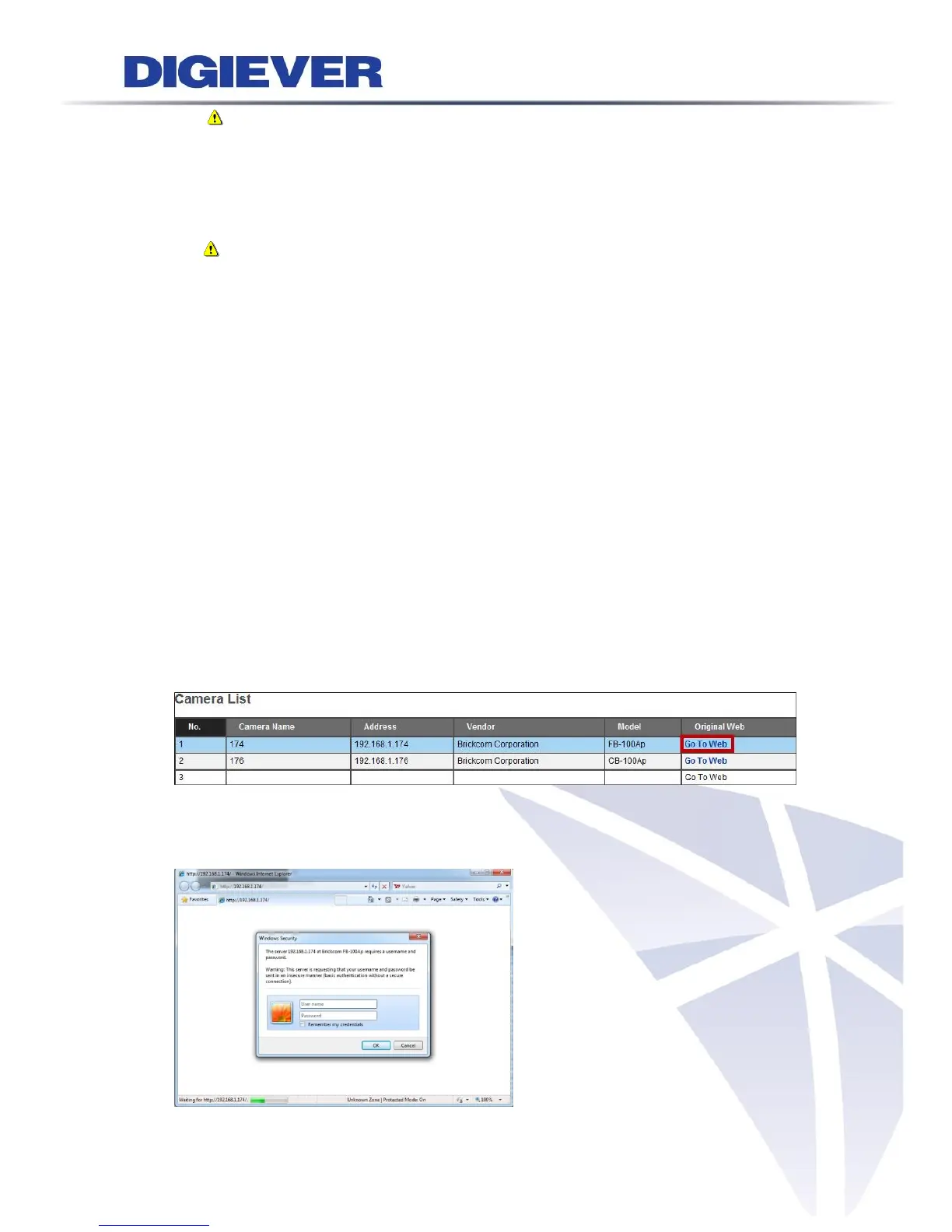
Furthermore, click “Go to Web” for advanced camera configuration in camera’s user
interface.
At the same time, a window will pop up to ask for user name and password for
camera configuration.



 To Next Page