208
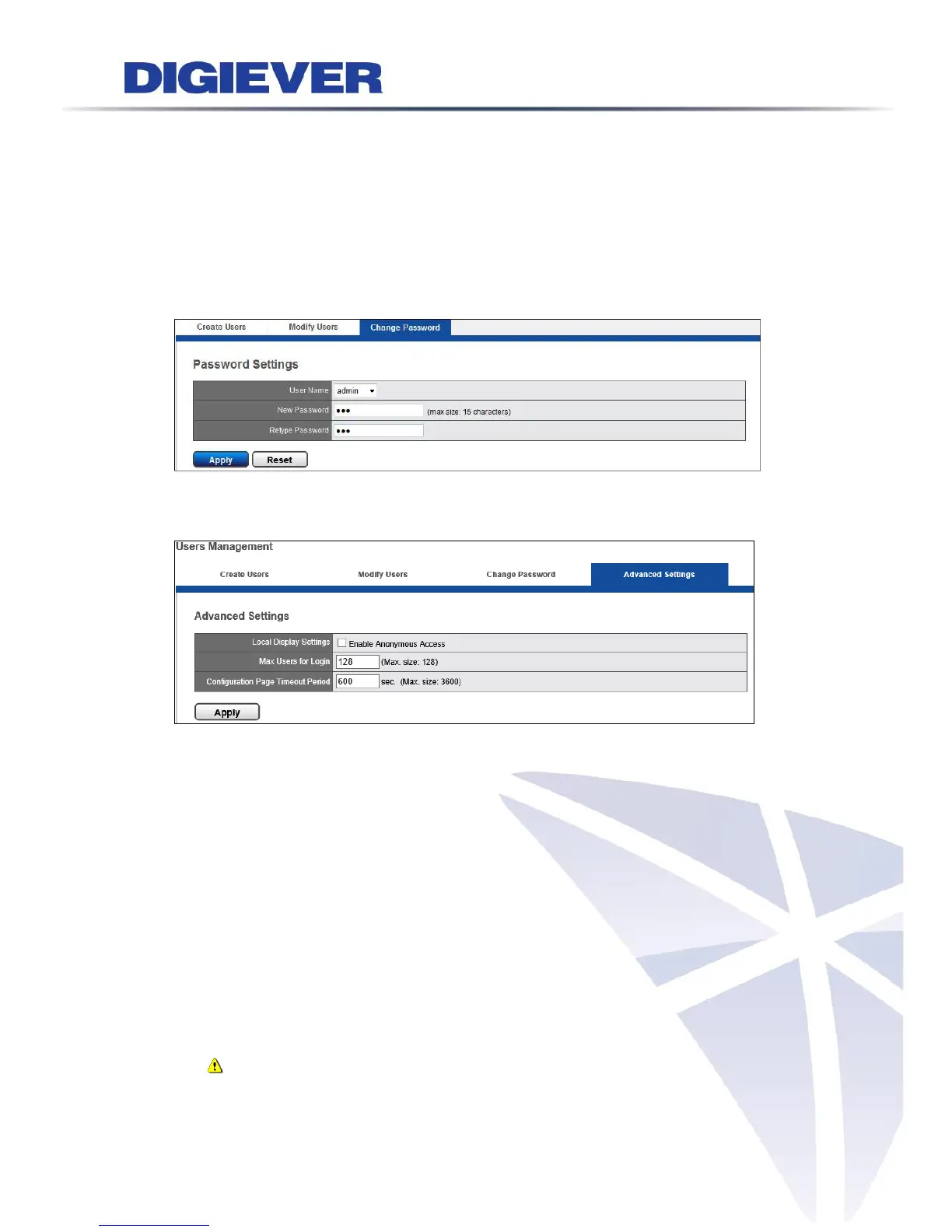
3. Change Password
Each NVR comes with a built-in “admin” account with password “admin” for
administrators. It’s highly recommended to change the password upon the initial
login.
Select an account from “User Name” drop-down list to change password. Enter a
new password in the “New Password” and enter it again in “Retype Password.” Click
“Apply,” the password will be changed.
4. Advanced Settings
In this page, users can set up anonymous access on local display, maximum users
for remote login and configuration page timeout period.
(1) Anonymous access on local display
Anonymous user can only view live monitoring and playback page on local monitor
with no access of NVR configuration. Users can enable or disable this function in
this page. For more information of anonymous login, please refer to 3.1.1
Anonymous login.
(2) Maximum users for remote login ( on remote configuration page)
Users can set up the maximum number of users to log in NVR on remote site at
the same time.
Note: The access from other remote browsers and CMS system will be
counted as a user.



 To Next Page