84
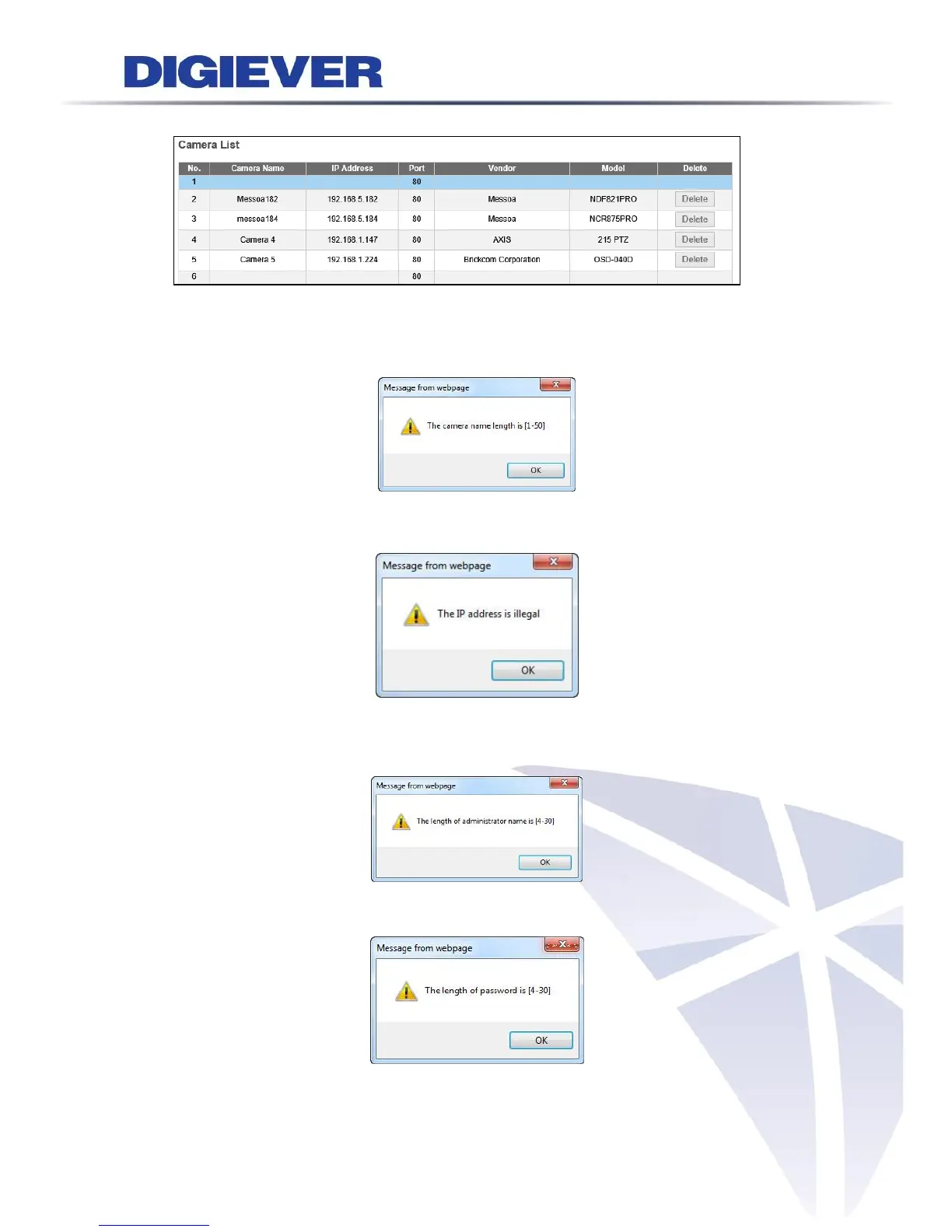
After successfully adding cameras, NVR will display camera information in camera list.
If there is any error occurred in entering the following information, the notification
window will pop up as below.
When an inappropriate address is entered, a window will pop up as below.
When an inappropriate user name is entered, a window will pop up as below.
When an inappropriate password is entered, a window will pop up as below.



 To Next Page