87
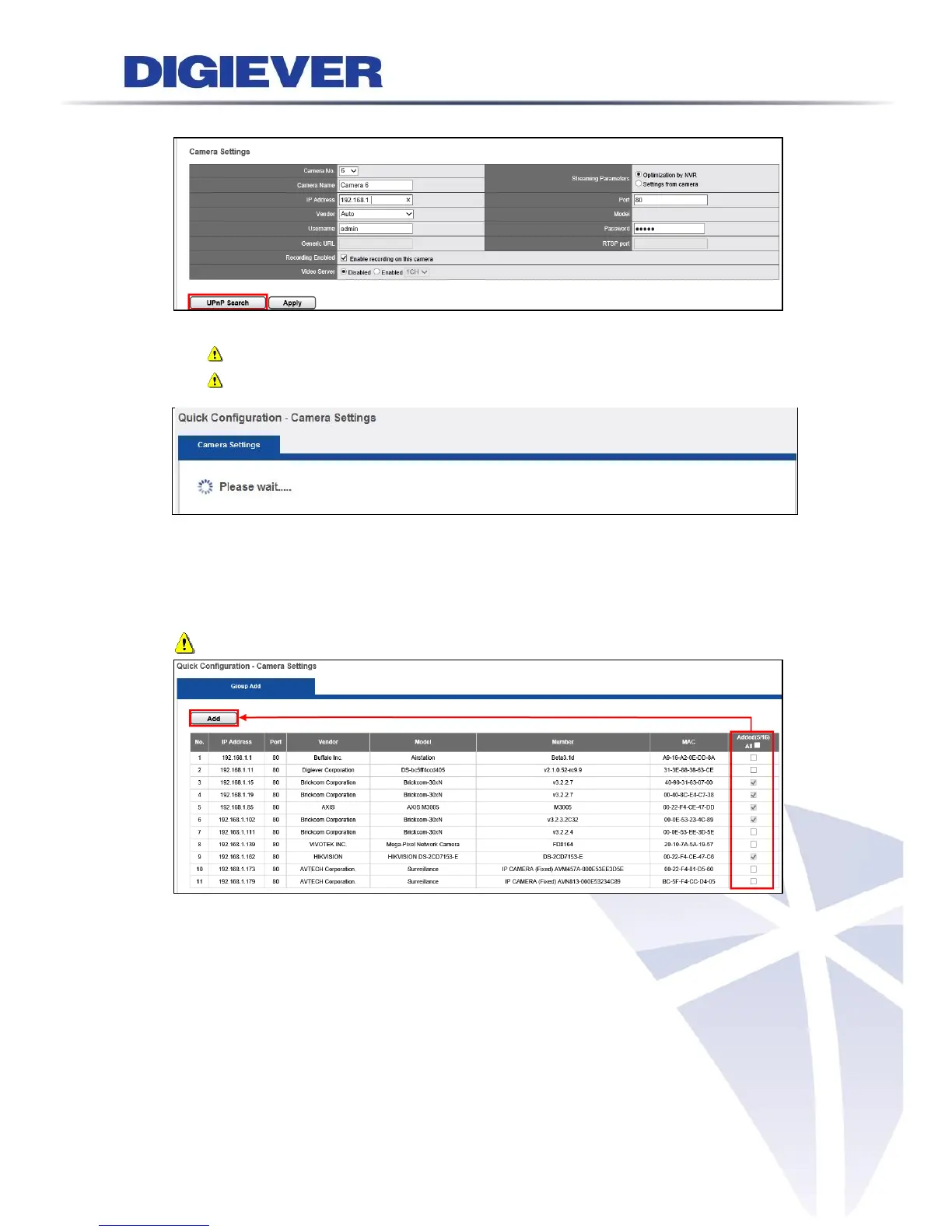
2. UPnP Search:
Click “UPnPSearch” to find out UPnP devices within the LAN.
Please make sure IP camera supports UPnP Search function.
Please go to IP Camera web page to enable UPnP search function.
Please wait. The UPnP search is in a process.
The available cameras in the network will be displayed.
Click the camera that you would like to add in NVR, then click “Add” button.
Note: Users can click “All” to add cameras in Added column.
The Added column will show two numbers to display the total channels of the NVR
and the channel numbers that has been already added in the NVR.



 To Next Page