HOME: 27
o
C
HOME Quick Arm Fire Settings
01:19
Panic
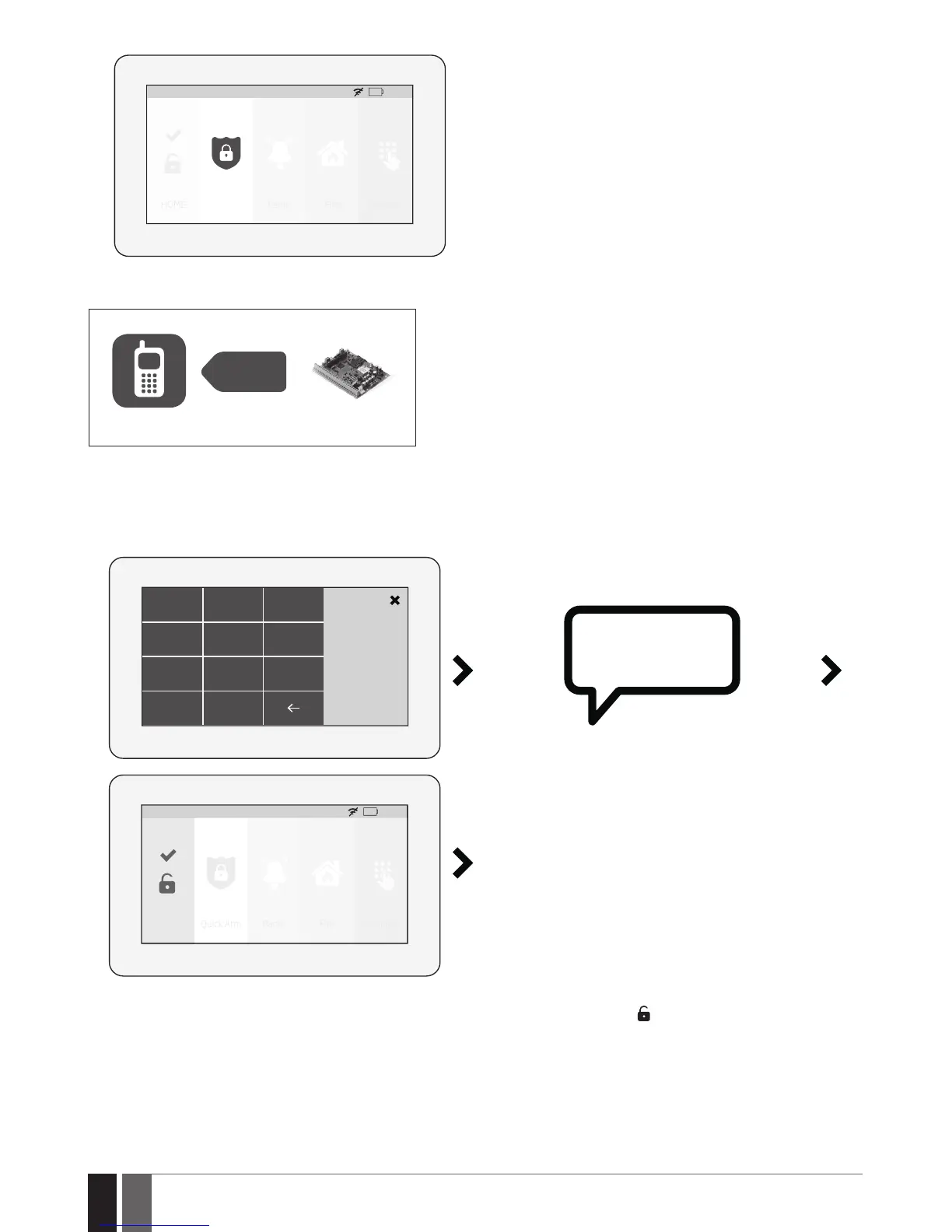
3. Once the system is successfully armed, the touchpad will display icon on the Partition button followed by SMS text message conrmation
delivered to the listed user phone number (by default).
SMS
User
ESIM384
19.10.4. How to disarm and turn o alarm by EWKB5
1. The system will initiate the entry delay countdown (by default – 15 seconds) after the user has entered the secured premises. Entry delay
countdown is intended for user to enter a valid user code and disarm the system before the alarm is caused.
2. To disarm the system and/or turn o the alarm, enter a valid 4-digit user/master code using the on-screen numpad.
1 2 3
User PIN
4
5 6
7
8
C
0
9
SYSTEM IS
DISARMED
HOME: 27
o
C
HOME Quick Arm Fire Settings
01:19
Panic
3. Once the system is successfully disarmed, the icon displayed on the Partition button will turn to followed by SMS text message conr-
mation delivered to the listed phone number (by default).



 To Next Page