2-9317-372-00-0 Bravo™ 8105 Programming and Operations Guide 10-105
10
. . . . .
. . . . . . . . . . . . . . . . . . . . . . . . . . . . . . . . . . .
Maint/Diag Screens
Overview
Introduction The Maintenance and Diagnostics Screens should only be used by trained
maintenance personnel. They assist in determining corrective action if the
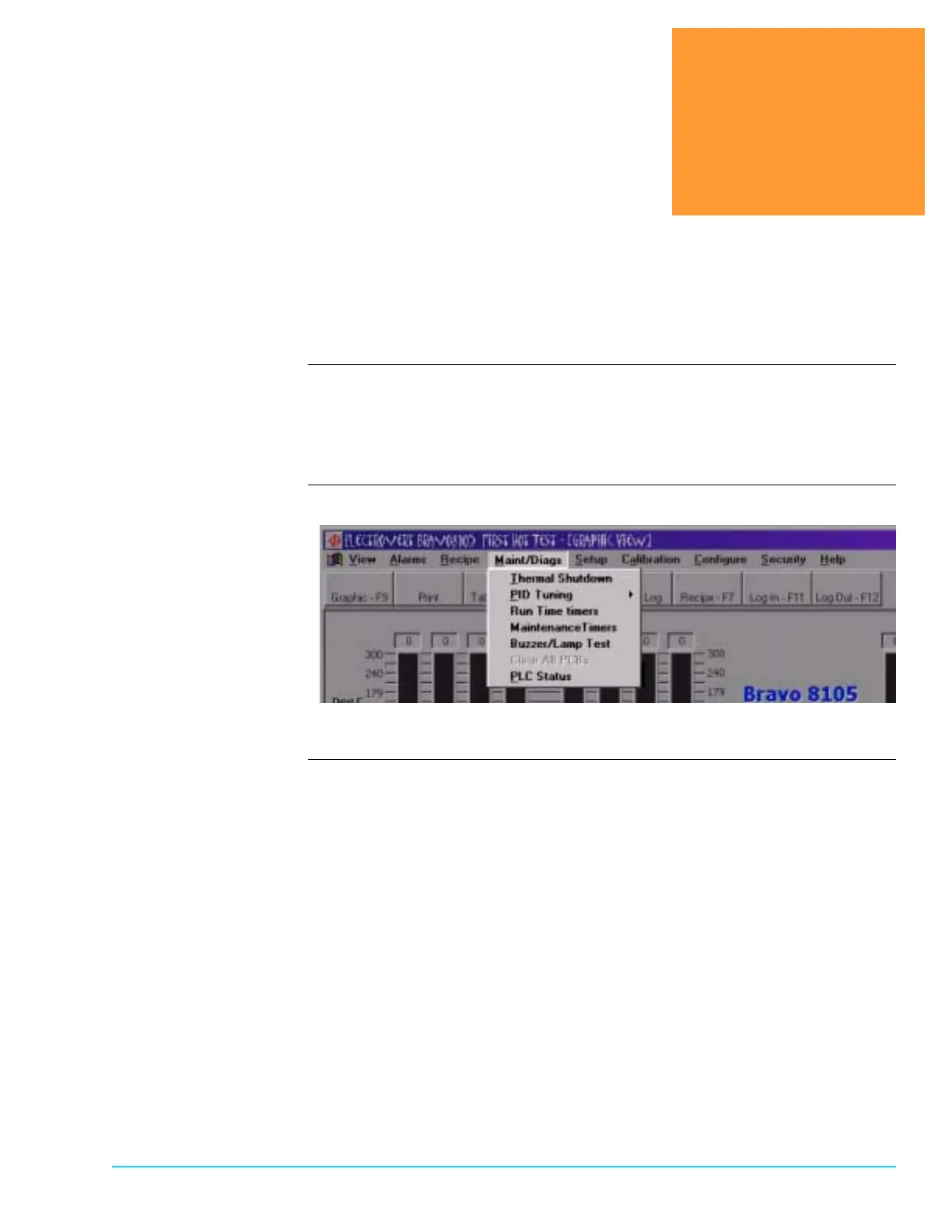
machine is not functioning correctly. Access the screens by selecting the Maint/
Diag tab from the menu bar at the top of the screen. Refer to Figure 10–1.
Software Screen
Figure 10–1



 To Next Page