. . . . .
ALARMS
Alarm History
2-9317-372-00-0 Bravo™ 8105 Programming and Operations Guide 7-73
Alarm History
Introduction The Alarm History is a log file of the machine actions and alarms.The Alarm
History Window displays the alarm log files created each night at Midnight
(00:00) for the previous 24 hours. The files are saved by date in dd/mm/yy
format; e.g., the file for June 23, 2000 is named 062300.bah.
Software
Representation
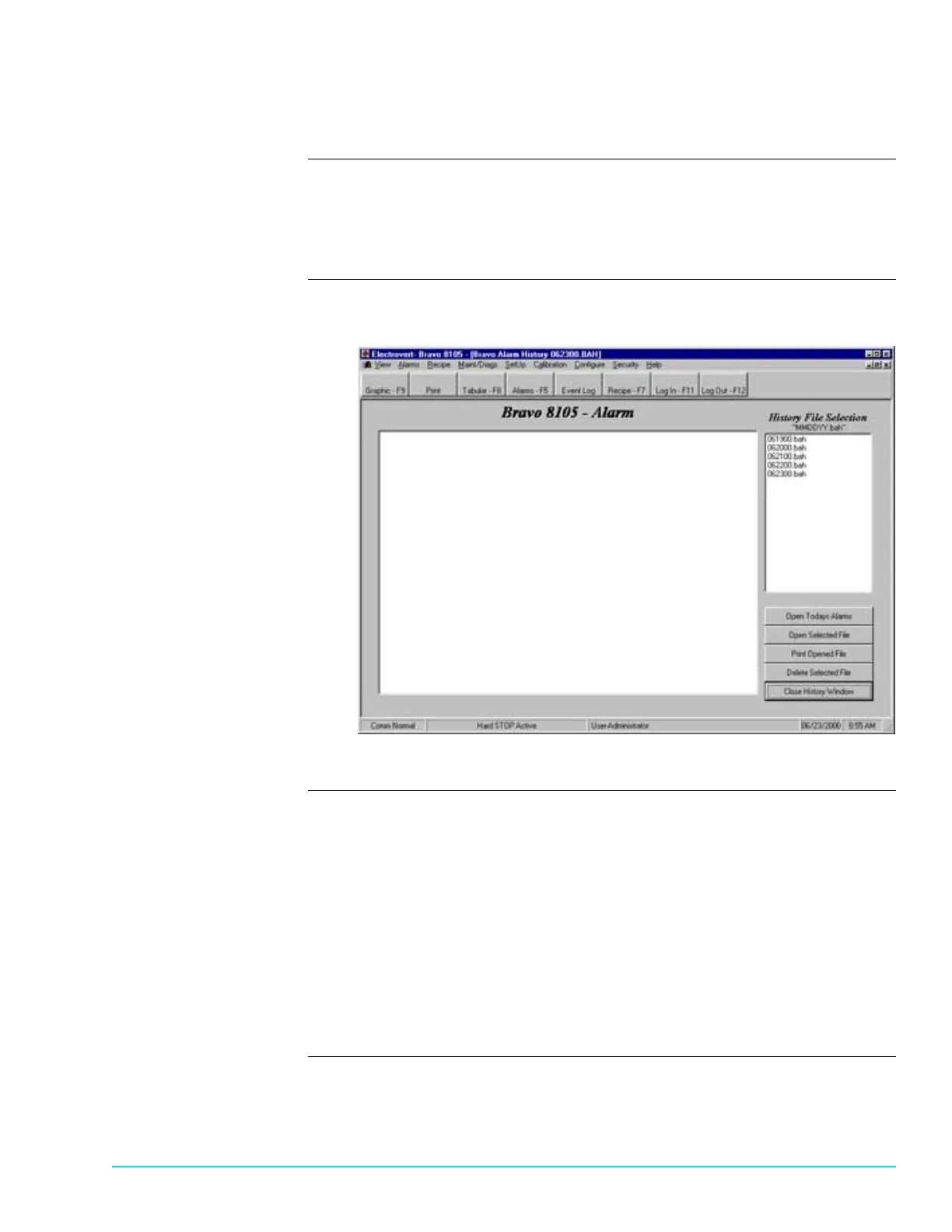
Figure 7–2 depicts the Alarm History Window.
Figure 7–2
Navigating the Alarm
History Window
Open Todays Alarms
• Displays the Alarms that occurred since the midnight (00:00) of the previous
night in the window to the left of the “History File Selection” box.
Open Selected File
• To display a file from a date other than the current file, highlight a file in the
“History File Selection” box and click on Open Selected File. The contents dis-
play in the window to the left of the “History File Selection” box.
Print Opened File
• To print any file from the Log files, ensure that the file displays in the window
to the left of the “History File Selection” box and click on Print Opened File.



 To Next Page