MAINT/DIAG SCREENS
Buzzer / Lamp Test
10-110 Bravo™ 8105 Programming and Operations Guide Rev. 2
10
Buzzer / Lamp Test
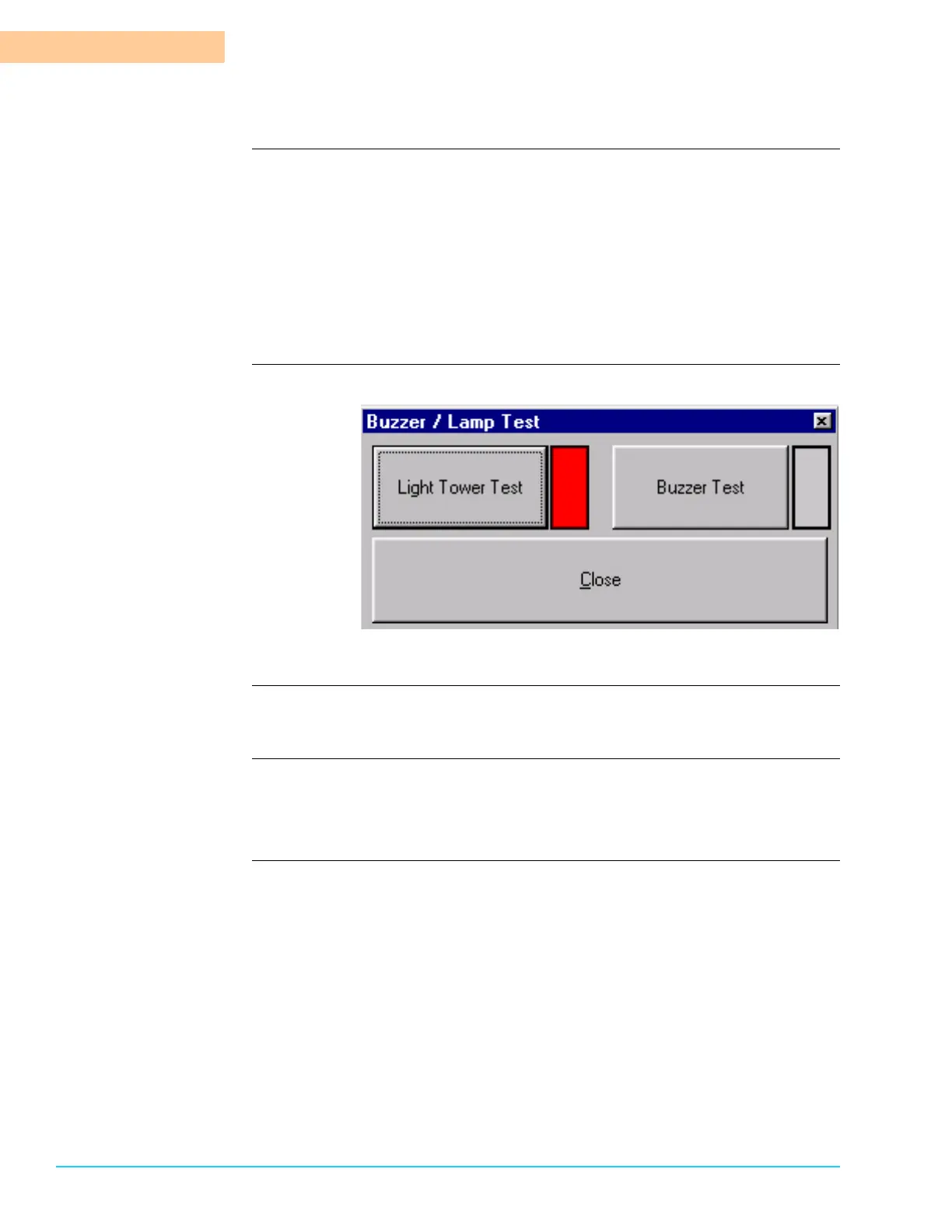
Description The Buzzer / Lamp Test confirms that the Buzzer and Light Tower work properly.
Access the test window by selecting Maint / Diag > Buzzer / Lamp Test from the
menu bar at the top of the screen.
To test either one of them, press the applicable button on the Buzzer / Lamp Test
Window. A red indicator signals that the test is in progress. Refer to Figure 10–6.
• If Buzzer Test is selected, a Buzzer sounds.
• If Light Tower Test is selected, the three (3) lamps in the Light Tower illu-
minate.
Software Screen
Figure 10–6
Clear All PCBs
Description Selecting Maint / Diag > Clear All PCBs resets the “Board in Machine” count to
zero (0). This is useful if the photocell is inadvertently triggered when no boards
are in the machine.



 To Next Page