SETUP SCREENS
Units Setup
8-84 Bravo™ 8105 Programming and Operations Guide Rev. 2
8
Units Setup
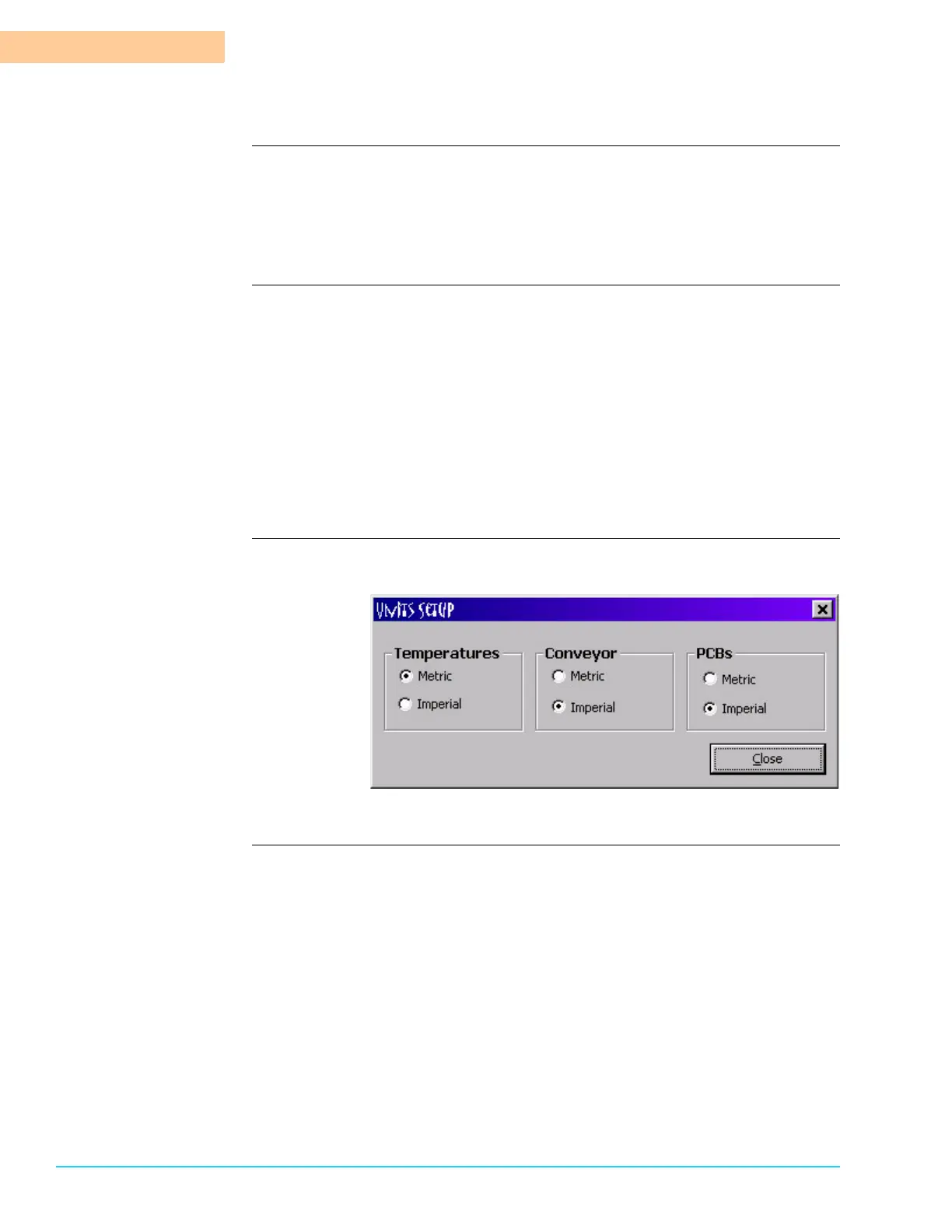
Introduction Configure the units by selecting Setup > Units from the Menu Bar at the top of
the screen. Refer to Figure 8–6. Metric is the standard of measurement utilizing
centimeters for length and Celsius (Centigrade) for temperature. Imperial is the
standard of measurement using inches for length and Fahrenheit for temperature.
Note that the units setup is not saved to a recipe.
Functions Affected by
Units Setup
Temperature
Temperature selection is in Centigrade (metric) or Fahrenheit (imperial).
Conveyor
Conveyor affects the way that the speed displays. Metric displays the speed
in centimeters per minute. Fahrenheit displays the speed in inches per minute.
PCB
PCB affects the way that the board length is entered and/or displays. Metric
displays the length in centimeters and Fahrenheit displays the length in
inches.
Units Setup Software
Screen
Figure 8–6



 To Next Page