. . . . .
SETUP SCREENS
Alarms Setup
2-9317-372-00-0 Bravo™ 8105 Programming and Operations Guide 8-83
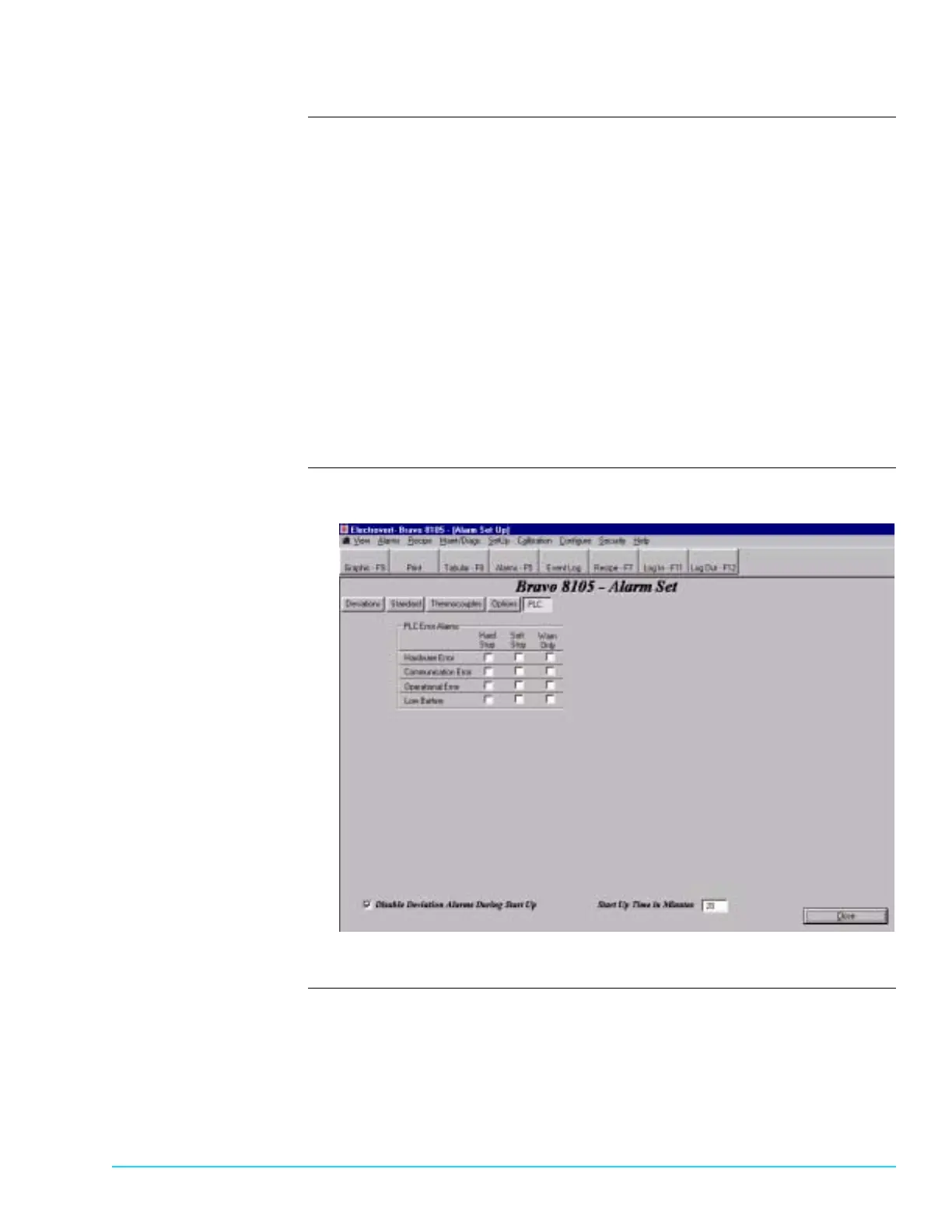
PLC Alarms Setup Tab Refer to Figure 8–5.
Hardware Error
The PLC is not functioning due to a component failure. If re–starting the
machine does not correct the problem, contact Speedline Technical Support.
Communication Error
The PLC–to–PC interface is not functioning properly.
Operational Error
The PLC is not functioning due to a software problem. If re–starting the
machine does not correct the problem, contact Speedline Technical Support.
Low Battery
The battery in the PLC is below an acceptable voltage level. That low voltage
level is entered by the user in the Maint/Diag > PLC screen. Replace the
battery with Speedline P/N 2–5063–080-00-1.
PLC Alarms Setup
Software Screen
Figure 8–5



 To Next Page