BRAVO™ SYSTEM OPERATION
Configuring Security Access and Passwords
4-50 Bravo™ 8105 Programming and Operations Guide Rev. 2
4
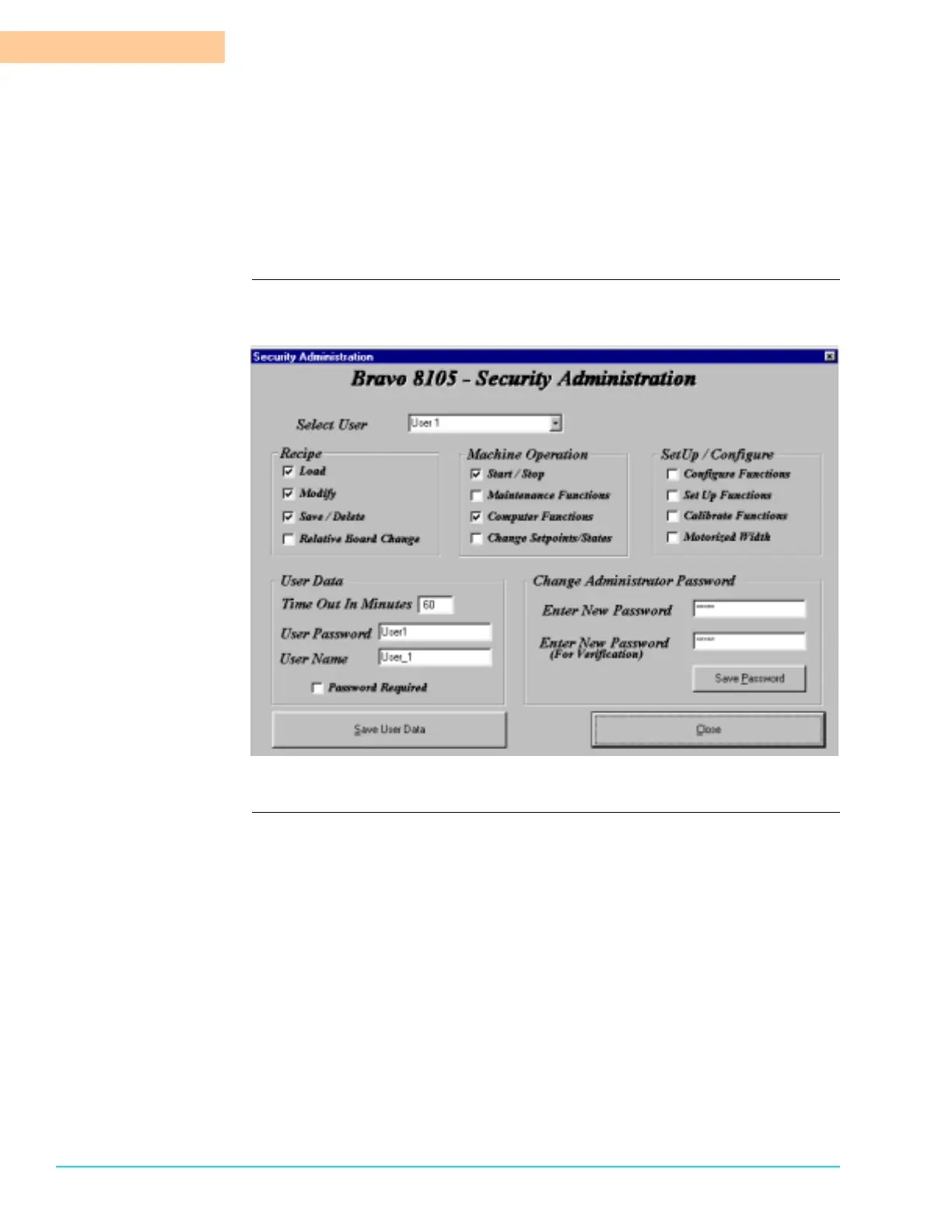
Time Out in Minutes The time a password remains active is set by the administrator in the Security >
Administration Window. The default setting allows a password to remain open
indefinitely. If a time limit is desired, in the Security > Access window, the
number in minutes of that limit displays next to the "Time Out in Minutes" field
and the time remaining until the password deactivates displays next to the "Time
Remaining" field.
When a Password deactivates the default level of security becomes the active
access level.
Software
Representation
Figure 4–6 depicts the Security Administration Screen in the Bravo™ software.
Figure 4–6



 To Next Page