MAINT/DIAG SCREENS
Run Time Timers
10-108 Bravo™ 8105 Programming and Operations Guide Rev. 2
10
Run Time Timers
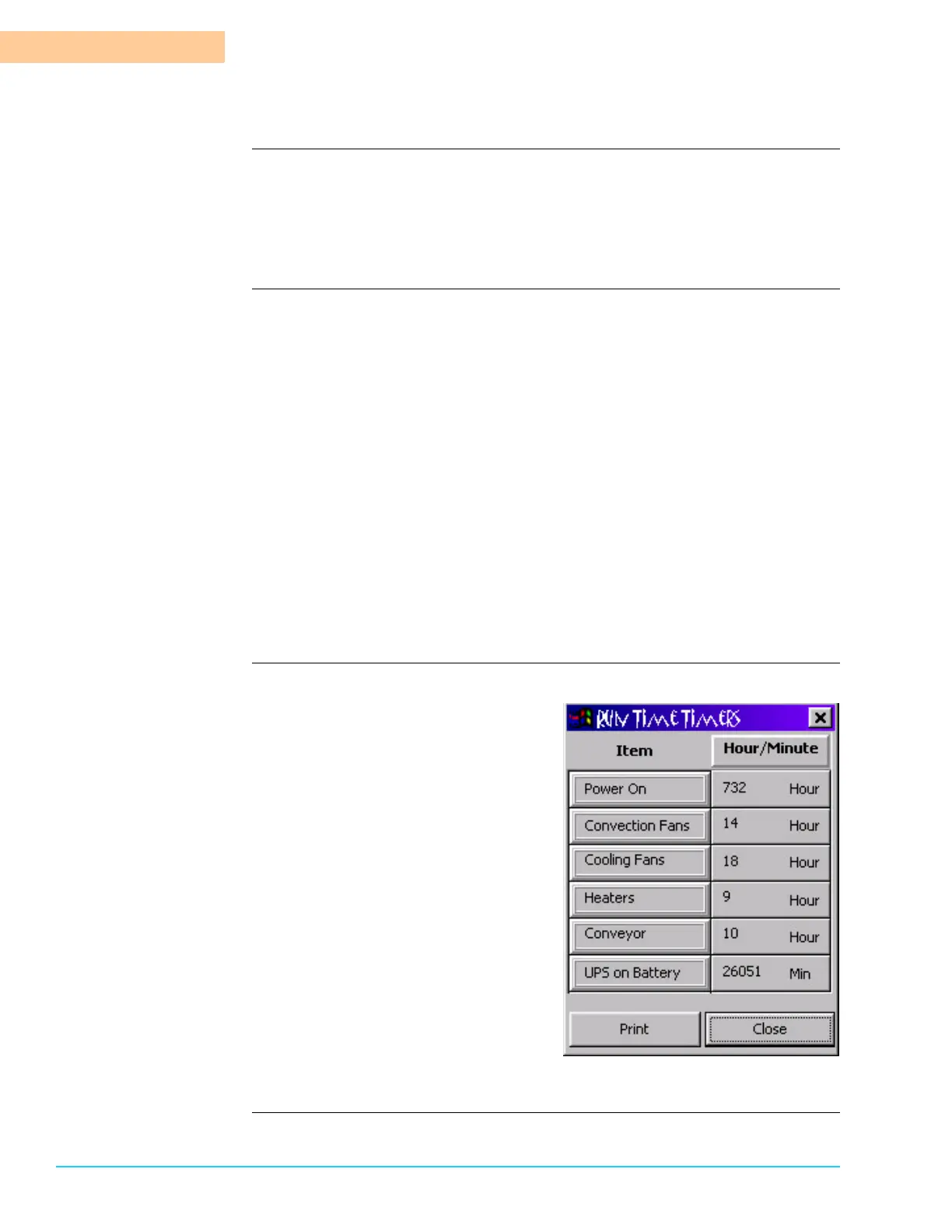
Introduction The Run Time Timers track the run time for six (6) different functions. Access the
window by selecting Maint/Diag > Run Time Timers from the menu bar at the top
of the screen. Refer to Figure 10–4 to see a depiction of the window. The Run
Time Timers cannot be reset. (Maintenance Timers that can be reset are located
in the Maint/Diag > Maintenance Timers Window.)
Functions Power On
Amount of time the power to the machine is On.
Convection Fans
Amount of time the heating zone blowers operate.
Cooling Fans
amount of time the cooling zone blowers operate.
Heaters
Amount of time the heaters are On.
Conveyor
Amount of time the conveyor is in operation.
UPS on Battery
Amount of time the UPS supplies back up power in the event of a facility
power outage.
Photograph
Figure 10–4



 To Next Page