PRINTED CIRCUIT BOARD SPECIFICATION
Adjusting the Pin Chain Conveyor using the Motorized Width Adjust Option
5-64 Bravo™ 8105 Programming and Operations Guide Rev. 2
5
Software
Representation
Figure 5–4
Width Adjust in
Process Tabular
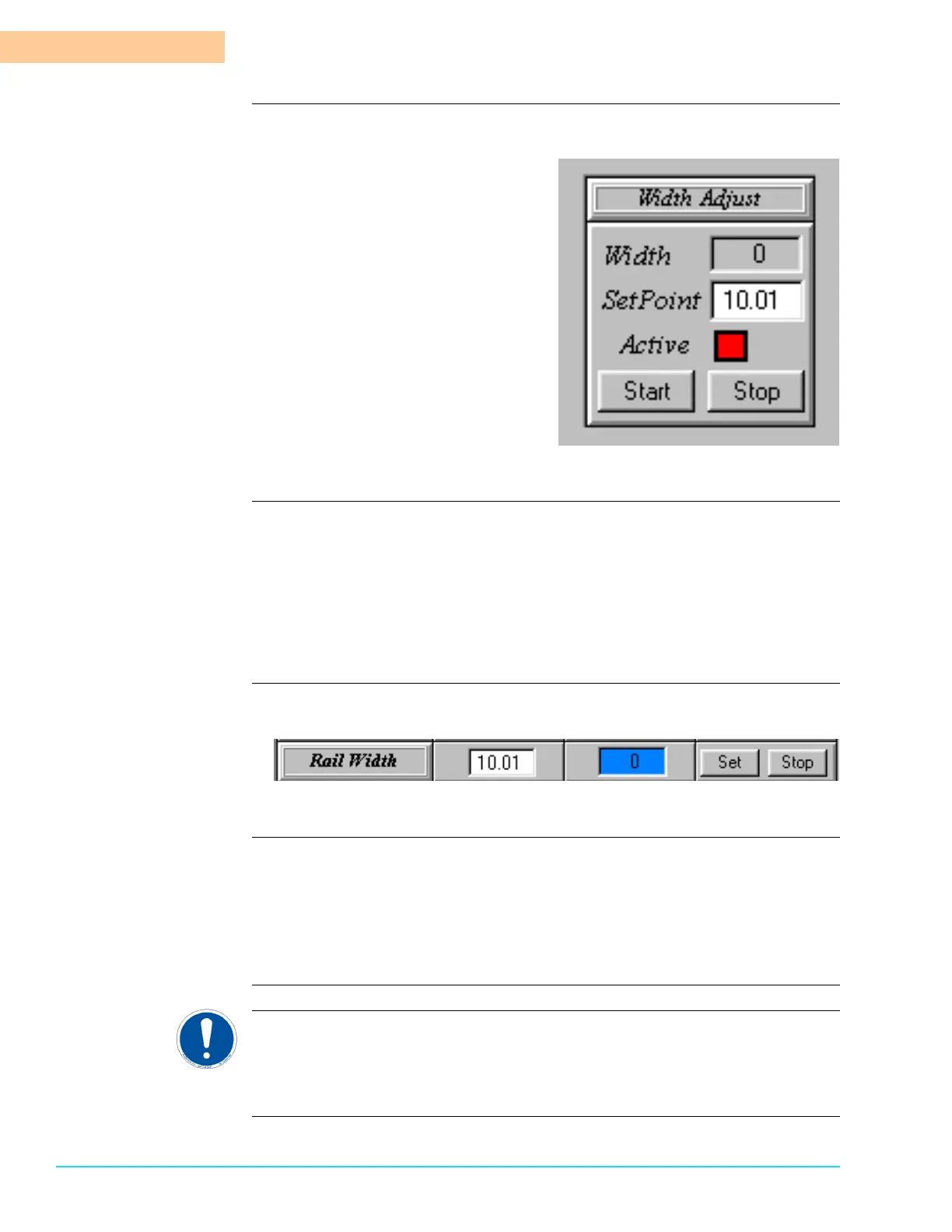
The Width Adjust Setpoint parameter displays to the right of the “Rail Width”
label in the Process Tabular Screen. The Actual value is displayed to the right of
the Actual display. Refer to Figure 5–5.
To change the Setpoint, highlight it and enter a new value. Click on the Set
button. To stop the Rail Width Adjust while it is in progress, click on the Stop
button.
Software
Representation
Figure 5–5
Width Adjust in the
Setup Screen
Access the Setup Screen by selecting Setup > Motorized Width from the Menu
Bar at the top of the screen. The Setup Window displays.
The Setpoint appears next to the “Width Setpoint” label and the Actual value
appears below that. Press the Start button to engage the Automatic Width
operation.
ATTENTION
Refer to the Setup Section in the Maintenance Guide for more information on the
Motorized Width Setup.



 To Next Page