2-9317-372-00-0 Bravo™ 8105 Programming and Operations Guide 7-71
7
. . . . .
. . . . . . . . . . . . . . . . . . . . . . . . . . . . . . . . . . .
Alarms
Section A: The Alarms Screens
. . . . . . . . . . . . . . . . . . . . . . . . . . . . . . . . . . .
Software Display of Alarms
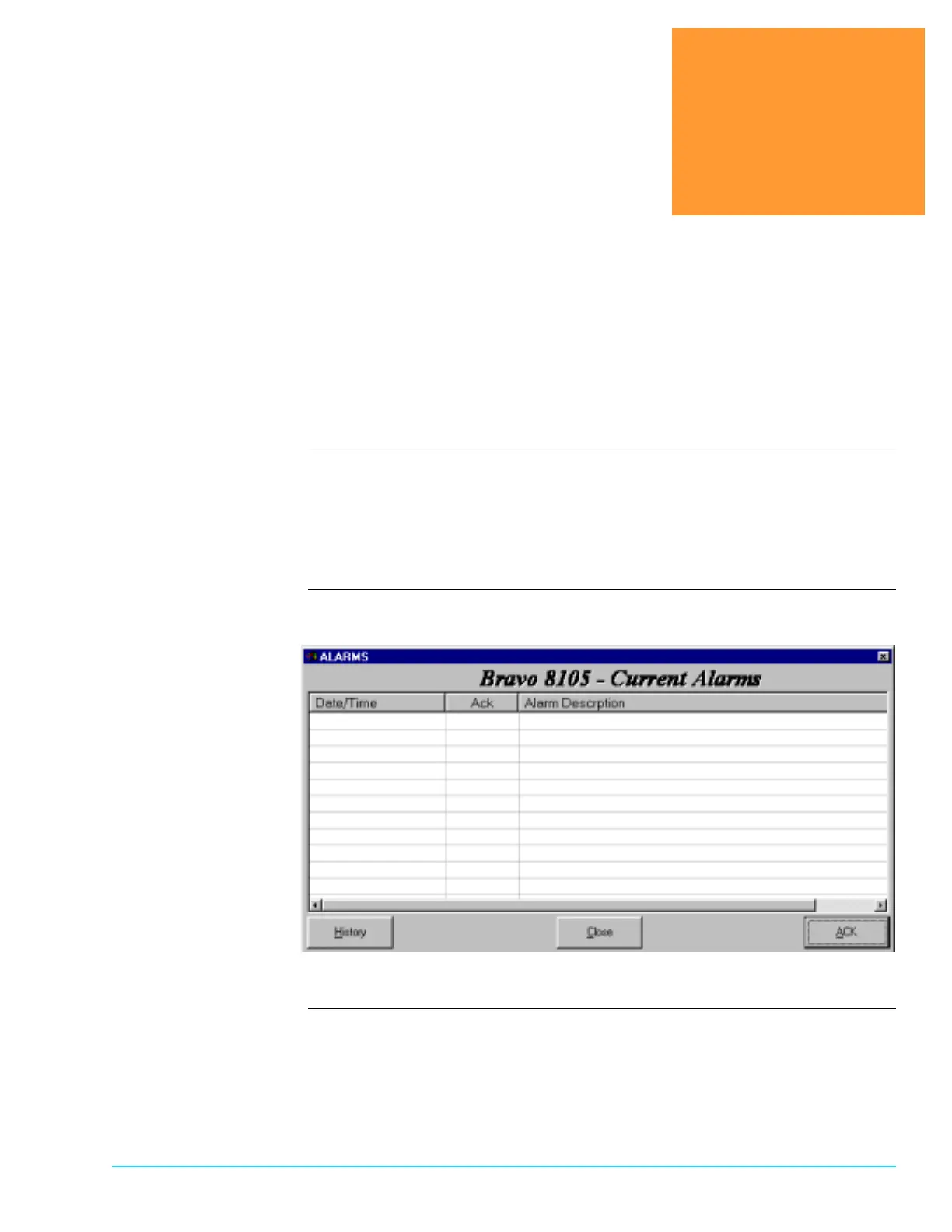
Introduction The Current Alarms screen, depicted in Figure 7–1, displays any active alarm
condition. If an alarm is acknowledged and no longer active, it is removed from
the Current Alarms screen. However, if an alarm is acknowledged, but the alarm
condition remains active, the alarm is not removed from the Current Alarms
screen.
Software
Representation
Figure 7–1



 To Next Page