ALARMS
Alarm History
7-74 Bravo™ 8105 Programming and Operations Guide Rev. 2
7
Navigating the Alarm
History Window –
Continued
Delete Selected File
• Highlight a file in the History File Selection box and click on Delete Selected
File to permanently delete the file.
Close History Window
• Closes the Alarm History Window and returns to the screen that previously
displayed.
Determining the Log
Content
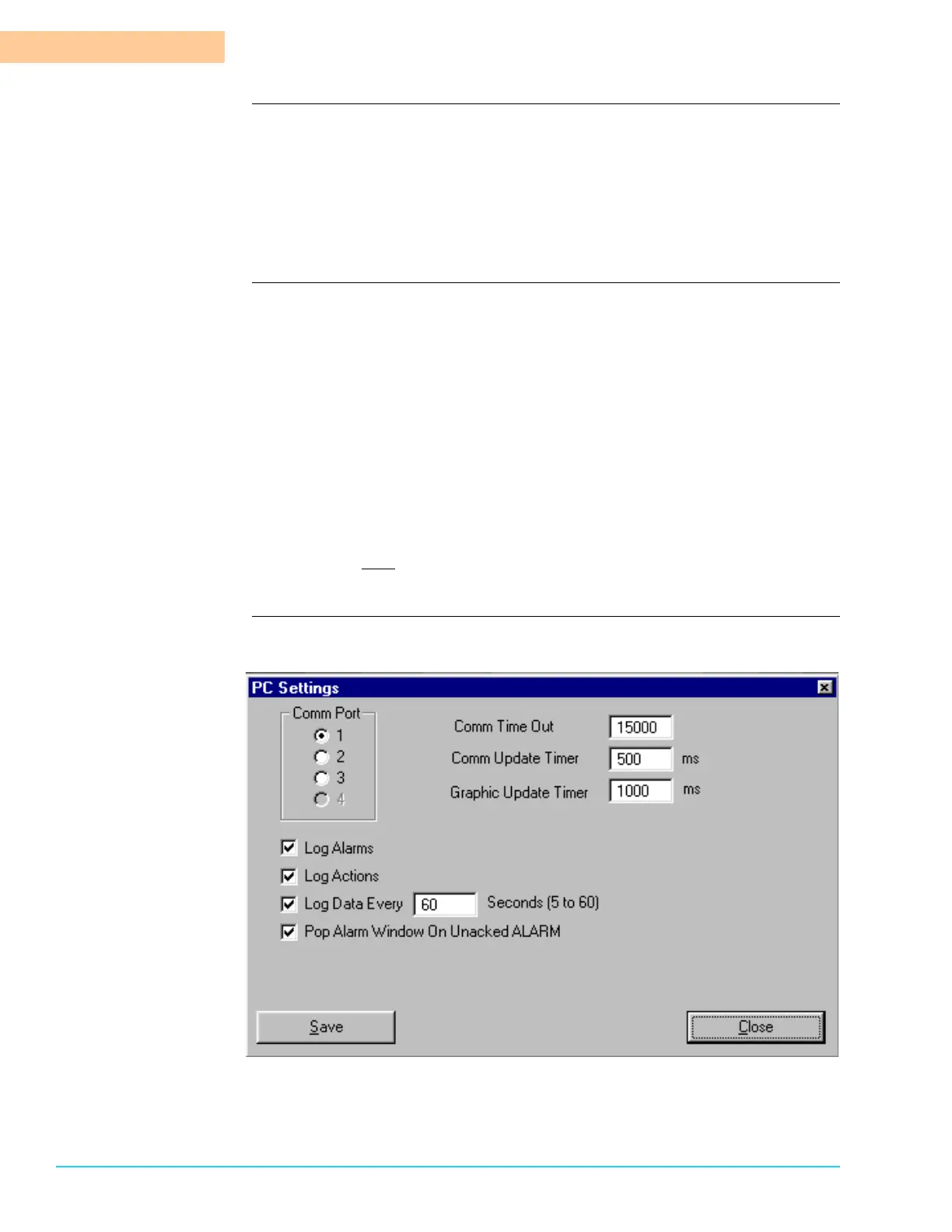
The Log File content is determined by the configuration of the PC Settings. To
access the PC Settings window, select Configure > PC Settings from the Menu
Bar at the top of the screen. The PC Settings window appears. Refer to Figure 7–
3. The choices that affect the Log files are:
Log Alarms If Log Alarms is selected, any alarm generated by the machine
is recorded in the Log File, including the time it was
generated.
Log Actions If Log Actions is selected, any action that changes the
machine parameters is recorded in the Log File. The
information includes the time the action was performed as
well as the User logged in the Security Access screen.
Log Data Every ___
Seconds (5 to 60) The amount of time in seconds the
computer waits before polling the procedures for a change.
Software
Representation
Figure 7–3



 To Next Page