. . . . .
SOFTWARE NAVIGATION
Process Graphic Screen
2-9317-372-00-0 Bravo™ 8105 Programming and Operations Guide 3-31
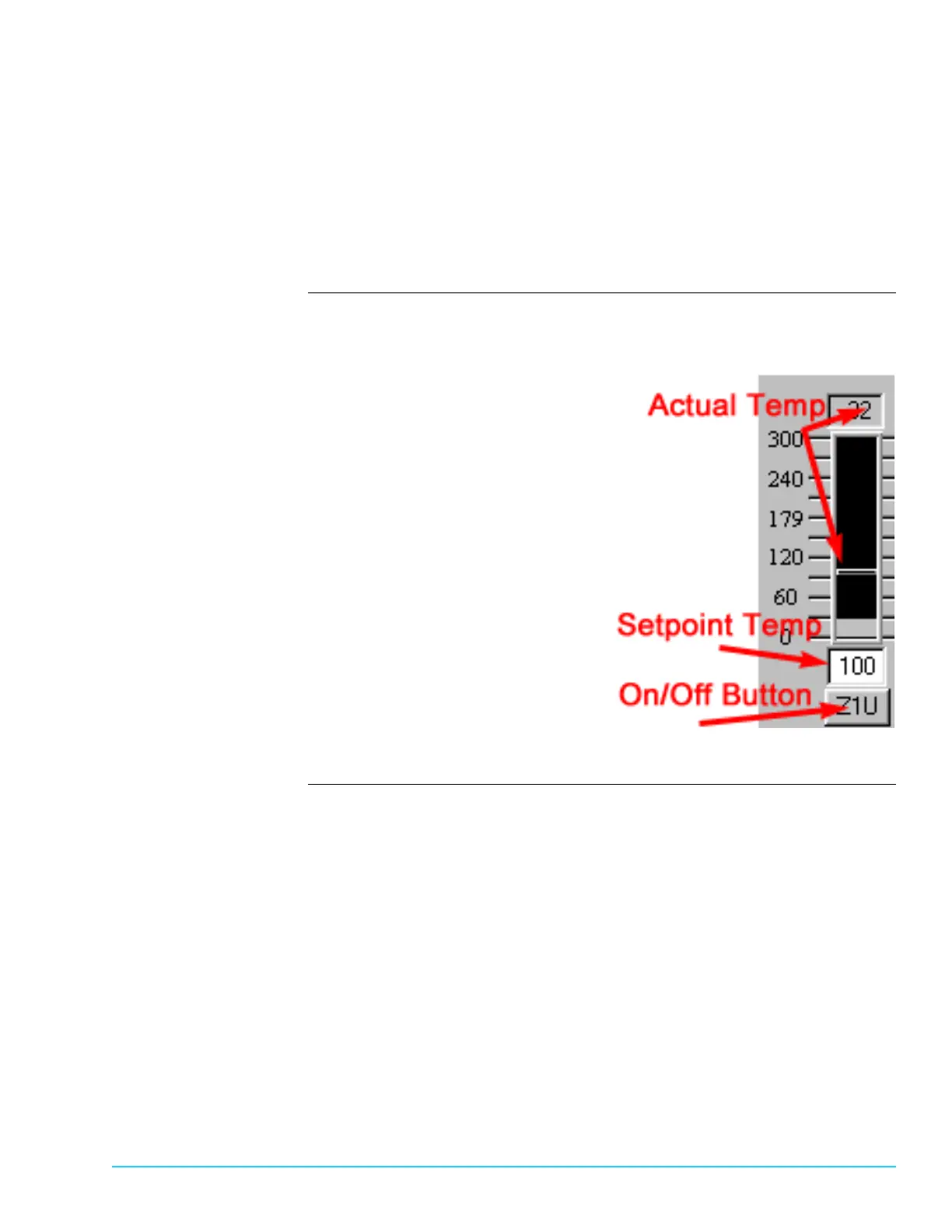
The setpoint temperature displays in the field just above the zone. To enter a new
setpoint, highlight the number and enter a new setpoint parameter. Press the
Enter key.
The bar above each Heater Display indicates the actual temperature of the heater.
The bar, and the Actual Temperature Display above the bar, appears Gray when
the Heater is Off. When the Heater is not yet to Ready temperature, the bar and
display appears Blue. When the Heater is at Ready state temperature, they appear
Green. If an over–temperature condition exists, they appear Red.
Software
Representation
Figure 3–2 is an example of Heater Control for Zone 1 Upper when it is Off.
Figure 3–2



 To Next Page