PRINTED CIRCUIT BOARD SPECIFICATION
Manually Adjusting the Pin Chain Conveyor
5-62 Bravo™ 8105 Programming and Operations Guide Rev. 2
5
Procedure
Photograph
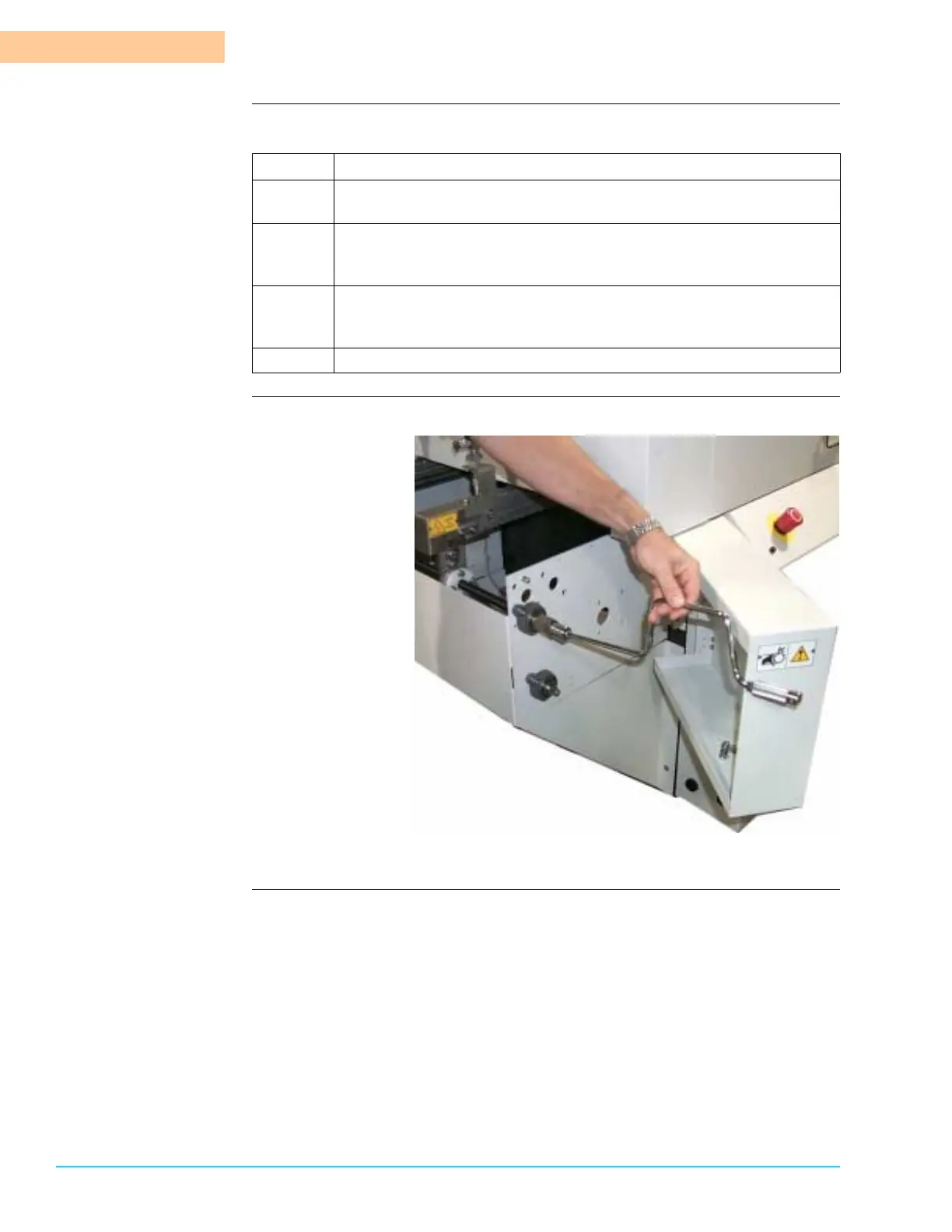
Figure 5–2
Step Action
1
Open the front Load End corner panel of the Bravo™ System. The
hand crank in stored in the recess of the swing–out panel.
2
Insert the crank into the hex nut and rotate it as necessary. A
clockwise direction decreases the width. A counterclockwise
direction increases the width. Refer to Figure 5–2.
3
A small hole is also drilled into the swing out panel so that the hex
nut is accessible without opening the panel. Insert the crank through
the hole and turn the hex nut as in Step 2. Refer to Figure 5–3.
4
Remove the crank and replace it to its storage location.



 To Next Page