79
CHAPTER 2: Instructor / Operator’s Station (IOS)
relative to the se lect ed FIX or NAVaid. This feature displays
the exact aircraft lo ca tion rel a tive to the selected FIX or
NAVaid and is helpful for quick, easy, and precise air craft
positioning. In ad di tion, sim ple aircraft ori en ta tion can be
dem on strat ed without “fl ying” or leav ing the MAP page.
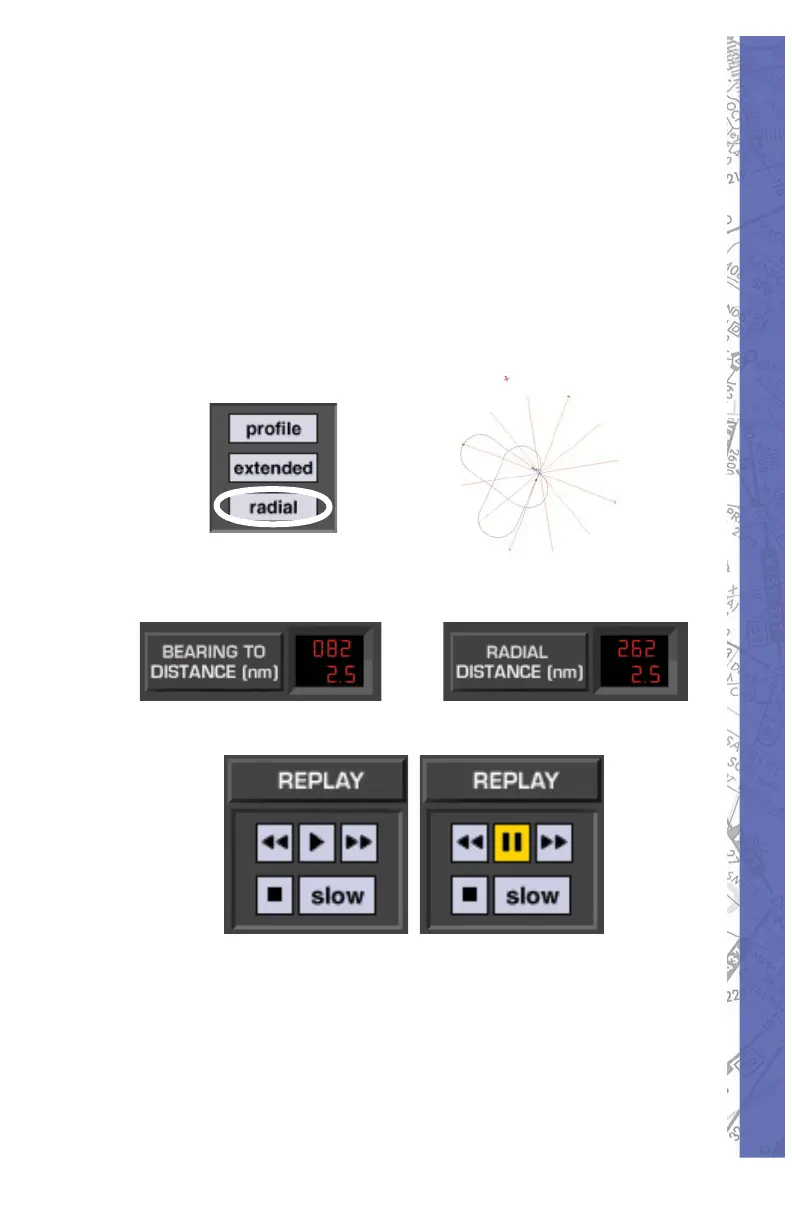
To tog gle BEARING TO or RADIAL in di ca tion, just click
on the value dis played inside the ad ja cent window. In the
example be low, the com pass rose is visible around the
se lect ed (UBG) VOR.
Click inside window to toggle BEARING TO / RADIAL
Vir tu al Flight Data Re cord er
VCR style buttons control play back of the Virtual Flight
Data Re cord er (VFDR).
Replay:
As you fl y, ELITE continuously records your progress
with an integrated virtual fl ight data recorder (VFDR). All
recorded fl ight parameters are accessed via the MAP


 To Next Page