© EPRAD Incorporated
Show Status Instruction
The eCNA can run programs and/or macros for show control. Traditionally an eCNA program ran from
the beginning to the end of a presentation. All RSM/RCM remote station status flags are generated
automatically when a program is running. However, if you are using macros instead of programs for
show control, this instruction can be used in a macro to override the RSM-10/RCM-10 Remote Station
status lights.
Show Status: m1 m2 dd:dd
m1 = Auto; Ready to Run; Ready to Resume; Running; Intermission
m2 = Tmr1 - Tmr15 (timer number)
dd:dd = 0:00 to 99:99 (minutes:seconds)
This instruction overrides the Remote Station status LEDs and eCNA display status text as follows:
Status Conditions
RSM-10 LEDs
Display Text
(Status = Auto)
Display Text
(Status = Instruction)
Run Inter Fault
1 Between Shows and Ready to Run a Show BLINK ON OFF Ready to Run Ready to Run*
2 Show Running ON OFF OFF Running Running*
3 Programmed Intermission during a Show BLINK BLINK OFF --- Intermission*
4 Ready to Resume a Show BLINK OFF OFF Ready to Resume Ready to Resume*
5 Between Shows and faulted OFF ON ON Fault Fault*
6 Show stopped due to a fault and alarm is sounding OFF OFF BLINK Fault - Alarm Fault - Alarm*
7 Show stopped due to a fault and alarm was cancelled OFF OFF ON Fault Fault*
8 Between Shows, faulted and alarm is sounding OFF ON BLINK --- Fault - Alarm*
Note 1: The “*” at the end of the text indicates that the “Auto” Show Status has been overridden by
the Show Status instruction. If you want the show status to reflect the status of an eCNA Program,
the “Show Status Auto” instruction must be executed to return the status to “Auto”.
Note 2: Fault status (rows 5 – 8) is higher priority and automatically generated by the eCNA on a
fault condition. Normal status is returned when the fault is cleared.
Alarm Instruction
This instruction will control the local alarm.
Alarm: m1 m2 dd:dd
m1 = On, Off, Toggle
m2 = Tmr1 - Tmr15 (timer number)
dd:dd = 0:00 to 99:99 (minutes:seconds)
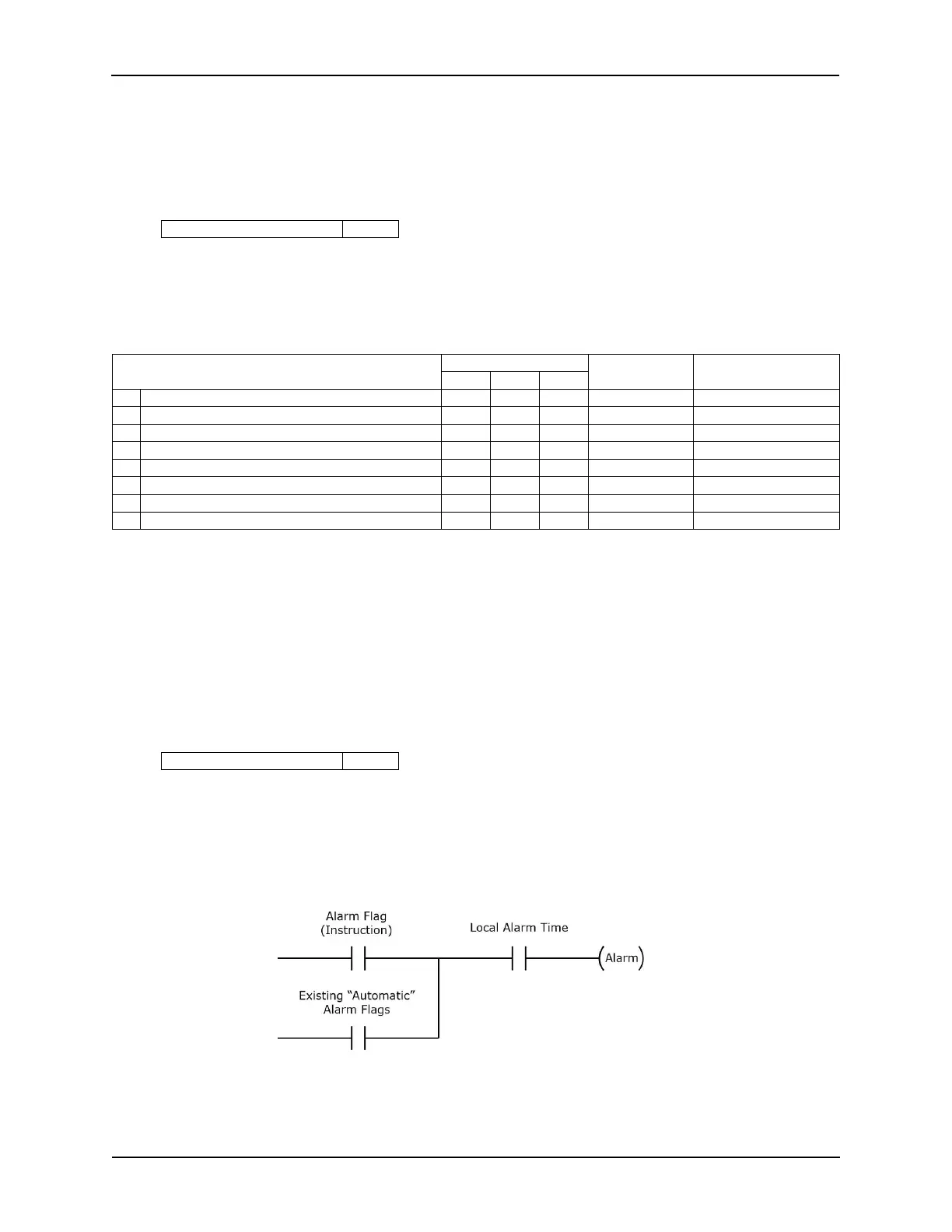
This instruction provides an “OR” condition to the existing automatic alarms. So it cannot turn off the
local alarm due to an existing Major Fault condition.
Main Status Messages are displayed to help determine what caused the alarm to be asserted:
“ALARM ON: PROG dd-dd”
“ALARM ON: MACR dd-dd”
71
eCNA-10 Operation and Installation Manual Version 1.270-00



 To Next Page