Confidential
EPSON
TITLE
SHEET
REVISION
NO.
SHEET
NEXT
F
34 33
TM-T90
Specification
(STANDARD)
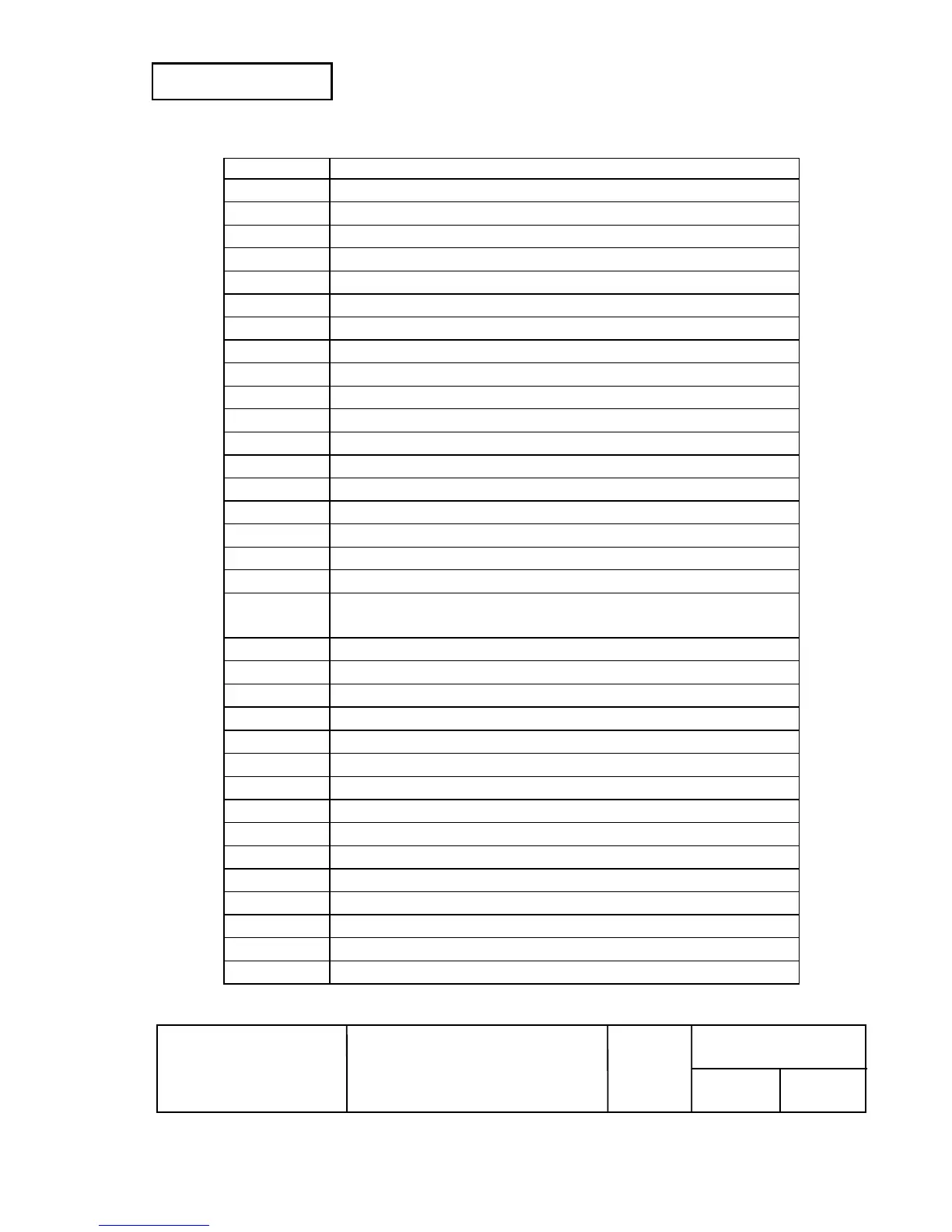
Command Name
ESC W
Set printing area in page mode
ESC \
Set relative print position
ESC a
Select justification
ESC c 3
Select paper sensor(s) to output paper-end signals
ESC c 4
Select paper sensor(s) to stop printing
ESC c 5
Enable/disable panel buttons
ESC d
Print and feed n lines
ESC p
General pulse
ESC t
Select character code table
ESC {
Turn upside-down printing mode on/off
GS !
Select character size
GS $
Set absolute vertical print position in page mode
GS ( A
Execute test print
GS ( C
Edit of user NV memory
GS ( D
Enable / disable real-time command
GS ( E
User setup commands
GS ( H
Request response transmission
GS ( K
Select print control method(s)
GS 8 L
GS ( L
Set graphics data
GS ( M
Customize printer control value(s)
GS ( N
Select character style(s)
GS ( k
Setup and print symbol
GS
∗
Define downloaded bit image
GS /
Print downloaded bit image
GS :
Start/end macro definition
GS B
Turn white/black reverse printing mode on/off
GS H
Select printing position of HRI characters
GS
I
II
I
Transmit printer ID
GS L
Set left margin
GS P
Set horizontal and vertical motion units
GS T
Set print position to the beginning of print line
GS V
Select cut mode and cut paper
GS W
Set printing area width
GS \
Set relative vertical print position in page mode



 To Next Page
 Loading...