Printing on 2-Sides
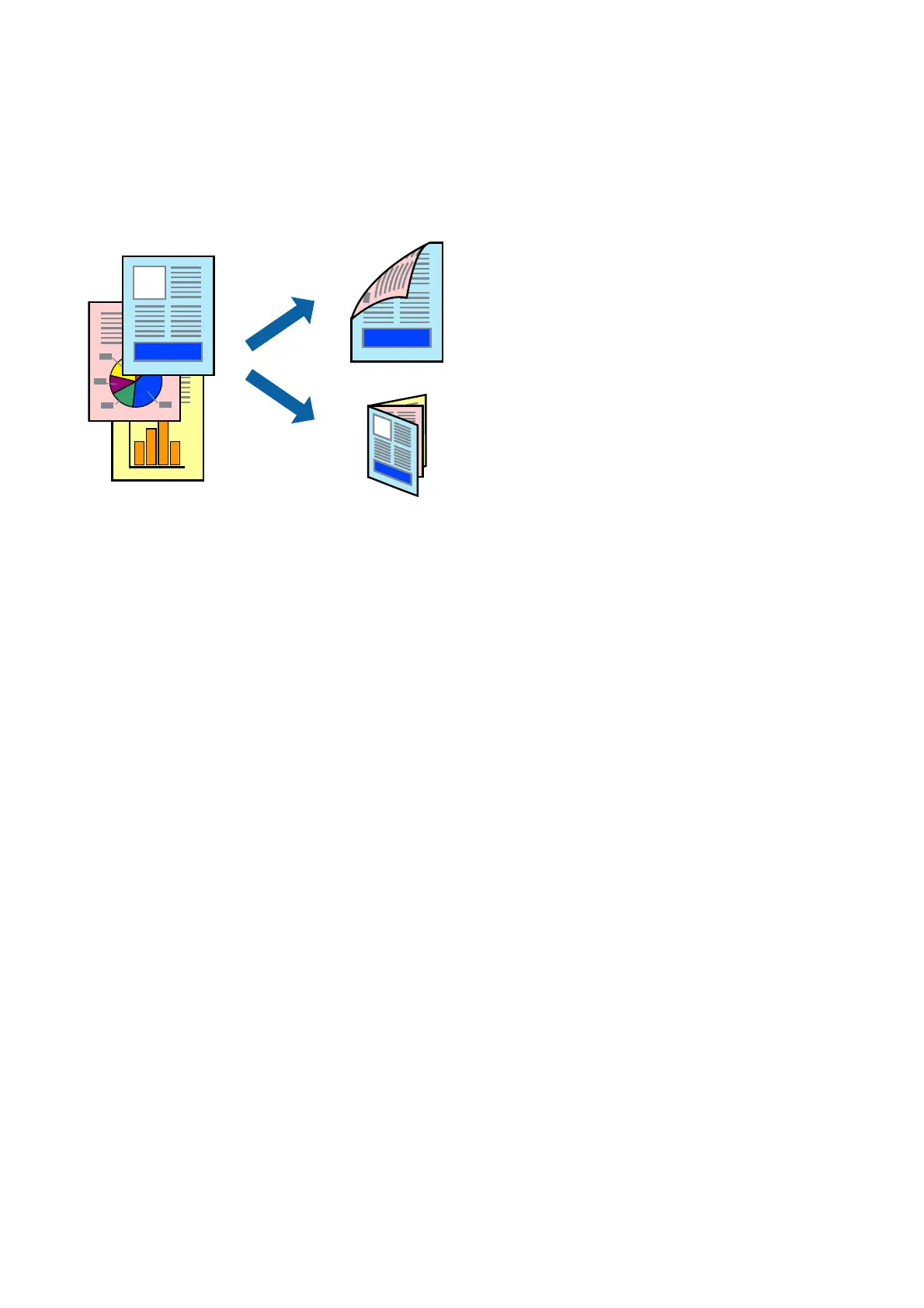
You can print on both sides of the paper. You can also print a booklet that can be created by re-ordering the pages
and folding the printout.
Note:
❏ If you do not use paper that is suitable for 2-sided printing, the print quality may decline and paper jams may occur.
❏ Depending on the paper and the data, ink may bleed through to the other side of the paper.
Related Information
& “Available Paper Types and Capacities” on page 27
Print Settings
1. On the printer driver's Main tab, select Auto (Long-edge binding) or Auto (Short-edge binding) from 2-
Sided Printing.
2. Click Settings, make the appropriate settings, and then click OK.
To print a folded booklet, select Booklet.
3.
Click Print.
Related Information
& “Printing Basics” on page 137
& “Main Tab” on page 155
User's Guide
Printing
139



 To Next Page
 Loading...











