7800/7700 MultiFrame Manual
7814 Series Dual HDTV Up/Down/Cross Converters
Page - 94 Revision 1.1.3
7.19.1.2. Output Gain
This control enables the user to configure the output gain. To adjust the output gain control, drag the
slider right to increase the gain value or drag the slider left to decrease the gain control. The output gain
ranges from -20 dB to +20 dB in 0.1 dB increments.
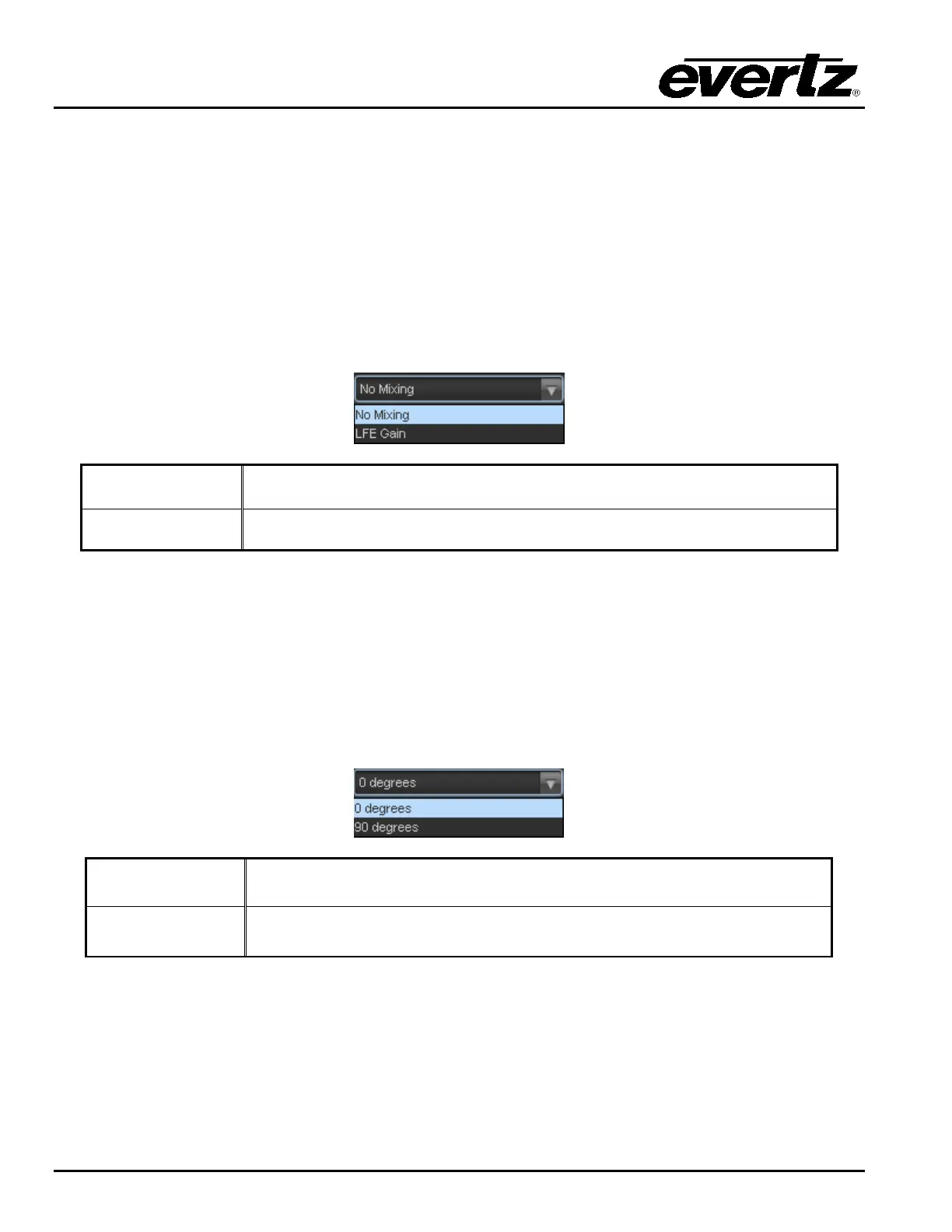
7.19.1.3. LFE Mixing Control
This control enables the user to control whether the LFE channel is included or not in the audio down
mixing. Note that the LFE Gain control is in effect only when LFE Gain is selected. The LFE Mixing
Control drop down menu provides the following options:
No Mixing
The LFE channel will not be included in the down-mix.
LFE Gain
The LFE channel will be included in the down-mix with gain for the LFE
channel defined by the LFE Gain control.
7.19.1.4. Surround Phase Control
This control manages whether no phase shift (0 degrees) or a 90-degree phase shift is applied to the
surround channels before being passed to the down-mix matrix. Select 0 degree if no 90-degree phase
shift is needed. It is required that surround channels are 90-degree phase shifted for Dolby Prologic I
decoding, but if surround channels in the 5.1 audio input are already 90-degree phase shifted, then the
user should select 0 degree to avoid double 90-degree phase shifting. Normally, the 90 degrees phase
shift is applied. The Surround Phase drop down menu appears as follows:
0 degrees
No phase shift is applied to the surround channels before being passed to
down-mix.
90 degrees
A 90-degree phase shift is applied to the surround channels before being
passed to down-mix.



 To Next Page