7800/7700 MultiFrame Manual
7814 Series Dual HDTV Up/Down/Cross Converters
Page - 30 Revision 1.1.3
6.2.4.2. Priority 1 Reference Select
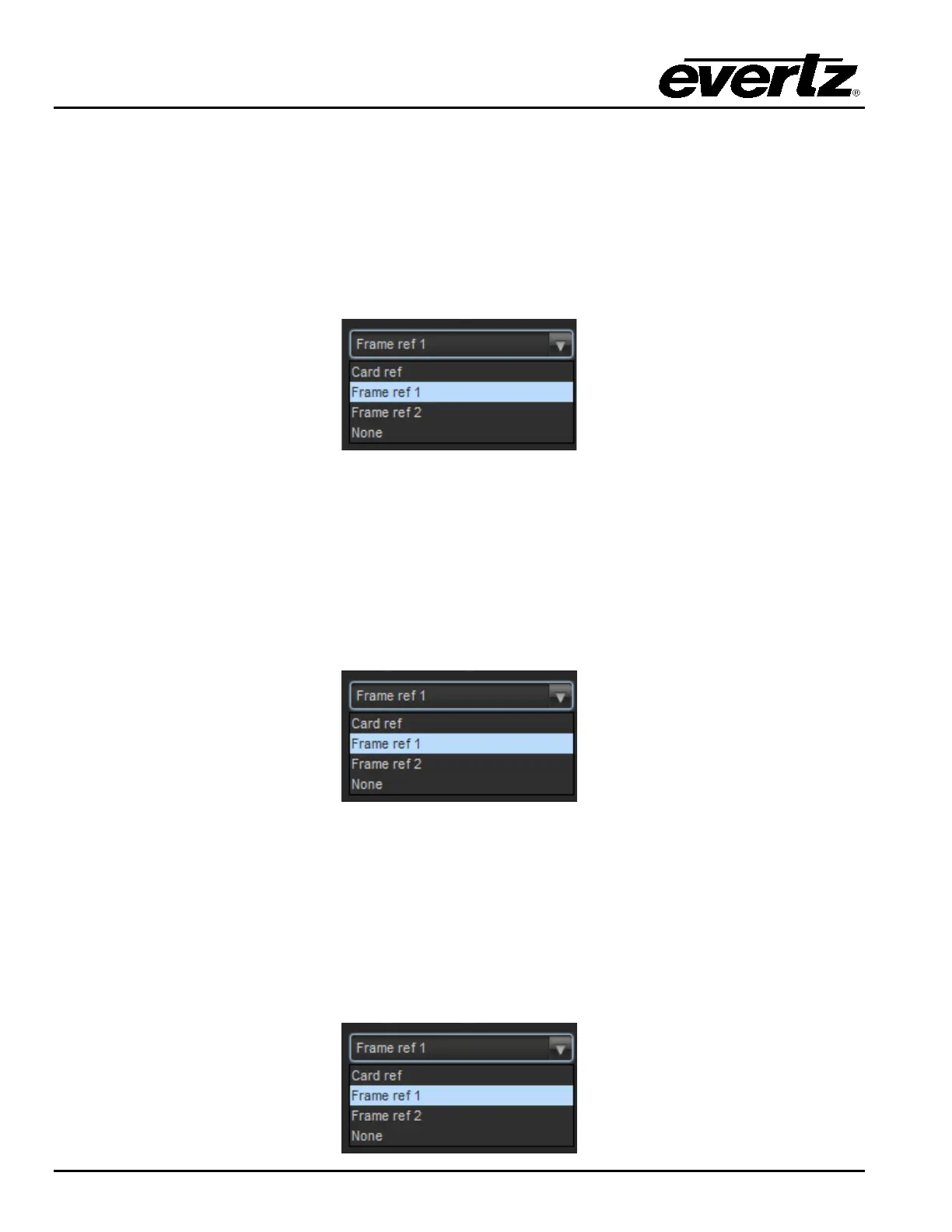
This control is used to set the desired first priority reference point
• To select locking to the incoming video, select Video (none).
• To select the REF IN BNC, choose External genlock.
• To select Frame Ref 1 on the 7700FR-G or the 7800FR, choose Frame reference 1
• To select Frame Ref 2 on the 7700FR-G or the 7800FR, choose Frame reference 2
• To select No reference input select None
6.2.4.3. Priority 2 Reference Select
This control is used to set the desired second priority reference point
• To select locking to the incoming video, select Video (none).
• To select the REF IN BNC, choose External genlock.
• To select Frame Ref 1 on the 7700FR-G or the 7800FR, choose Frame reference 1
• To select Frame Ref 2 on the 7700FR-G or the 7800FR, choose Frame reference 2
• To select No reference input select None
6.2.4.4. Priority 3 Reference Select
This control is used to set the desired second priority reference point
• To select locking to the incoming video, select Video (none).
• To select the REF IN BNC, choose External genlock.
• To select Frame Ref 1 on the 7700FR-G or the 7800FR, choose Frame reference 1
• To select Frame Ref 2 on the 7700FR-G or the 7800FR, choose Frame reference 2
• To select No reference input select None



 To Next Page