7800/7700 MultiFrame Manual
7814 Series Dual HDTV Up/Down/Cross Converters
Page - 40 Revision 1.1.3
7.1.1.2. Video Standard Output
The Video Std Output control selects the output standard desired. Note that only conversions within the
same frame rate family are supported. The module is not capable of converting between
59.94/60 Hz and
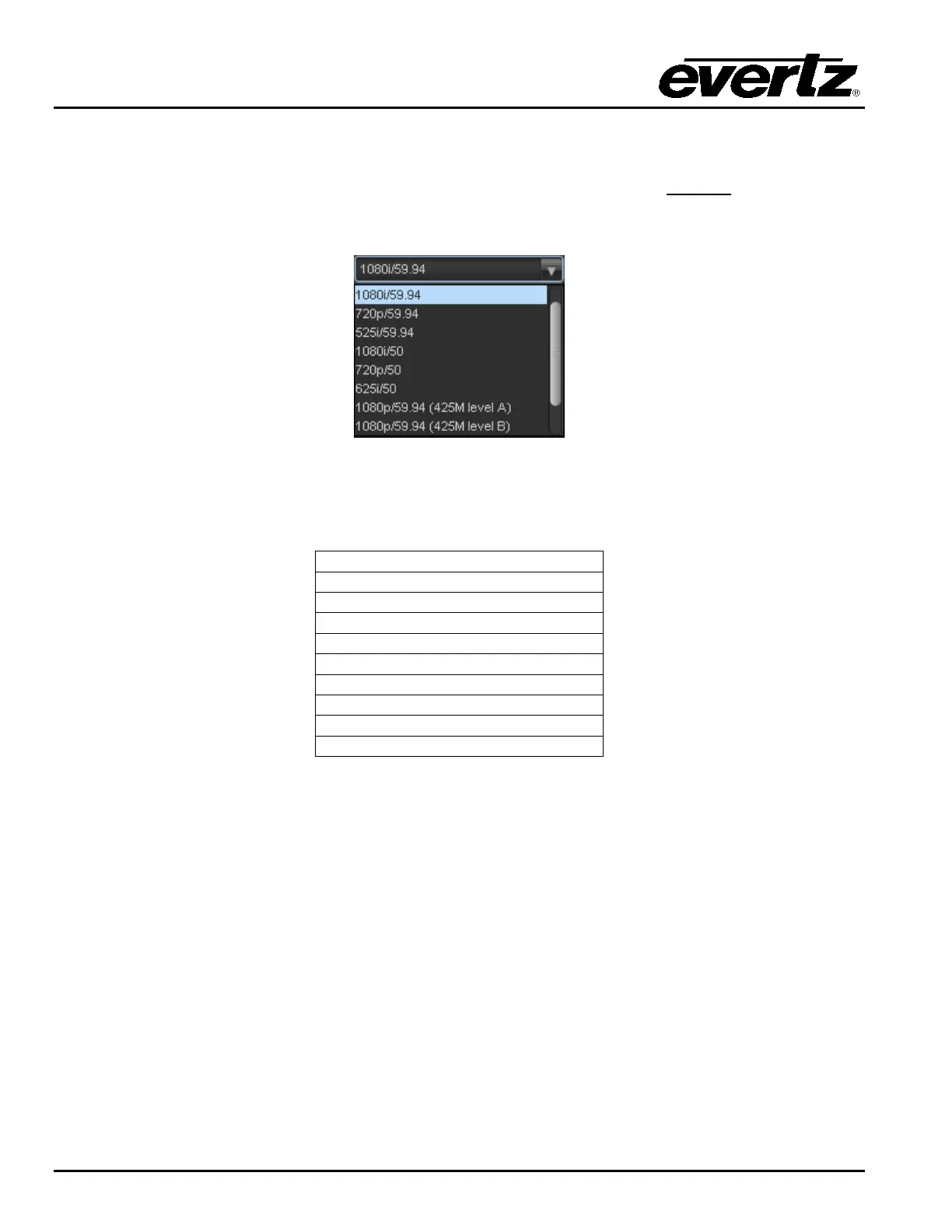
50 Hz related frame rates (i.e. standards conversion is not possible). The drop down for Video Std
Output appears as follows:
The full set of available output video standards includes:
* For –3G versions only
1080p/59.94 (425M level A) *
1080p/59.94 (425M level B) *
1080p/50 (425M level A) *
1080p/50 (425M level B) *
7.1.1.3. PGM IN A Source (-F Option Only)
The PGM IN A source control is used to select whether the Input video for PGM IN A is to be source by
the SDI input of the Fiber input. To source this input with the DIN connector on the rear-plate select SDI.
To source this input with the Fiber input select Fiber in the drop-down menu.
7.1.1.4. PGM IN B Source (-F Option Only)
The PGM IN B source control is used to select whether the Input video for PGM IN B is to be source by
the SDI input of the Fiber input. To source this input with the DIN connector on the rear-plate select SDI.
To source this input with the Fiber input select Fiber in the drop-down menu.



 To Next Page