ER1 User Guide 10-19
Building ER1 Scripts
Building ER1 Scripts
You can use your favorite programming language to build ER1 scripts using our APIs. The
following is an example of how to use Java to create API programs. We’ve included a few
files with the ER1 release to help you get started. They are:
• ER1Client.java, which handles the interface between your client PC and
the robot.
• TestClient.java, which is a sample user program that presently issues a
few simple move commands. You can run it as is, add your own commands to it,
or use it as a template to create your own scripts.
The
TestClient.java script also has some built-in command line help, which is
displayed by typing
-h:
$ java TestClient –h
usage: java TestClient [
options]
Options:
-a <address> Specify the address of ER1 RCC. Defaults to 127.0.0.1.
-p <port> The port number of the ER1 RCC. Defaults to 9000.
-q Quiet mode. Only errors are printed out.
-h This message.
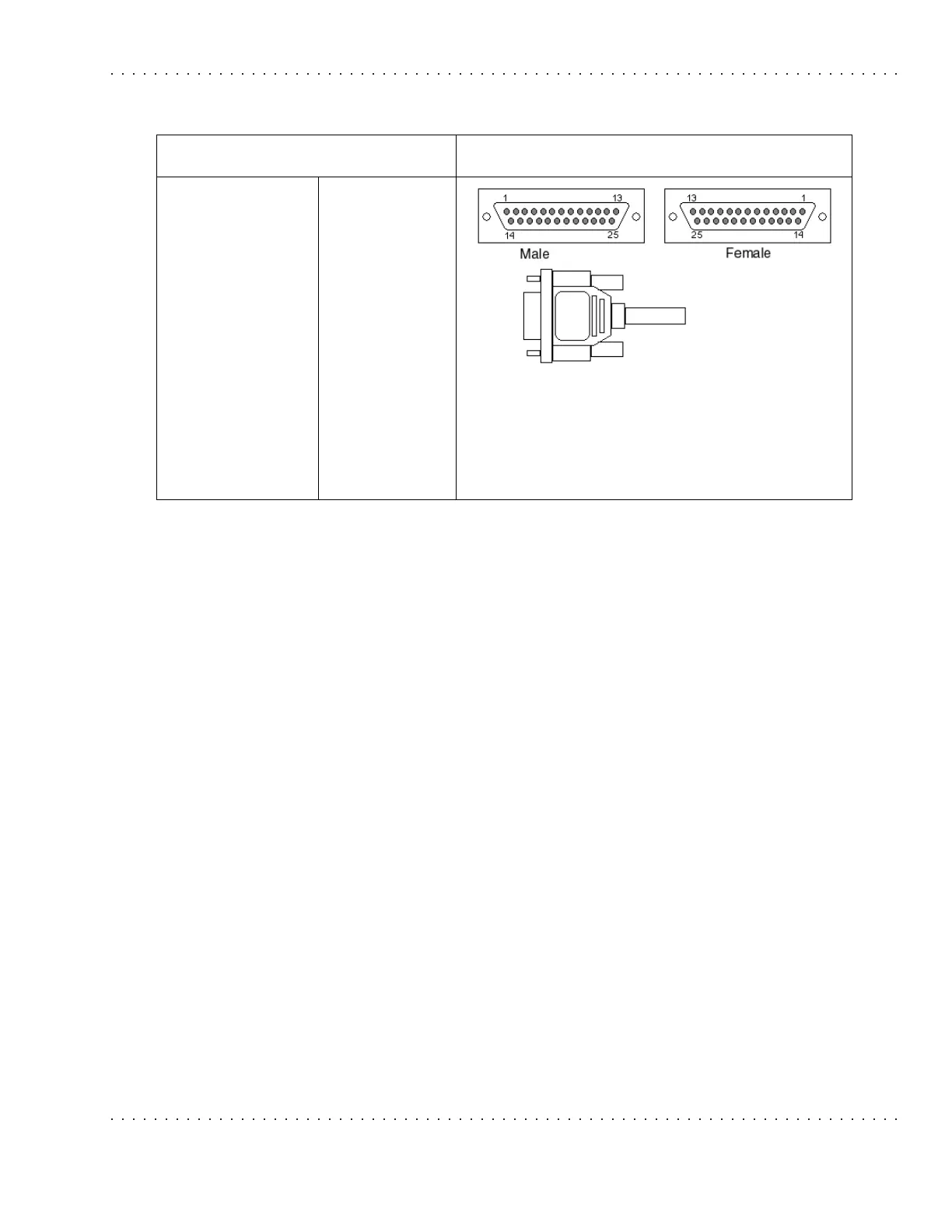
Hobby Analog Input
J6
Pin 1 – VCC +5v
Pin 2 – VCC +5v
Pin 3 – A0
Pin 4 – A2
Pin 5 – A4
Pin 6 – A6
Pin 7 – A8
Pin 8 – A10
Pin 9 – A12
Pin 10 – A14
Pin 11 – GND
Pin 12 – GND
Pin 13 – GND
Pin 14 – VCC +5v
Pin 15 – VCC +5v
Pin 16 – A1
Pin 17 – A3
Pin 18 – A5
Pin 19 – A7
Pin 20 – A9
Pin 21 – A11
Pin 22 – A13
Pin 23 – GND
Pin 24 – GND
Pin 25 – GND



 To Next Page