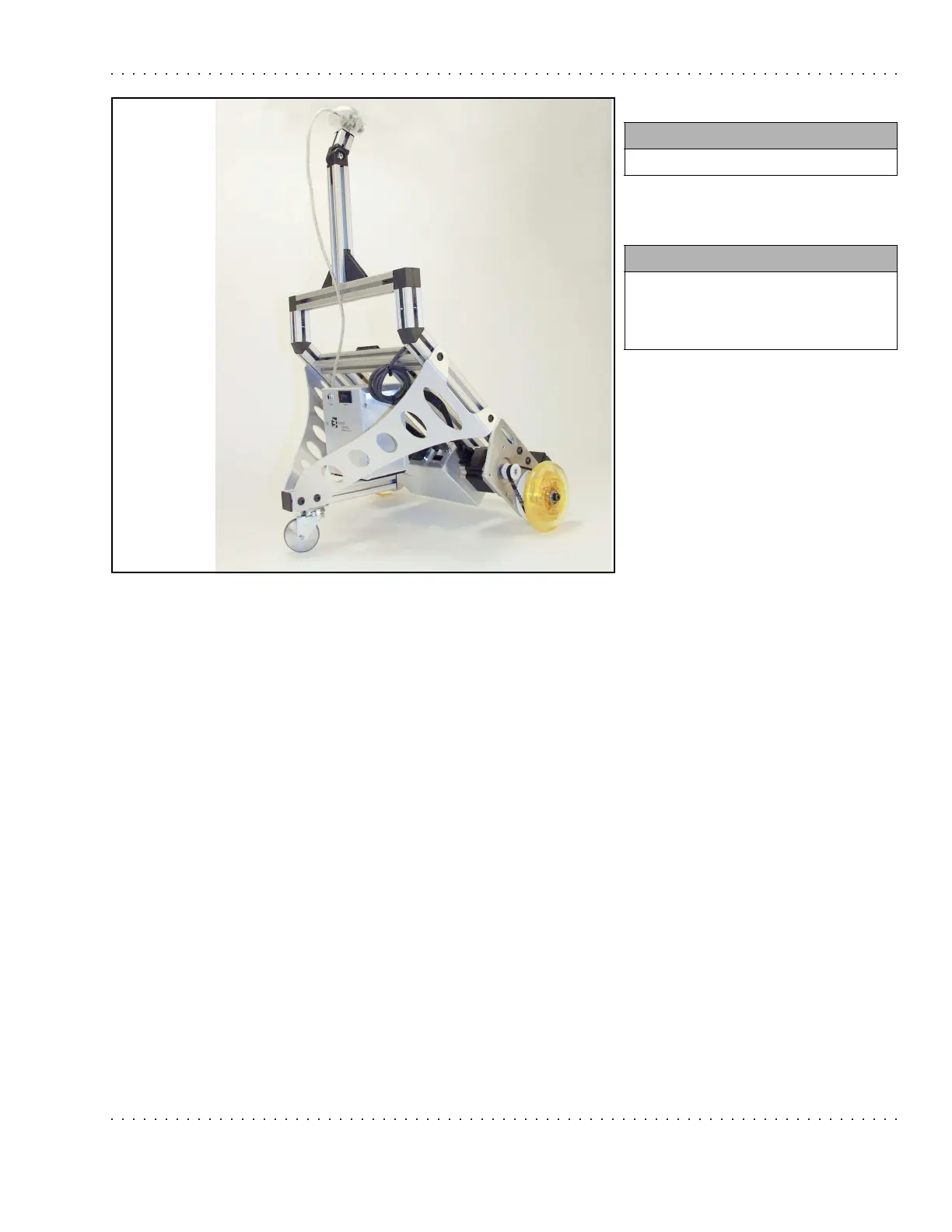
ER1 User Guide A-27
Installing the Software
Step 32.
Installing the Software
Important Note: For Microsoft
®
Windows Me users: you may be prompted to replace the
kstvtuner.ax (WDM streaming TvTuner), kswdmcap.ax (WDM streaming video
capture), and
ksxbar.ax (WDM streaming crossbar) files with older versions of the same
files. You should decline to do this and you should keep the newer versions of the files.
Here’s how to install the software on your laptop:
1. Close all programs.
2. Put the CD in the laptop’s drive.
3. If the Robot Control Center (RCC) software installation does not start automatically,
you can start it from the CD. Different Windows platforms let the user do this in
different ways. Here’s how to do it in a Windows 2000 environment:
• On your Windows desktop, click on the Start button.
• Choose Run.
• In the pop-up window, use the Browse button to navigate to the directory for the
CD-ROM drive.
• In the top-level directory, double-click on the file
setup.exe.
4. There may be a dialog box telling you to reboot before the installation. Click Yes and
the installation should automatically continue after the reboot.
You need:
• Nothing
Instructions:
• You’re done building your robot!
• The next section will walk you
through installing your software.



 To Next Page