ER1 User Guide 9-3
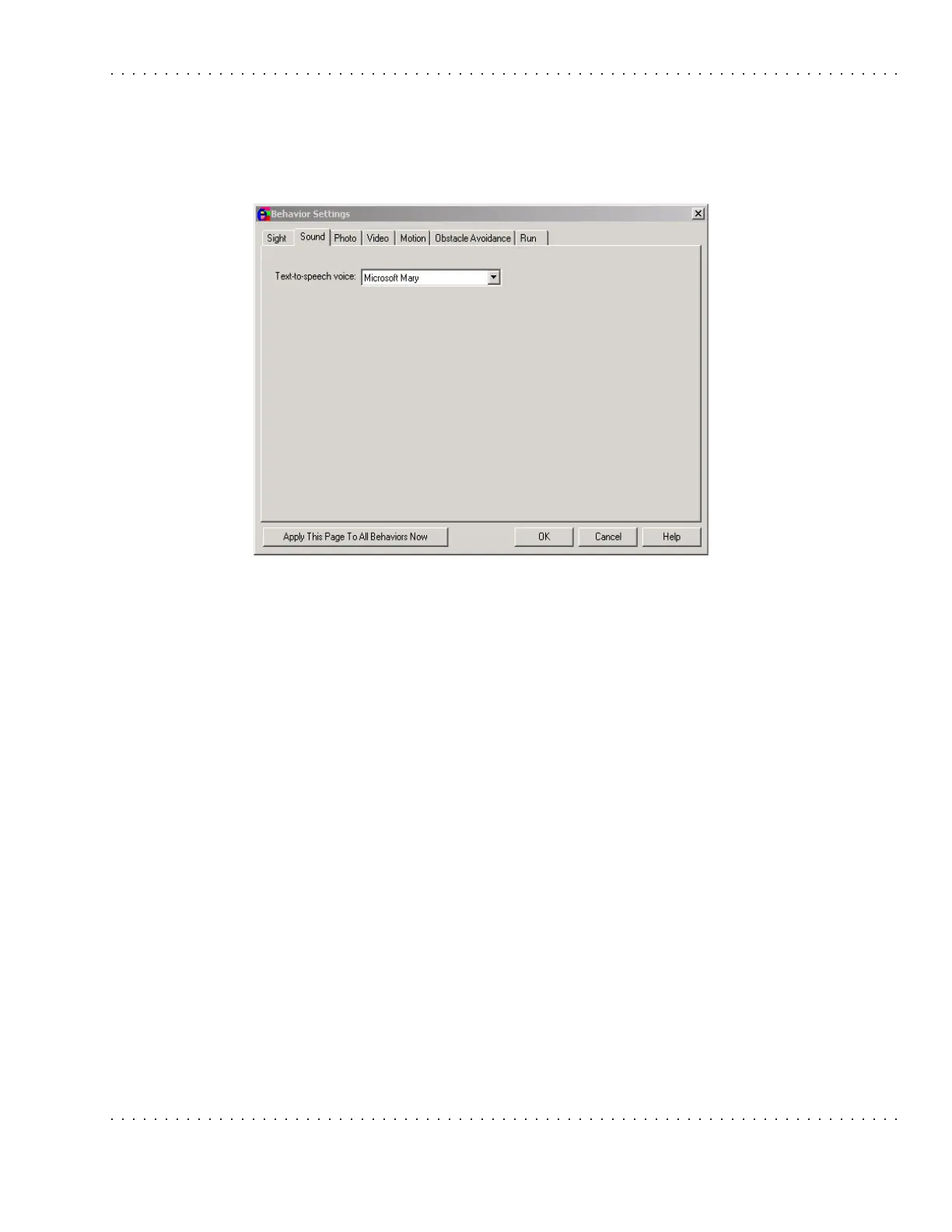
Sound Tab
Sound Tab
This tab allows you to set which Microsoft Text-to-Speech preprogrammed voice the robot
should use when speaking to you. Use the pulldown menu to select an option.
Photo Tab
This tab is used to set up photo parameters.
Options are:
• Format – This parameter allows you to choose which format to use when saving a
picture from the robot’s webcam. The default value is
.jpg. Choose one of the
following formats:
•
.bmp
• .tif
• .png
• .jpg
• Quality - JPEG files use lossy compression, meaning that they do not exactly
recreate the original image. 100 means the least loss (best quality) and thus the
biggest file size, 0 means the most loss (lowest quality) and the smallest file
size.
• Smoothing - Compressing an image as a JPEG can cause sharp edges to appear
rough or jagged. Smoothing lets you specify how much to smooth rough edges
created by the compression process. 0 means no smoothing, 100 means
maximum smoothing.



 To Next Page