Chapter 9 Behavior Settings
9-4 ER1 User Guide
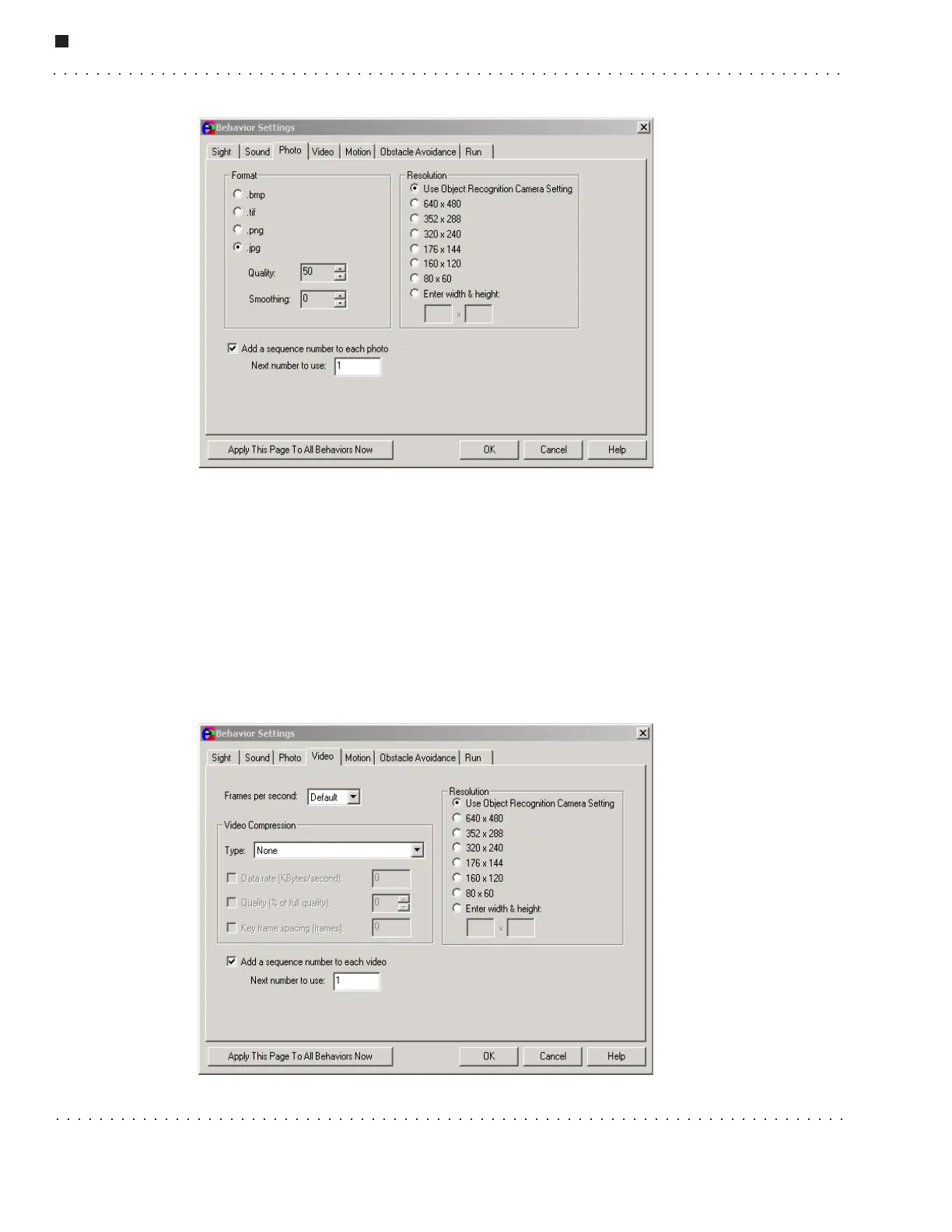
• Resolution - This box allows you to set the resolution of the photo. The higher
values mean higher resolution and larger file size, whereas the lower values specify
a lower resolution resulting in a smaller file size. You may also choose to accept the
default value set by the object recognition camera.
• Sequence Numbers – This area lets you chose whether or not to add a sequence
number to each photo, and if so, what is the next number to use. The sequence
number is appended to the name of the file, before the extension.
Video Tab
This tab is used to configure the video preferences.



 To Next Page