ER1 User Guide 4-1
Audio, Video and
Navigation Controls
The left side of the ER1 Robot Control Center (RCC) software window is used for direct
control of the robot, and does not require that any If / Then conditions be set.
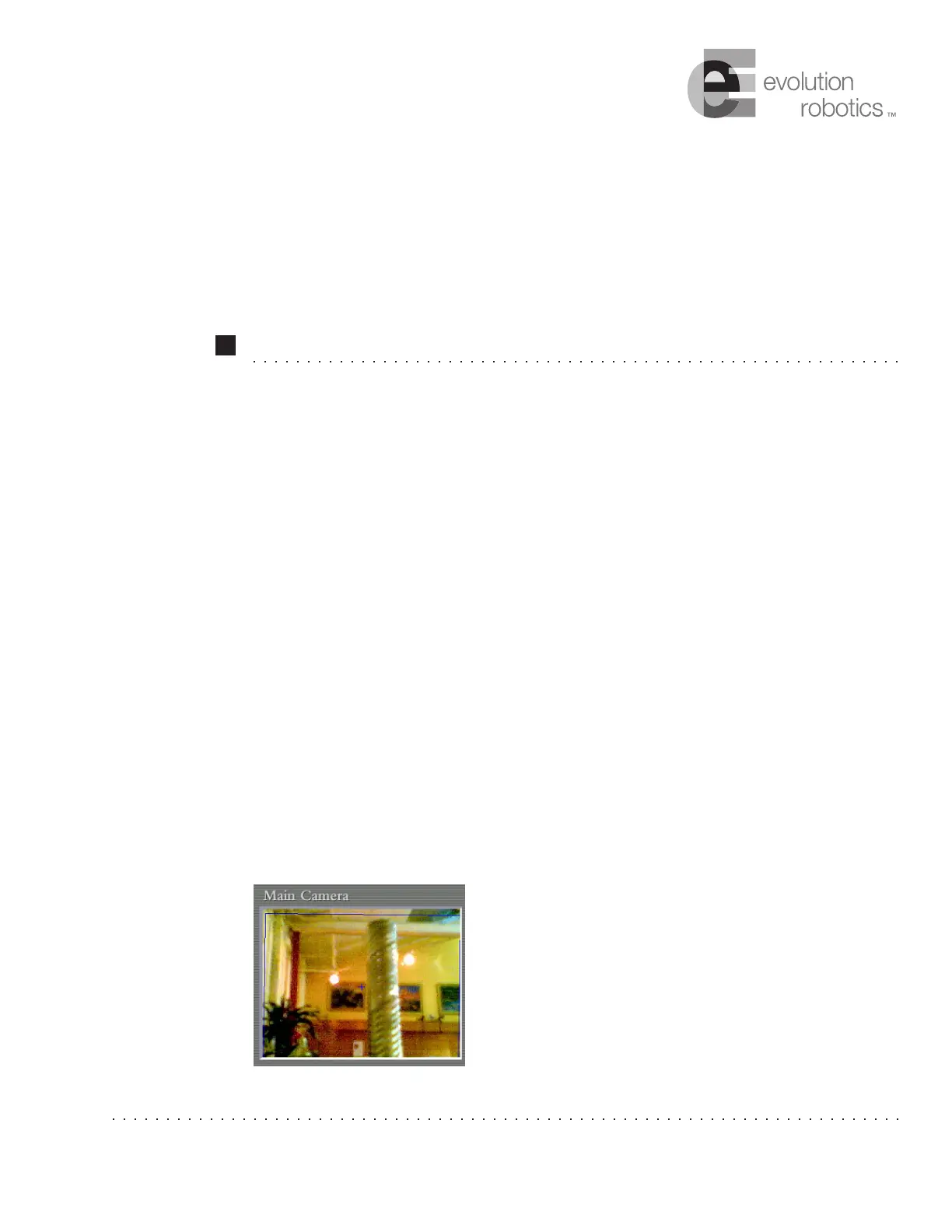
Video Display
The Video window displays the live feed from the robot's camera.
This video feed changes as the robot moves. The video
input is only operational when a behavior is not running
(unless the behavior is using the video). You can use one
camera for both object recognition and obstacle avoidance,
or you can use a separate camera for each. The Camera
tab in the Settings menu lets you change the settings for
the cameras and video display.
Chapter 4



 To Next Page