ER1 User Guide 1-1
Introduction
Evolution Robotics
TM
is proud to introduce you to the ER1 Personal Robot System and
pleased to welcome you to our family of owners. The ER1 is the first genuinely useful and
affordable personal robot that is also extendable and programmable by you. To give you
the full programming and processing power of the personal computer, as well as wireless
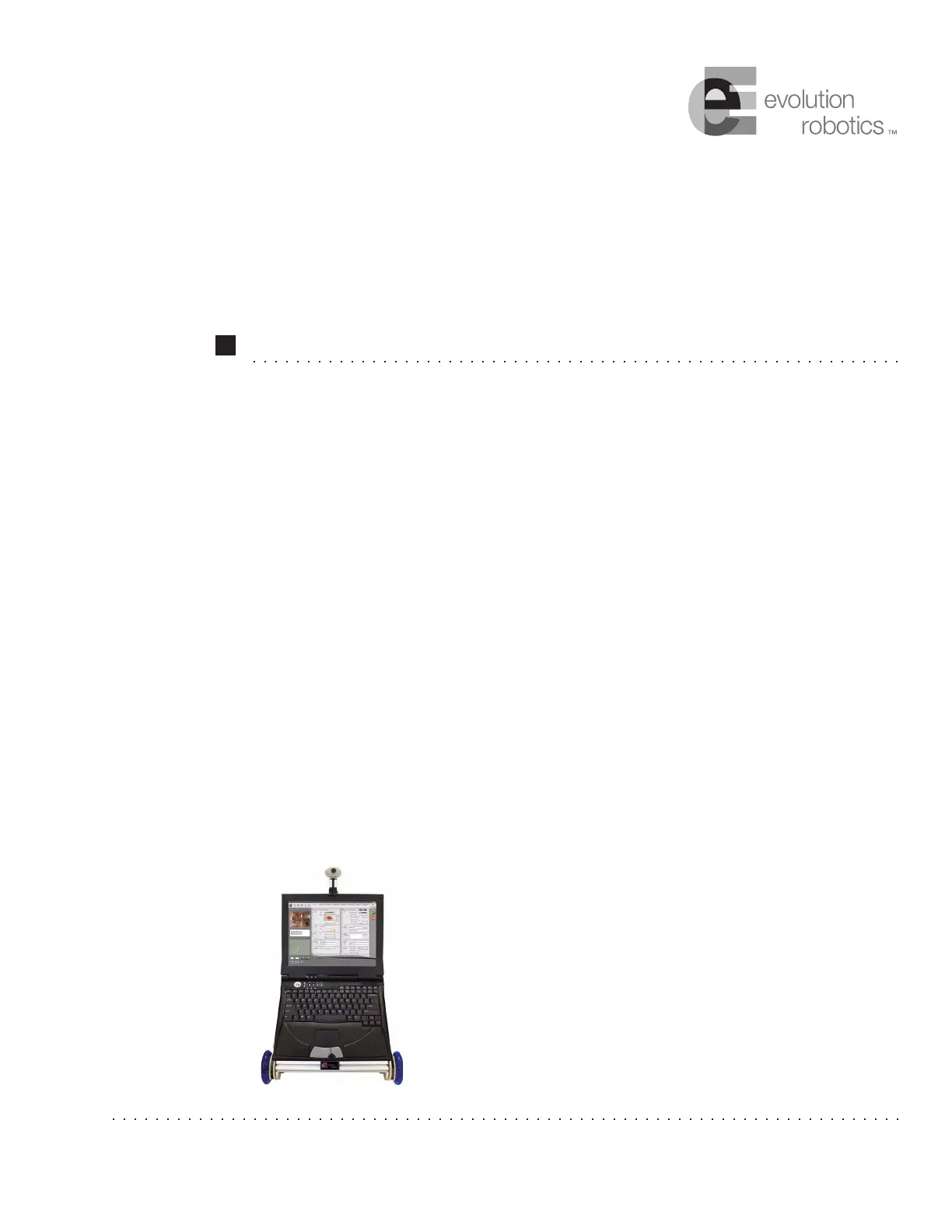
capabilities, we designed the ER1 around a laptop as its brain. Included in this package is
everything you need – all the beams, connections, motion control electronics, software,
camera – to get up and running in just a couple of hours. Just supply the laptop and you’re
ready to go!
The heart of ER1 is a powerful vision algorithm that can recognize
thousands of objects– plus you can teach ER1 to recognize objects
in your home. The vision system can also recognize many
obstacles, and can instruct your robot to move around them. The
Robot Control Center (RCC) software, allows you to control this
vision system, as well as all of the other RCC functions, including
recognizing colors, sounds, words, sending and receiving email,
acting on schedule, moving around autonomously or by remote
control, playing sounds and music, or taking pictures and video.
You can use the RCC software to combine these individual
behaviors into any number of complex behaviors.
Chapter 1



 To Next Page