ER1 User Guide 9-9
Run Tab
The Restore Factory Settings button resets all motion values back to the original
defaults.
Run Tab
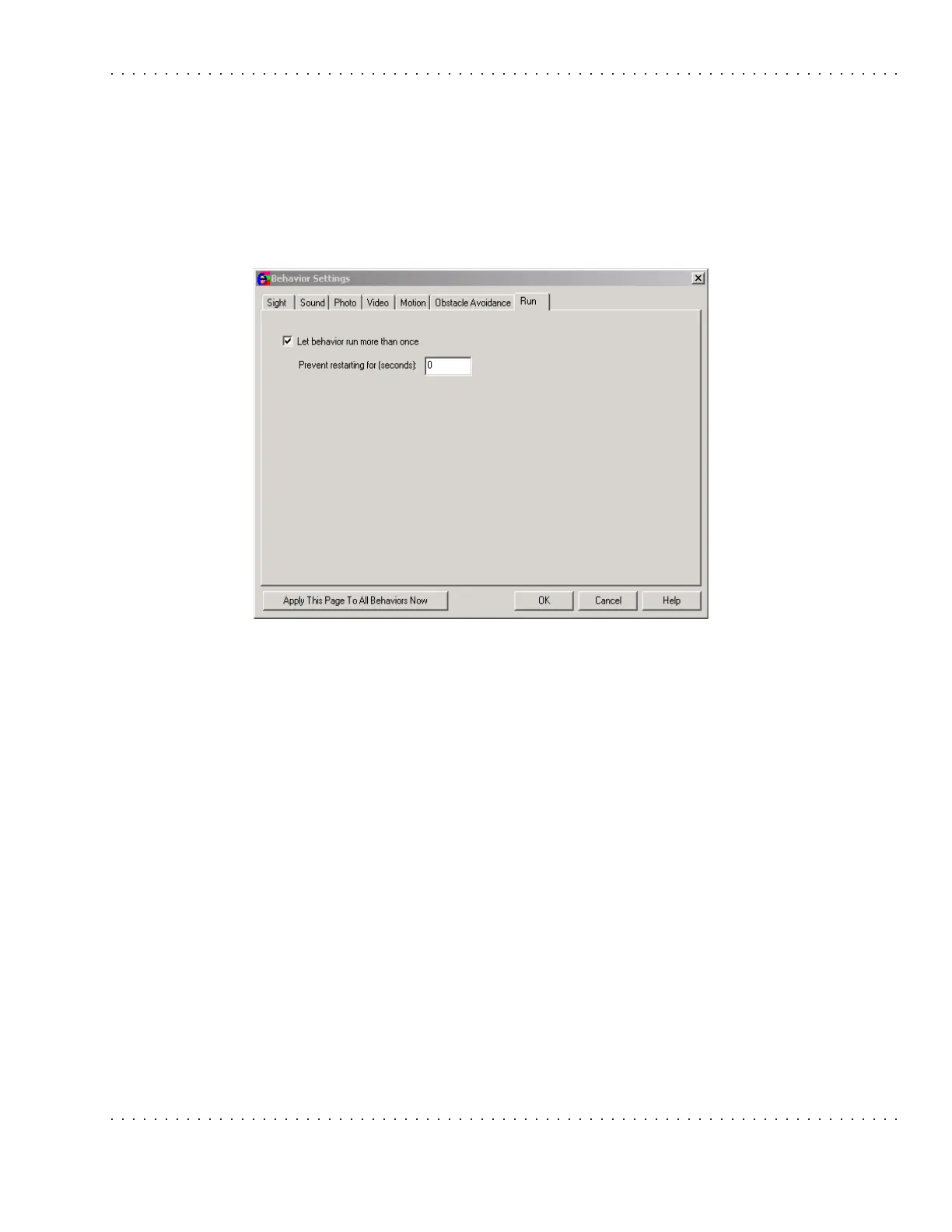
The Run Tab allows you to specify how many times a behavior should run, and/or how
long it should wait before running once again.
• Let behavior run more than once - Select this checkbox to allow a behavior to run
again and again. This value is set to off by default.
• Prevent from restarting for (seconds) - This parameter specifies the time
interval in between rerunning the same behavior. Remember that the behavior
must be triggered by something specified in the If column before it can occur.
Apply This Page to All Behaviors Now
There is a useful feature in the Behavior Settings: the Apply This Page To All Behaviors
Now button on the bottom on the Behavior Settings dialog box. If you click on the
button, the current property page's settings are immediately applied to all 96 behaviors.
Note that clicking the Cancel button does not undo the change.



 To Next Page