Chapter 8 Settings
8-12 ER1 User Guide
area on the RCC screen) from moving the robot forward to moving the robot backward
and vice versa for the downward pointing arrow.
The Restore Factory Settings button resets all motion values back to the original
defaults.
Obstacle Avoidance Tab
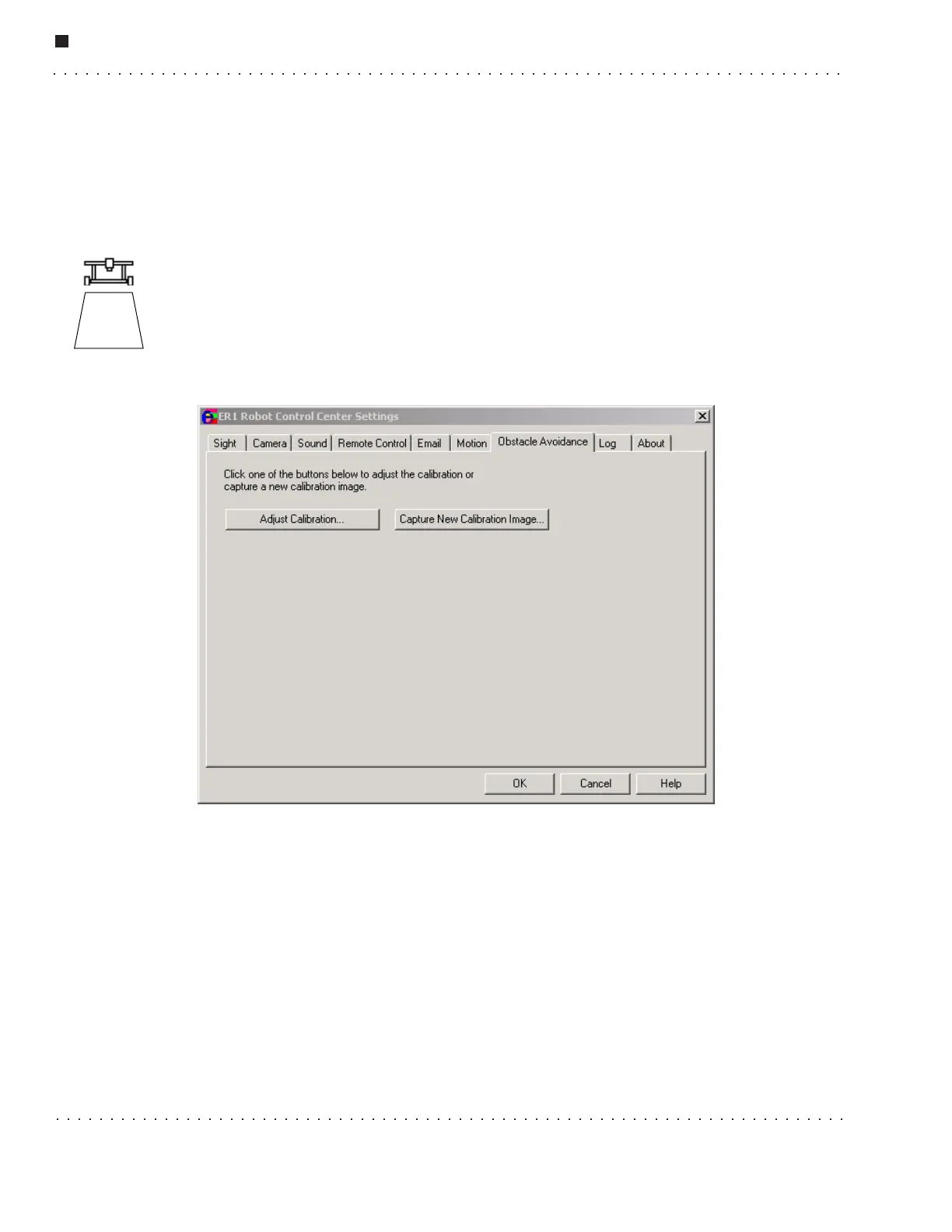
ER1's obstacle avoidance feature uses a downward-pointing camera to detect obstacles in
front of the robot. The detection area is a trapezoid in front of the robot whose size and
shape depends on the height and angle of the avoidance camera. The avoidance algorithm
works by detecting the lines between regions with different colors in this trapezoid. Thus,
the avoidance algorithm works best on floors of uniform color without harsh edges (so
objects on the floor are easy to see).
Positioning the Obstacle Avoidance Camera
The avoidance camera (the optional second camera) should be positioned at least two feet
off the ground. The camera should also be centered between the left and right wheels so
that it sees the same distance to either side of the robot. When using both cameras, it is
best that both cameras are centered, with the avoidance camera placed above the object
recognition camera such that the latter does not obscure the former. To properly angle the
avoidance camera, tilt it downward so that the bottom front edge of the robot is visible,
then tilt slightly up so that the bottom front edge is no longer in the camera's view. This
brings the detection area as close as possible to the robot, so that the camera can detect
obstacles right in front of the robot. The size of the detection area will depend on how
high the camera is and its angle. The higher the camera, the larger the detection area and
the sooner the robot will see obstacles. A larger detection area is better for general
Obstacle
Detection
Area



 To Next Page