Chapter 8 Settings
8-14 ER1 User Guide
Obstacle Avoidance At Work
Obstacle avoidance is always used in conjunction with moving toward a target. The target
is either some distance, some object that the robot has been trained to recognize, or some
color. If in the course of going to a target, the robot sees an obstacle in the way, it will
attempt to go around the obstacle.
Due to the limited field of view from the downward pointing camera, the robot can only
reliably go around small obstacles, like the legs and feet of a standing person. Large
obstacles may take the robot so far away from its original path that it won't be able to
reacquire the target. This is particularly true if the target is an object or a color that can
only be seen or recognized from certain angles. Also, complicated or constricted
environments may confuse the robot if it sees obstacles everywhere.
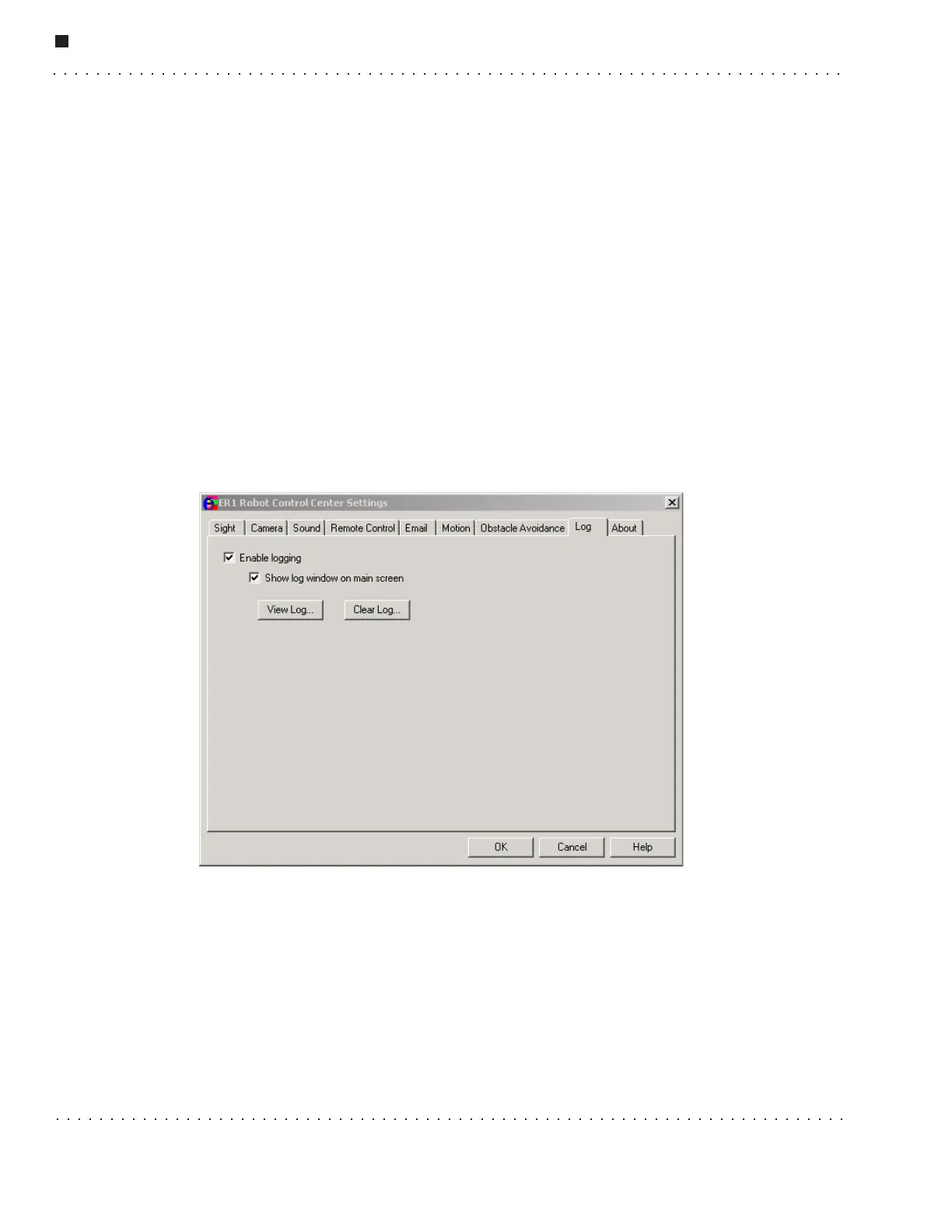
Log Tab
The Log tab is used to adjust the RCC logging function. The log file is a good place to
look if you have experienced an error or unusual behavior. The error messages should
point you toward the cause and help you avoid having the same problem in the future.
The log file is named
er1.log and is located in the RCC program directory. The
following are the options available to alter the way errors are logged and viewed:
• Enable logging - If this checkbox is selected, errors will be logged in the log file.
When logging is enabled, every action taken by a running behavior or set of
behaviors is noted with a time and date stamp. The error messages are designed to
describe the problem causing the error. This should be the first place that you look
when you encounter a problem.
If you are using a wireless connection, the incoming remote connection to the
machine controlling the robot is monitored as well. This includes logging of



 To Next Page