ER1 User Guide 8-5
Sound Tab
Sound Tab
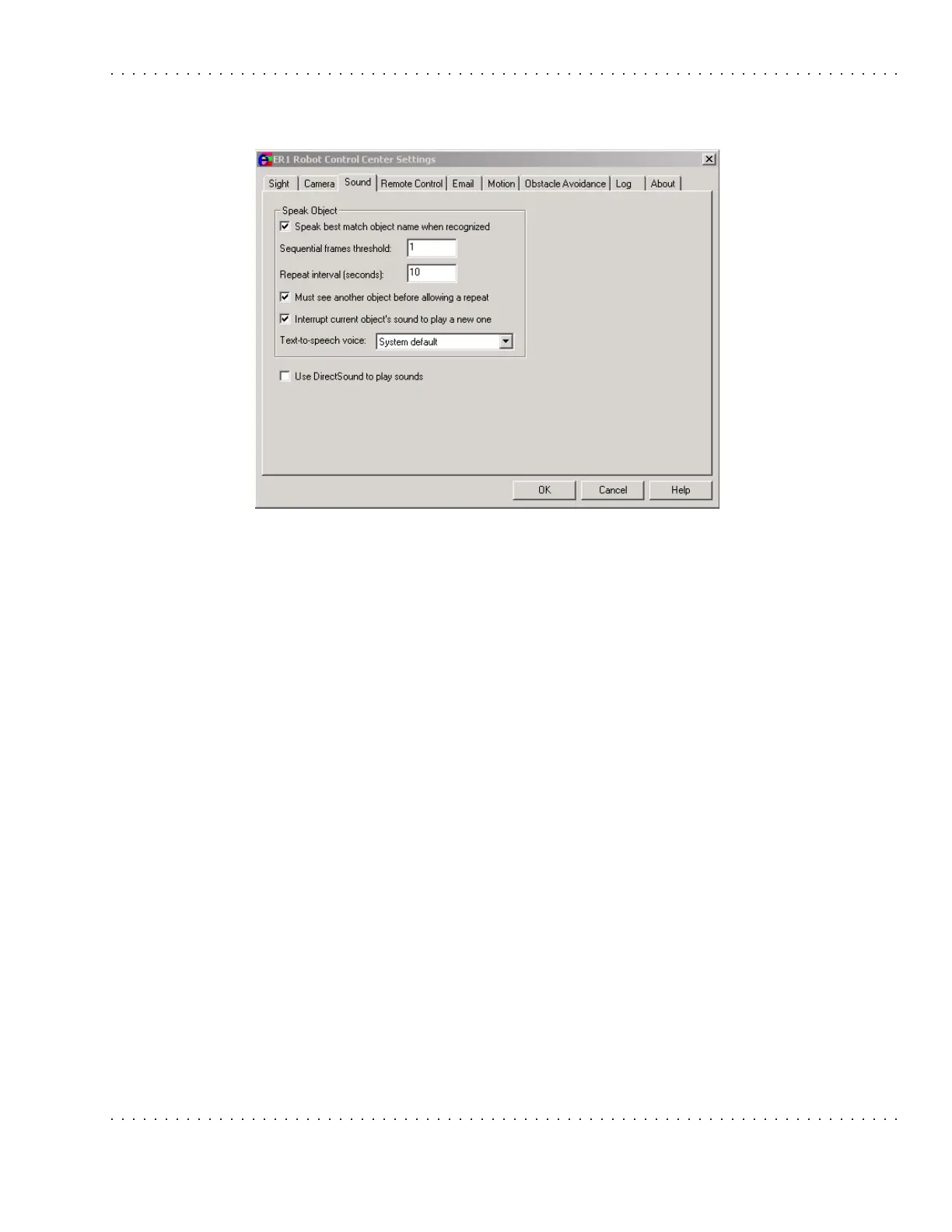
The Sound tab allows you to customize the robot's vocalization and audible output.
Options are:
• Sequential frames threshold - The minimum number of consecutive video frames
in which an object is recognized before triggering the sound playback.
• Repeat interval - This option specifies the number of seconds in between the
robot's sequential acknowledgements of a recognized object. The default value is 10
seconds.
• Must see another object before allowing a repeat - If this checkbox is selected,
the robot will not vocally identify an object more than once per encounter. This
option is set to off by default.
• Use DirectSound to play sounds - If this option is selected, Microsoft
®
DirectSound
®
is used to play the robot sounds. This option is set to off by default. If
DirectSound is not selected, it uses the system's PlaySound() API, which has some
disadvantages. One is that sounds start up more slowly, especially the first sound
that is played in a session. Another is that you cannot maintain interruptability (e.g.
the Stop button) and easily tell when a sound is done, so more processing is
required to determine when a sound is finished.
• Interrupt current sound to play a new one - This option allows the robot to
interrupt its audio output to play a new sound. For example, say your robot is
playing a CD and it sees the dog. It can stop to say "Dog" and then continue playing
the CD. If this box is not checked, sounds are played sequentially. This checkbox is
selected by default.
• Text to speech voice - This pull-down menu is used to select the voice that the
robot will use to read text. The system default voice is "default voice".



 To Next Page