ER1 User Guide 8-15
About Tab
listening for connections, connection attempts (with the incoming IP address),
password and protocol matches and mismatches, logouts, and lost connections.
Please note that these will not be mirrored on the remote controlling system, since
some of them occur outside the scope of the connection and some would be
redundant because the remote system displays the information in various dialog
boxes during the connection process.
• Show log window on main screen - If this checkbox is selected, the log messages
will be shown at the bottom of the main screen
Important Note: Note that only the last 100 messages will be shown in this window. To
view the entire contents of the log file, click on the View Log button.
• View Log - To view the log file directly, click on this button. The log file will be
opened in Microsoft
®
Notepad. If you have a wireless connection to your robot, this
file contains log messages from your robot’s laptop (remote) and from the computer
that you are using to control the robot (local). These can be easily differentiated. In
the log file, the IP address of the remote computer, in parenthesis, will precede any
error messages it produces. Any error messages that do not have an IP address were
produced by the local computer. To see these messages, logging must be enabled in
both computers.
• Clear Log - To delete all of the entries in the log file, click on this button.
About Tab
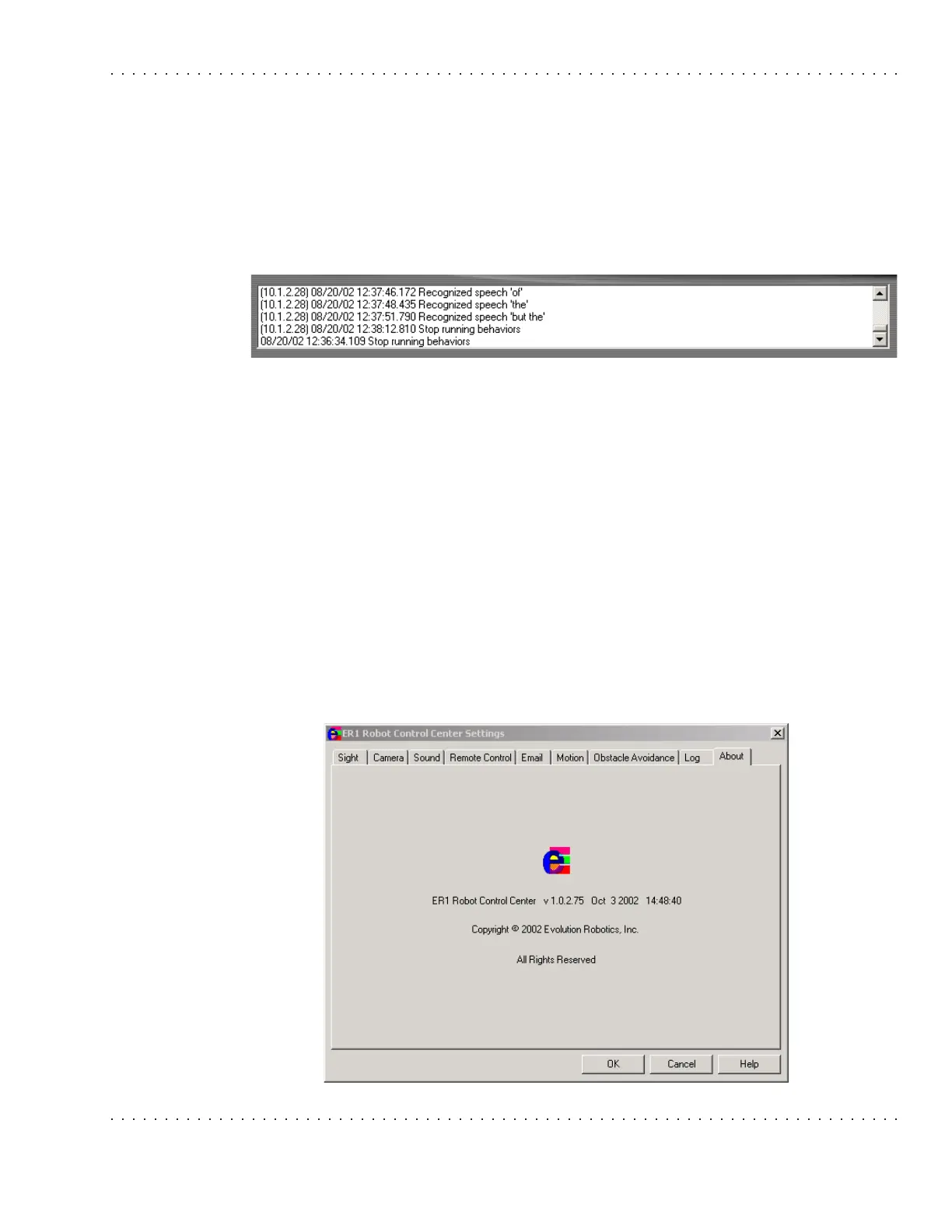
This tab displays the RCC software's version number, date and copyright information.



 To Next Page