ER1 User Guide 5-1
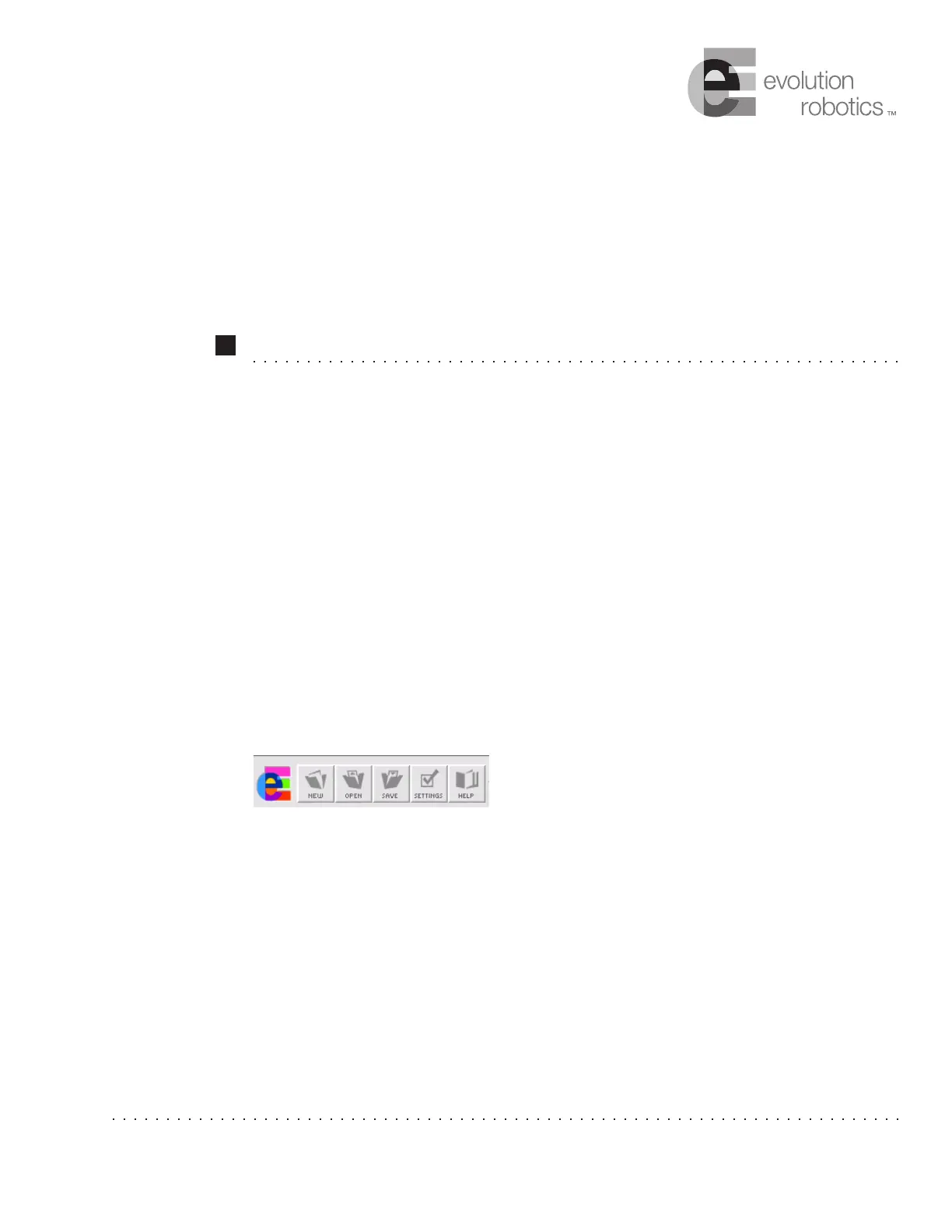
Function Buttons
The function buttons located at the top left-hand side of the Robot Control Center (RCC)
software window allow you to create a new task, change overall behavior settings, save or
retrieve behaviors you've created, and get help.
New Button
The New button allows you to load a blank behavior set. To use this button, click on it. If
you have unsaved changes to an existing behavior set, the software will first ask you if
you want to save your changes. A dialog box will appear asking if you would like to save
the changes you have made to the current set of behaviors. Click on the Ye s button (the No
and Cancel buttons can be used to go back to the main RCC screen). A Save As dialog
box appears. Select a location for your behavior set and type in a name. Make sure that the
name is unique and descriptive so it is easy to find as you add more behavior sets. The file
is saved as a
.rbt file.
Chapter 5



 To Next Page