ER1 User Guide 5-3
Settings Button
Note that if you use CTRL S to save, it will use the Save only active fields value
(active/inactive) that was used the last time that behavior was saved.
The Save only active fields preference is saved as part of the behavior set.
Settings Button
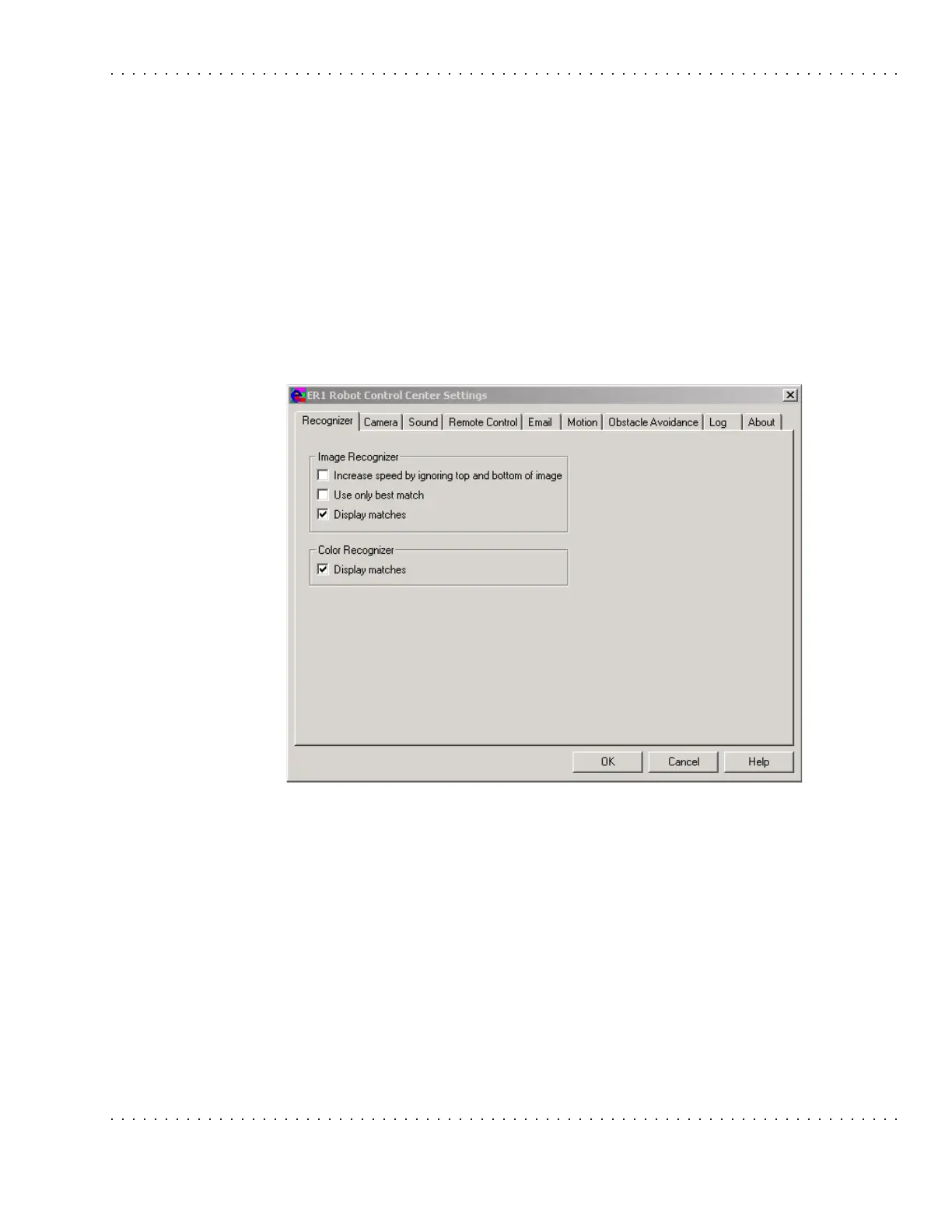
The Settings button allows you to customize default settings for the entire 96-behavior
set. (See the “Behavior Settings” section for information on how to change the settings for
one particular behavior.) Advanced users may wish to change settings that will improve
speed of performance, size and resolution of image, and interval for repeating the sound
file for a given image. For most users, no adjustment of the Settings is necessary.
The RCC Settings are described in “Settings”.



 To Next Page